
Mobility is not just a competitive advantage: it’s the new engine of business. In Latin America, sales teams close deals from mobile phones, technicians manage inventory from tablets, and executives work from laptops everywhere. But this flexibility opens up a major blind spot for IT security.
Facing this operational threat, we at Applivery know that the challenge is no longer simply defining a policy, but having an immediate action platform.
The crisis in figures: reputational and financial risk
The loss or theft of a corporate device in Mexico is not a hypothetical threat; it is a constant validated by market experience:
Asset loss: in Mexico, 2.2 million smartphones were reported lost or stolen during 2024. Furthermore, the cost of cell phone theft represents approximately 1.15% of the Mexican GDP, according to the National Survey on Victimization (ENVIPE) 2024.
Cyberattack risk: 48% of Mexican mobile phone users report having been victims of a cyberattack, according to the Appdome México 2024 study. In Latin America, mobile attacks soared: between August 2023 and July 2024, Kaspersky detected 3.9 million attempted attacks, a 70% increase compared to the previous year.
Regulatory pressure: errors in device management are not just an operational risk: they can become a reputational, financial, and legal risk. For example, Mexico’s Federal Law on the Protection of Personal Data Held by Private Parties (LFPDPPP) can impose significant fines if sensitive information is lost.
All this turns every corporate smartphone or laptop into a “data mine”. The solution to this risk is Unified Endpoint Management (UEM).

The unified response: Applivery UEM as your digital shield
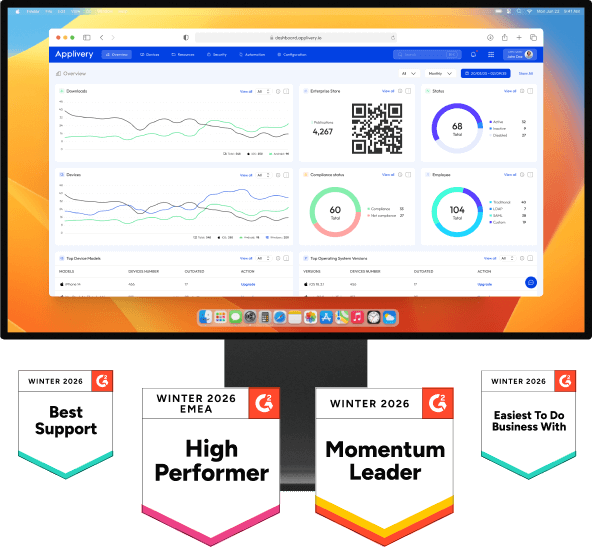
The transition from panic to control requires a powerful, centralized, and effective tool. Applivery UEM is that unified engine that provides visibility and control over the entire fleet—be it Apple, Android, or Windows—from a single console.
With this solution, the IT team stops reacting to every incident; it moves to preventing, responding, and automating. Below, we explain the 5 key functionalities that transform your fleet into a secure and resilient asset.
The 5 strategic functions: technical and business impact
1. Remote Wipe and Lock
The immediate digital destruction of corporate data is the ultimate security measure against theft or irretrievable loss, ensuring sensitive information never falls into the wrong hands.
Technical (IT / Security): allows the complete elimination of corporate data from the device with a single click, even if it is lost or stolen. It prevents unauthorized access to documents, emails, corporate apps, or any sensitive information.
Business (Leaders):
Fine mitigation: by securely wiping the data, the risk of penalties for data protection non-compliance is greatly reduced.
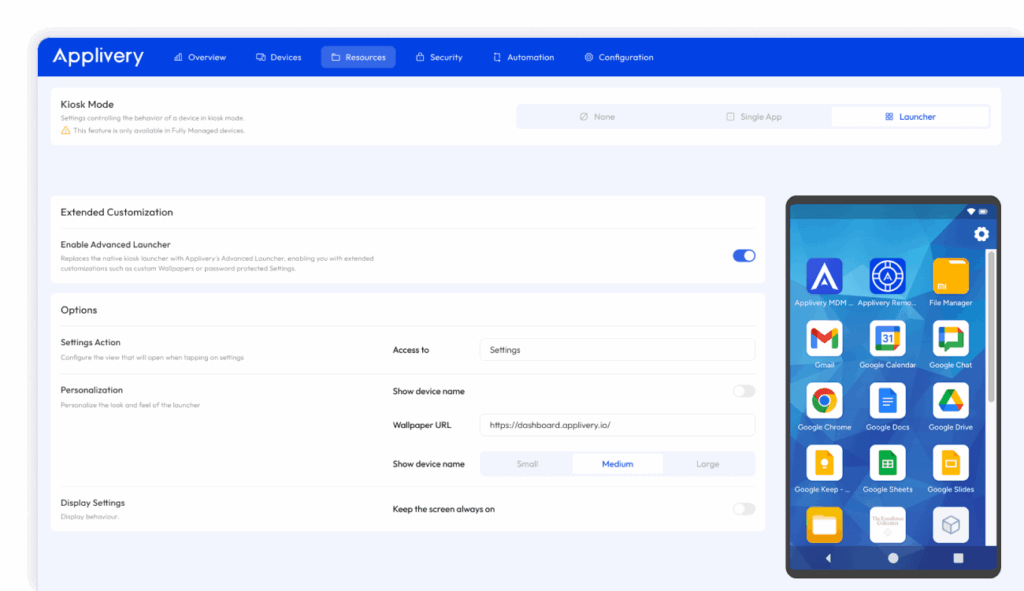
Access control: if the device is recovered, it can be permanently locked or switched to a secure “kiosk mode”.
Brand trust: demonstrates to customers and stakeholders that your company has solid mechanisms to protect information.
2. Disk Encryption (Forced Encryption)
Ensuring data is protected even when the device is powered off or physically compromised is fundamental, achieved by enforcing encryption at the hardware level.
-
Technical: ensures that all stored information is encrypted at rest. Even if an attacker physically extracts the storage, they cannot access it without the encryption key.
-
Business:
-
Regulatory compliance: enables enforcement of encryption policies on 100% of the fleet, which is crucial for companies with strict regulations.
-
Reduction of legal costs: avoids serious breaches that could lead to audits, forensic investigations, and costly legal support.
-
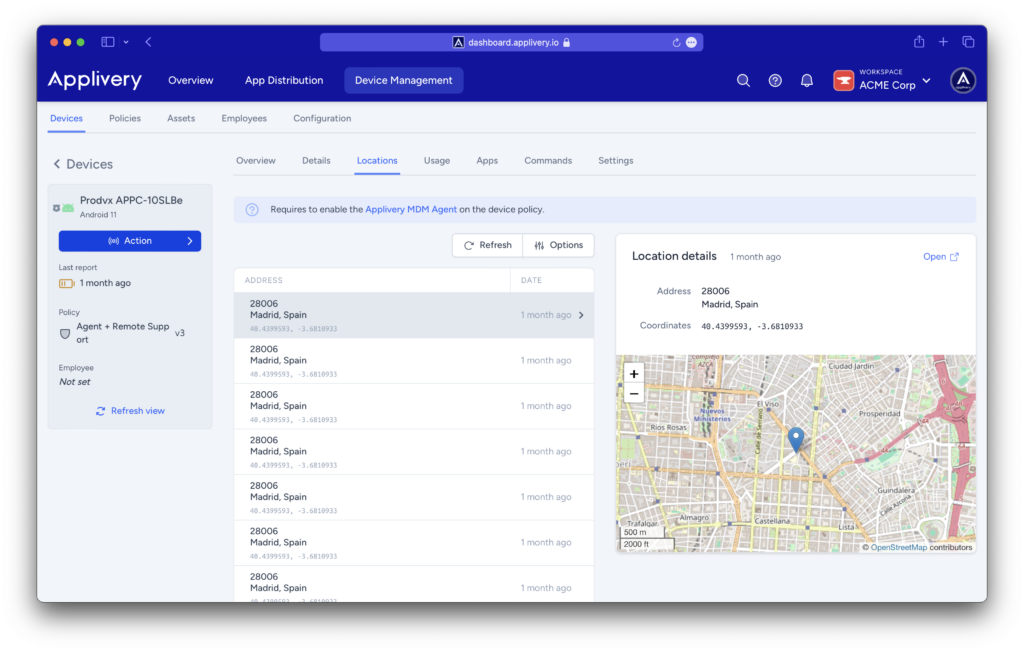
3. Geolocation
Geolocation transforms the problem of a “lost device” into a manageable operational incident, providing immediate visibility for a rapid response.
-
Technical: tracks the device’s position in real time or checks its last known location. This helps distinguish between accidental loss and active theft.
-
Business:
-
Asset recovery (ROI): recovering equipment saves the cost of hardware (~US$ 1,000 or more, depending on the device).
-
Operational vision: allows business leaders to see where their most critical devices are (sales force, field technicians, etc.).
-
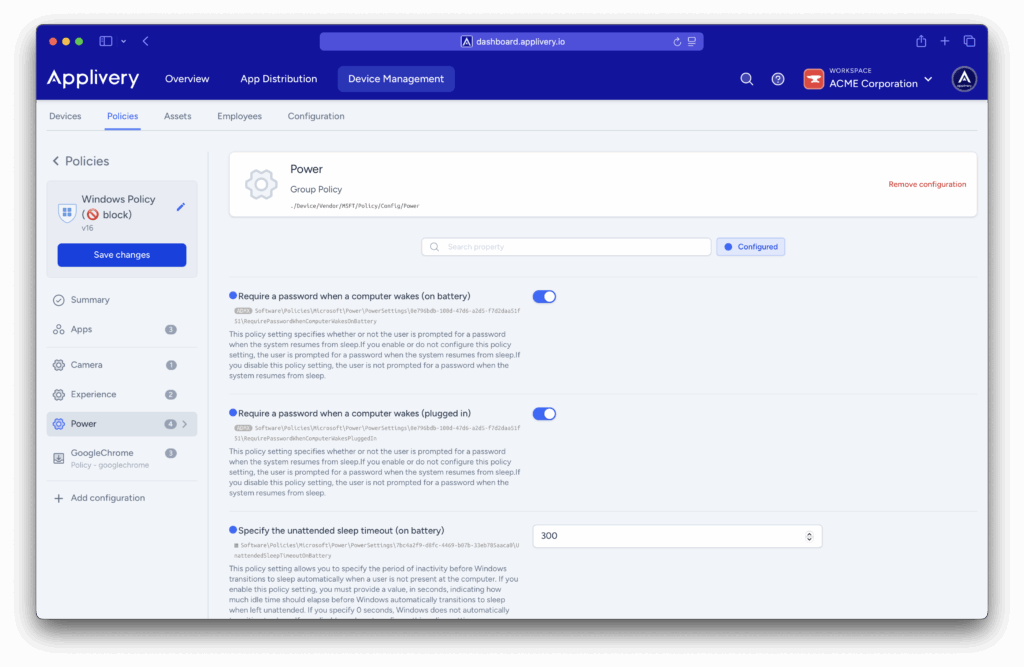
4. Password / Passcode Security Policies
Strong authentication is the first line of defense, and MDM ensures compliance automatically without relying on user vigilance.
-
Technical: the MDM can automatically impose robust policies (length, complexity, expiration, lock after failed attempts) without relying on the user to configure them.
-
Business:
-
Security from day one: when a device is enrolled, all security configurations are automatically applied (zero-friction onboarding).
-
Productivity: thanks to automated configuration, employees have their equipment ready and secure immediately.
-
5. Conditional Policies and Contextual Access
Security should adapt to the device’s environment. This feature applies rules dynamically based on context, preemptively neutralizing risk.
Technical: ability to apply dynamic policies based on factors such as location, network (Wi-Fi, mobile data), security health status, time of day, etc..
Business:
Combined flexibility and security: allows, for example, a device to access corporate resources only if connected to the office network, or requires additional authentication if an unusual access is detected.
Proactive prevention: minimizes risk even before a threat occurs, because the policies adapt to the context.
Return on Investment (ROI) in Security
For companies in Mexico and Latin America, adopting a UEM platform is not a luxury: it is a strategic investment with a very clear return.
Savings by risk mitigation: avoiding a single major breach, or a fine for data non-compliance, can widely justify the platform cost.
More efficient incident response: with functions like remote wipe and geolocation, the response time is significantly reduced, limiting the operational and reputational impact. The consolidation of tools enabled by Applivery MDM aligns with the trend identified by PwC, where consolidation reduced the time to mitigate incidents by 51%.
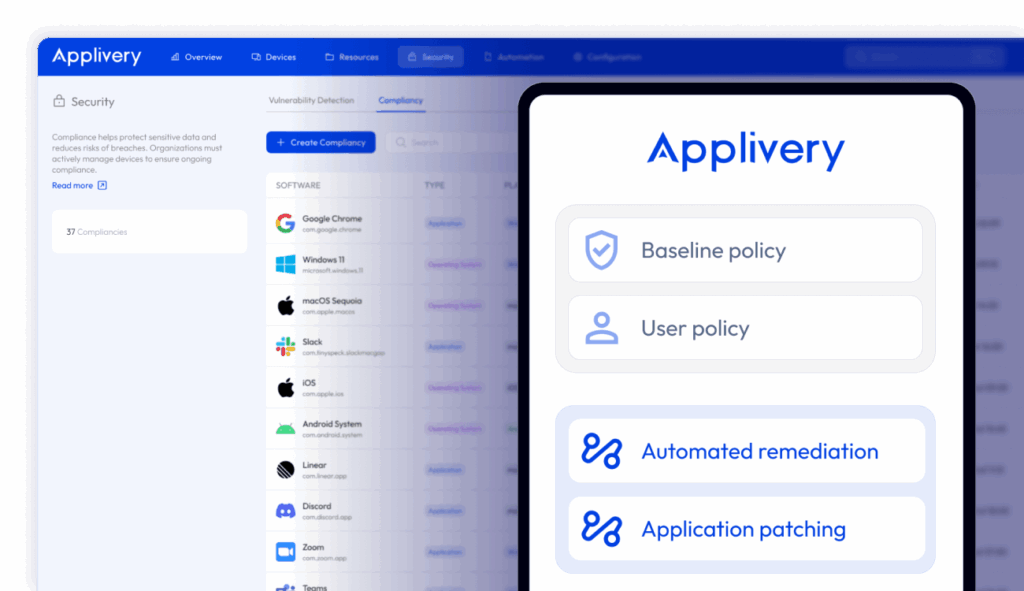
Prevention of legal costs: by ensuring that all endpoints comply with regulations, the costs associated with audits, sanctions, or litigation are minimized.
Stop firefighting and turn security into an advantage
Applivery UEM gives you total control over your fleet of devices. It’s not just about protecting equipment: it’s about protecting your business, your data, and your reputation. It’s time to stop reacting and start acting with foresight.
Are you ready to transform a multimillion-dollar risk into an operational strength?
Speak with our local LATAM experts today and discover how Applivery can deploy these 5 strategic security functions in a matter of minutes.
Frequently Asked Questions (FAQ)
What is the difference between Remote Wipe and simply locking the device?
Simple locking only prevents access to the device. Remote Wipe is a definitive measure that allows you to completely eliminate corporate data with a single click , even if the device has been stolen or is offline for a time. This ensures that sensitive information (documents, emails, corporate apps) is never compromised.
How does Applivery ensure data encryption at rest?
Applivery ensures data encryption at rest through the Disk Encryption (Forced Encryption) functionality. This guarantees that all stored information is encrypted. On platforms like Windows or macOS, it allows applying enterprise-level encryptions like BitLocker or FileVault , ensuring that even if the storage is physically extracted, the information cannot be accessed without the encryption key.
What are conditional policies and how do they provide proactive protection?
Conditional Policies allow the application of dynamic security policies. Proactive protection is achieved by basing restrictions on factors such as: the device's location, the network it is connected to (Wi-Fi, mobile data), its security health status (if it has a patch or is updated), or the time of day. This means that policies adapt to the device's context to minimize risk before a threat occurs.
How does Applivery automate security for new employees (zero-friction onboarding)?
Applivery can automatically impose robust Password / Passcode Security Policies (length, complexity, expiration, lock after failed attempts) without relying on the user to configure them. This automated configuration ensures that all security settings are applied from day one (zero-friction onboarding) , reducing support calls and accelerating productivity.