
Innovation never sleeps at Applivery. This March, we’ve rolled out a suite of updates designed to put more control and efficiency directly into your hands. We’re breaking down these new features, tailored to solve your real-world challenges.
Improved Apple app signing detection: now including development & testflight types
We are thrilled to announce that we have enhanced our Apple app signing detection by adding two new signing types:
- Development: used by developers to install and test apps directly on registered devices.
- TestFlight: used to distribute beta versions of apps through Apple’s TestFlight platform, enabling internal and external testers to provide feedback before the official release.
This improvement provides better visibility into how your apps are signed, ensuring a smoother distribution process. For more info visit our documentation.
Create MDM Users On-the-Fly in Inventory
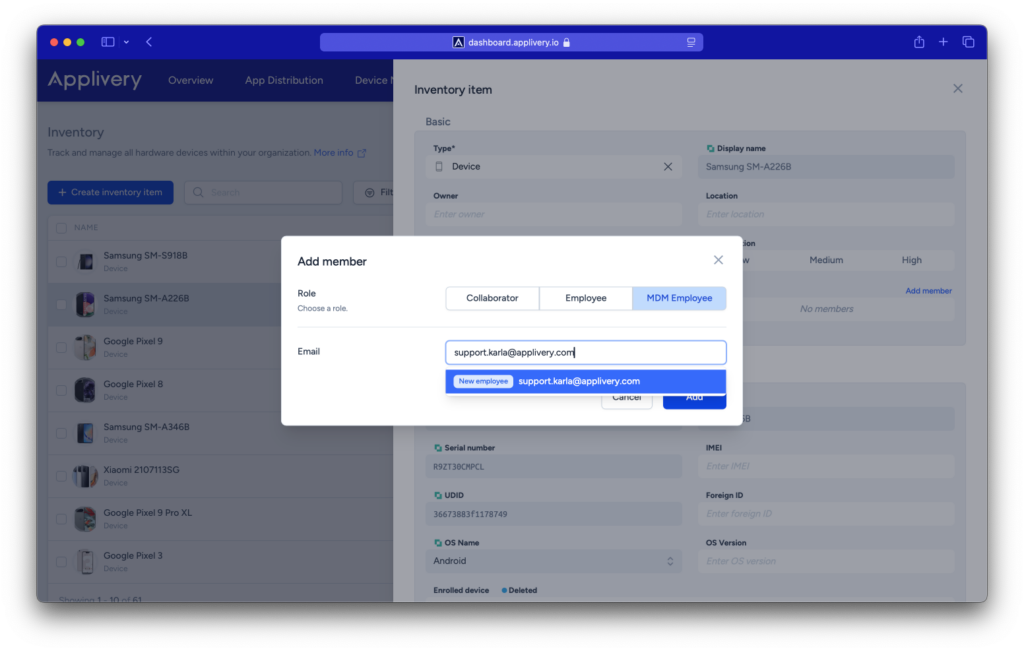
We’ve made it easier for you to manage your inventory. Now, when adding or editing inventory items, you can create MDM users on the fly!
This feature allows you to streamline your process by automatically creating the necessary MDM users as you add or edit inventory items, eliminating the need for extra steps.
Enjoy a smoother and more efficient inventory management experience! Get to know more in our documentation.
Enhanced Security for the Enterprise Store: Disable Public Publications
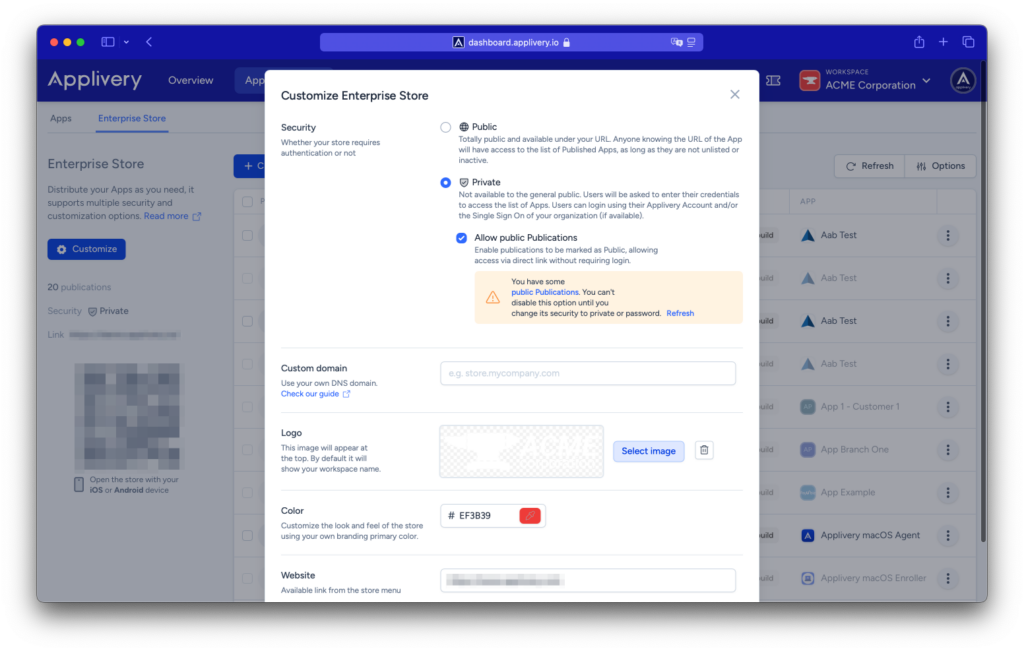
You now have full control over your app’s visibility with the option to completely disable public publications when configuring them.
To do this:
- Go to the Enterprise Store section in App Distribution and click Customize.
- In the Security section, disable Allow Public Publications.
This update ensures better security and control over who can access your apps. Visit our documentation for more info.
Track Your Ticket Status Easily
Over the past few months, you’ve experienced our new tool, where you can message us via chat and create tickets for any platform issues or feature requests.
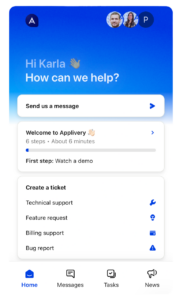
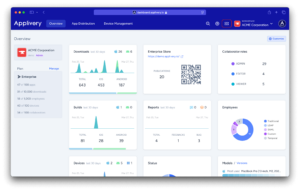
To make things even easier, we’ve now added a section to the dashboard where you can quickly follow up on your ticket statuses. Just click on the Tickets icon 🎟️ in the top bar, next to your Workspace details, and you’ll have quick access to all your ticket updates.
Stay on top of your requests!
New “Unassigned” User Role Now Available!
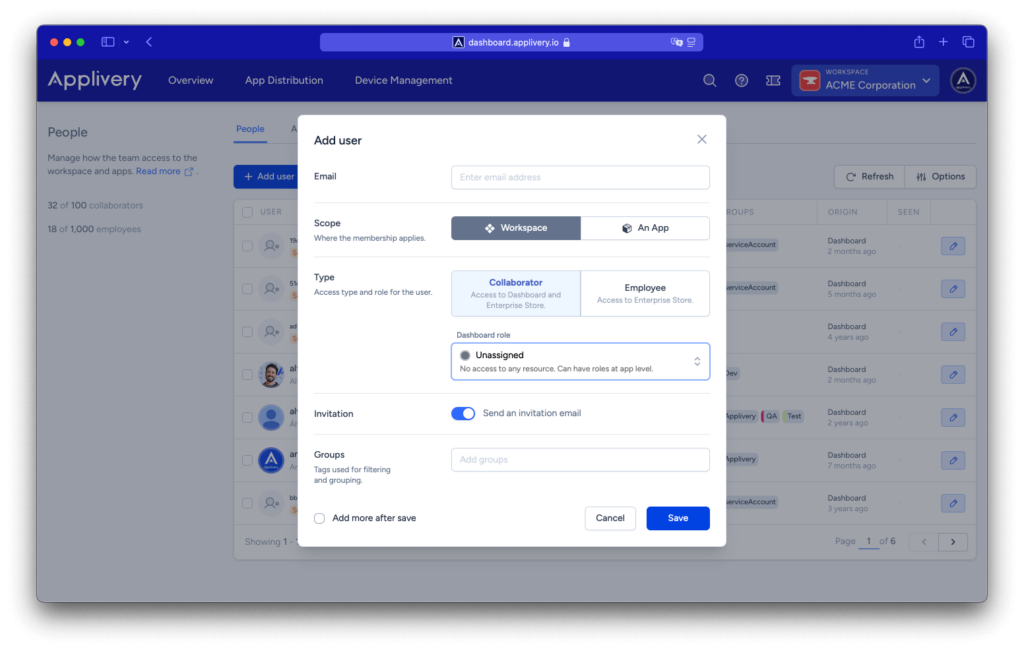
We’ve introduced a new “Unassigned” role, designed for users who are part of your Workspace but don’t yet have access to any platform resources.
- No platform permissions—users won’t have access to general resources.
- Can hold roles at the app level, allowing for more flexible access control.
- Ideal for onboarding users gradually before assigning them specific permissions.
This update gives you greater control over user management while keeping your workspace organized. More info available in our documentation.