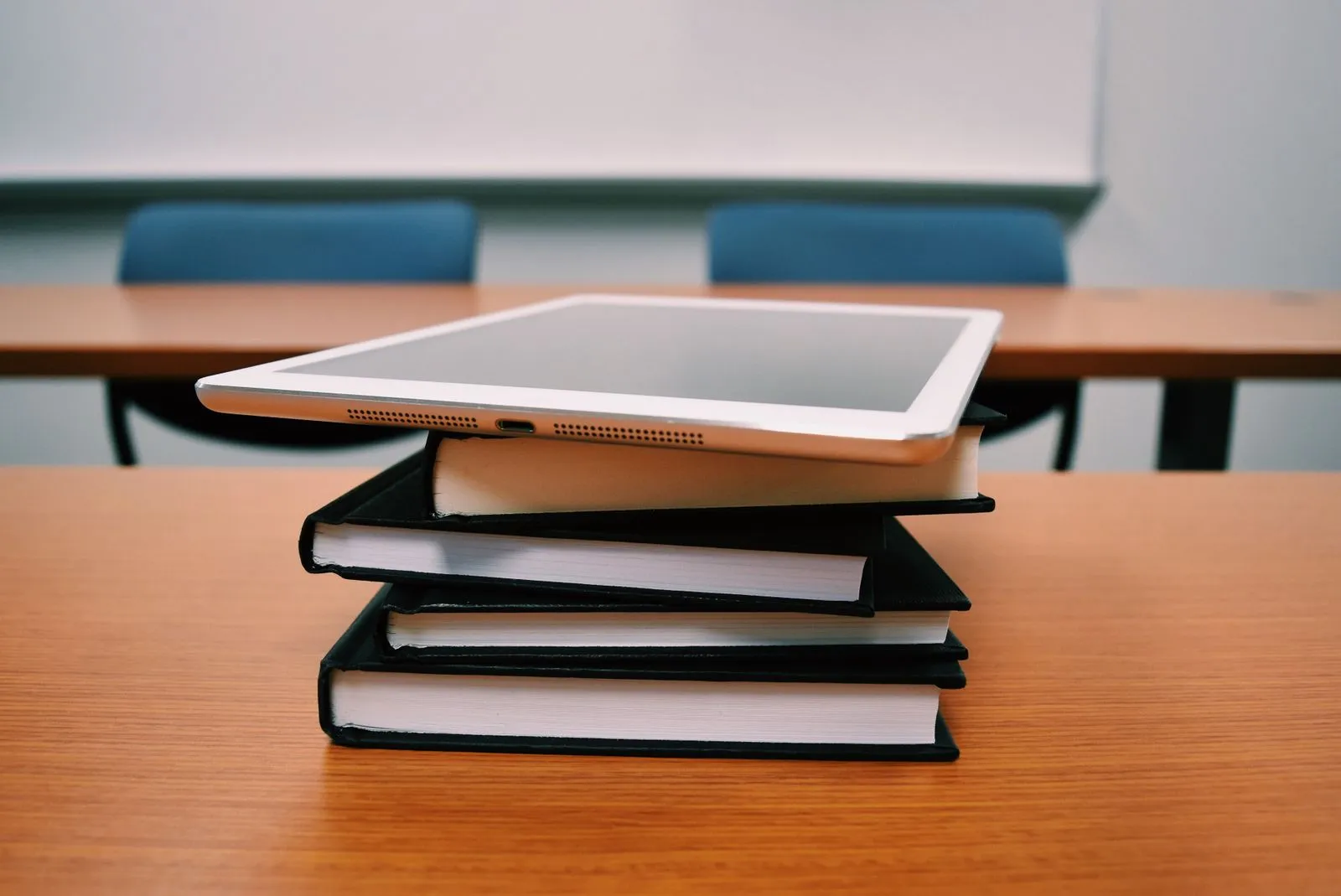
Enroll, lock down and keep track of every classroom iPad, student laptop and Android tablet from one European cloud console, with Apple School Manager, web filtering and shared devices built in.
One-to-one programmes, iPad carts, computer labs and students’ own phones: schools and universities now run fleets the size of a company’s, with a fraction of the staff.
Hundreds of devices, a handful of technicians
Every new school year brings new iPads, laptops and tablets to set up, and nobody has time to configure them one by one.
Devices shared between groups
The same iPad goes from one class to the next, and each student should find their own settings and nothing left by the last one.
Minors online, data to protect
Students need the internet to learn, without reaching unsuitable content, and their personal data must stay protected on every device.
Lessons that can’t wait
A device that is updating, locked or missing the right app when the lesson starts costs the whole class time.
For everyone at school
One platform, three ways to use it
IT manages the fleet, teachers get devices ready for the lesson, and students learn on devices that are safe and private.
For IT teams
The whole fleet from one console
Enroll new devices without touching them, apply policies by school, year or classroom, and see the state of every device at a glance.
Zero-touch enrollment with Apple School Manager and Android Zero-Touch
iPadOS, macOS, Android and Windows side by side
A separate workspace for each school or campus
For teachers and classrooms
Devices ready when the lesson starts
Every device in the room has the apps, books and websites the lesson needs, and only those, without asking students to set anything up.
iPads locked to one app with App Lock, or to a set of apps
Learning apps and books installed in bulk
Learning websites as icons on the Home Screen
For students and families
Safe, private learning
Students browse filtered content on school devices, share iPads without sharing data, and keep their own phones private when they use them for class.
Shared iPad with policies for each student account
Web filtering in Safari, Chrome and Edge
Work profile and User Enrollment (private beta) on students’ own devices
How Applivery helps
Every device in the school, managed the same way
From the delivery box to the classroom, the library and the campus: the same policies, apps and protection on iPads, Macs, Android and Windows.
120 iPads enrolled · policies applied
A new school year, ready at first boot
Assign devices in Apple School Manager or Android Zero-Touch and hand them out still in the box. They enroll on their own at first boot and arrive with the school’s Wi-Fi, apps and restrictions.
Apple Automated Device Enrollment with Apple School Manager
Android Zero-Touch and Android Enterprise
Smart Enrollment rules by school, year or device type
Lock iPads to a single app for a reading or a quiz, or give a class a Home Screen with only the apps it needs. Android tablets and Windows PCs in labs and libraries get the same lockdown.
App Lock and Home Screen Layout on supervised iPads
Block adult content and unsuitable websites, or allow only the sites a class needs. Restrictions stop students installing apps or changing settings on school devices.
Safari content filter with allow and block lists on supervised iPads
URL allow and block lists in Chrome on Android, blocked sites in Edge
Restrictions on app installs, accounts and settings
Buy licences once in Apple School Manager and assign them to the devices or students who need them, then take them back for next year. Android apps come from managed Google Play.
Apps and Books (VPP) licences for iPad and Mac
Books assigned to each student account on Shared iPad
Device-based licences installed silently, no student Apple Account needed
Put a missing iPad in Lost Mode with a message to whoever finds it, keep Activation Lock under the school’s control, and wipe a device that won’t come back.
Lost Mode on supervised iPads and on Android
Activation Lock managed by the school, not by a student
Remote lock and wipe, and device location on Android
Schedule OS updates for evenings and holidays so no lesson starts with a progress bar. Group devices by school, year or OS version, and give each campus its own admins.
Scheduled OS updates and update freeze periods
Dynamic device audiences and Automation Rules
Custom roles and segments for each campus’s admins
Applivery holds the certifications that schools, universities and education authorities ask of their suppliers, and gives you the device controls the rules you answer to expect.
What Applivery holds
ENS High
Certified to Spain’s National Security Framework in the High category, the level the public sector asks of its technology suppliers, by an ENAC-accredited body.
Encryption, passcodes, Lost Mode and remote wipe protect personal data, much of it about minors, on devices that get shared, lost or stolen.
ENSPublic schools and universities
An inventory of every device, secure configuration, scheduled updates and restricted admin access, with compliance status you can report on.
NIS2Research organisations
Encryption, passcodes and patching enforced across the fleet, devices at risk identified, and lost devices locked or wiped remotely, where your country brings universities into scope.
Safe useAcceptable-use policies
Web filters, app allow and block lists and restrictions put the school’s acceptable-use policy into practice on every device.
Applivery’s certifications cover Applivery’s own systems. Your compliance with each framework is assessed on your institution; Applivery provides the device controls and the evidence they ask for.
A trusted name in the industry
Recognition from leading platforms for our performance, security, and support validates our commitment to engineering a best-in-class solution.
Get every classroom device ready for the year
See Applivery with your own iPads, labs and campuses in a demo, or start a free trial today.
MDM for education is software that lets a school’s or university’s IT team enroll, configure, secure and update every iPad, laptop and tablet from one console. It installs learning apps and books, filters web content, locks devices to the apps a lesson needs and protects student data if a device is lost.
Does Applivery work with Apple School Manager?
Yes. Devices assigned to Applivery in Apple School Manager enroll on their own at first boot through Automated Device Enrollment, supervised, and app and book licences bought there are assigned from Applivery.
Can I lock iPads to one app during a lesson?
Yes. App Lock keeps a supervised iPad in a single app until you lift it, and Home Screen Layout limits it to a set of apps you choose. Android tablets and Windows PCs have equivalent kiosk modes.
Can several students share the same iPad?
Yes. With Shared iPad, each student signs in with their own account. Applivery applies policies per user account, and books from Apps and Books are assigned to each student rather than to the device.
How does Applivery keep students safe online?
On supervised iPads, the Safari content filter blocks adult content and lets you allow or block specific websites. On Android you set URL allow and block lists for Chrome, and on Windows you block sites in Edge. Restrictions stop students installing apps or changing settings.
Can university students use their own phones and laptops?
Yes. On Android, a work profile keeps the university’s apps and data apart from personal ones; on iPhone and iPad, User Enrollment with a Managed Apple Account, in private beta, does the same. IT only manages the institution’s data and can remove it without touching personal content.
Is Applivery suitable for public schools and universities in Spain?
Yes. Applivery is certified to the National Security Framework (ENS) in the High category and to ISO/IEC 27001:2022, complies with the GDPR and stores customer data in Madrid, Spain.
We value your privacy
We use cookies to enhance your browsing experience, analyze our traffic and measure our campaigns. Click "Accept All" to consent to their use, "Reject All" to use only the necessary ones, or "Customize" to choose.Cookie Policy