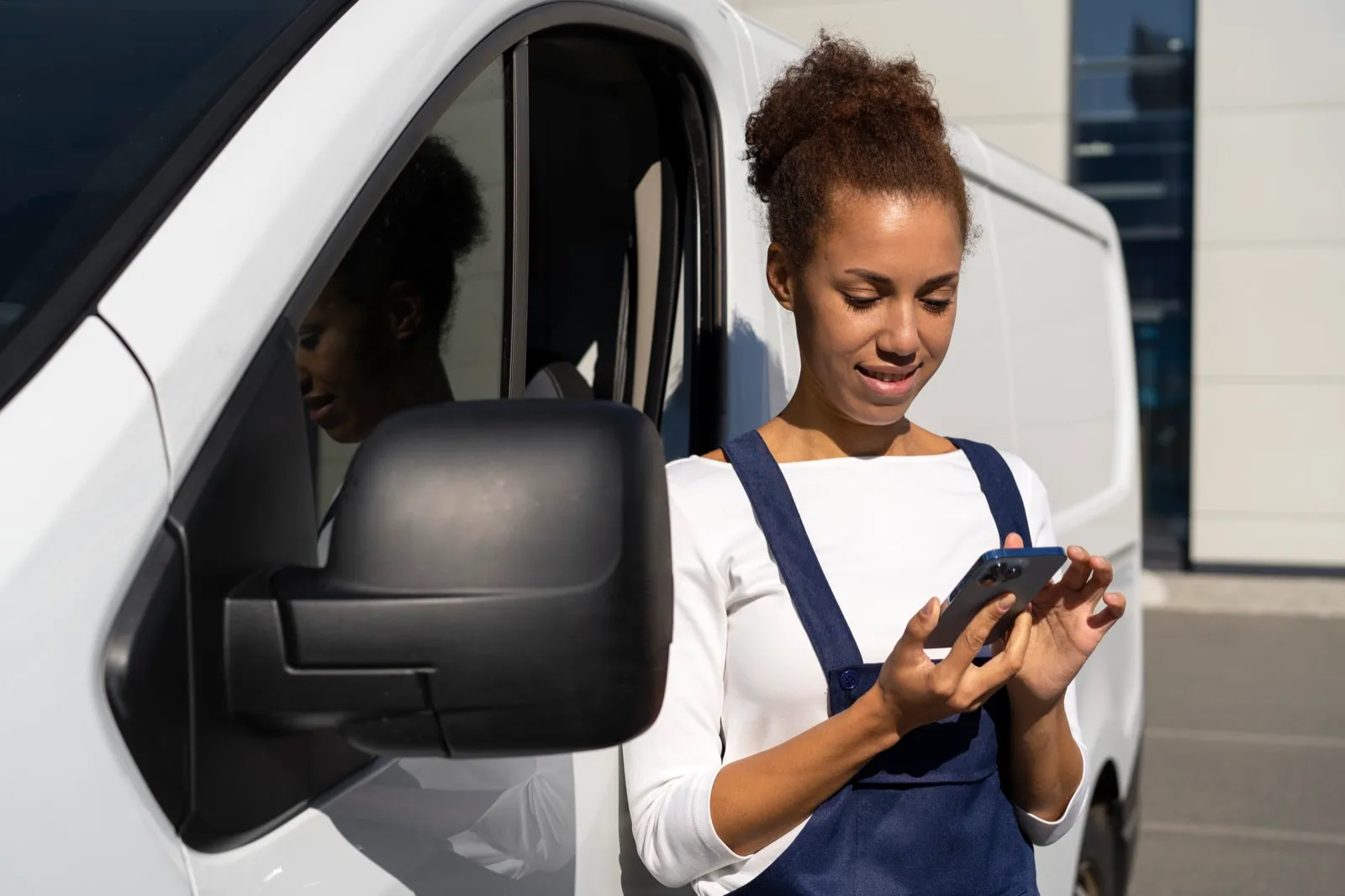
Device management for logistics and transportation
Keep every scanner in the warehouse and every driver’s phone and tablet on the road working with the apps they need, from one European cloud console certified to ENS High.
Hub fleetMadrid hub · 640 devicesDriver devices in kiosk180 / 180Last location report12 min agoOut of policy2
Trusted by
The challenge
Every parcel moves with a device, wherever it is
Scanners in the warehouse and phones and tablets in every van and truck track each shipment, across hubs, routes and countries.
A fleet that is never in the office
Drivers spend the day on the road, and their devices rarely come back to a hub where IT can look at them.
Rugged devices from several makers
Zebra, Bluebird, Samsung and Android builds without Google services, each with its own settings and firmware.
Data plans nobody can see
Every device runs on a mobile data plan, and no one knows which app uses it until the bill arrives.
Devices lost on the route
A phone left in a cab or a tablet stolen from a van carries delivery data and customer addresses.
For every team
One platform, from the hub to the last mile
IT and operations, drivers and couriers, and the warehouse teams, with the same console and the same policies.
For IT and operations
Every hub and route from one console
Group devices by hub, region or country, see where each one last reported and which ones are out of policy before the routes start.
Workspaces and segments by hub, region or country
Location and mobile data reports for each device
Custom roles for each hub’s IT team
For drivers and couriers
A device that only does the route
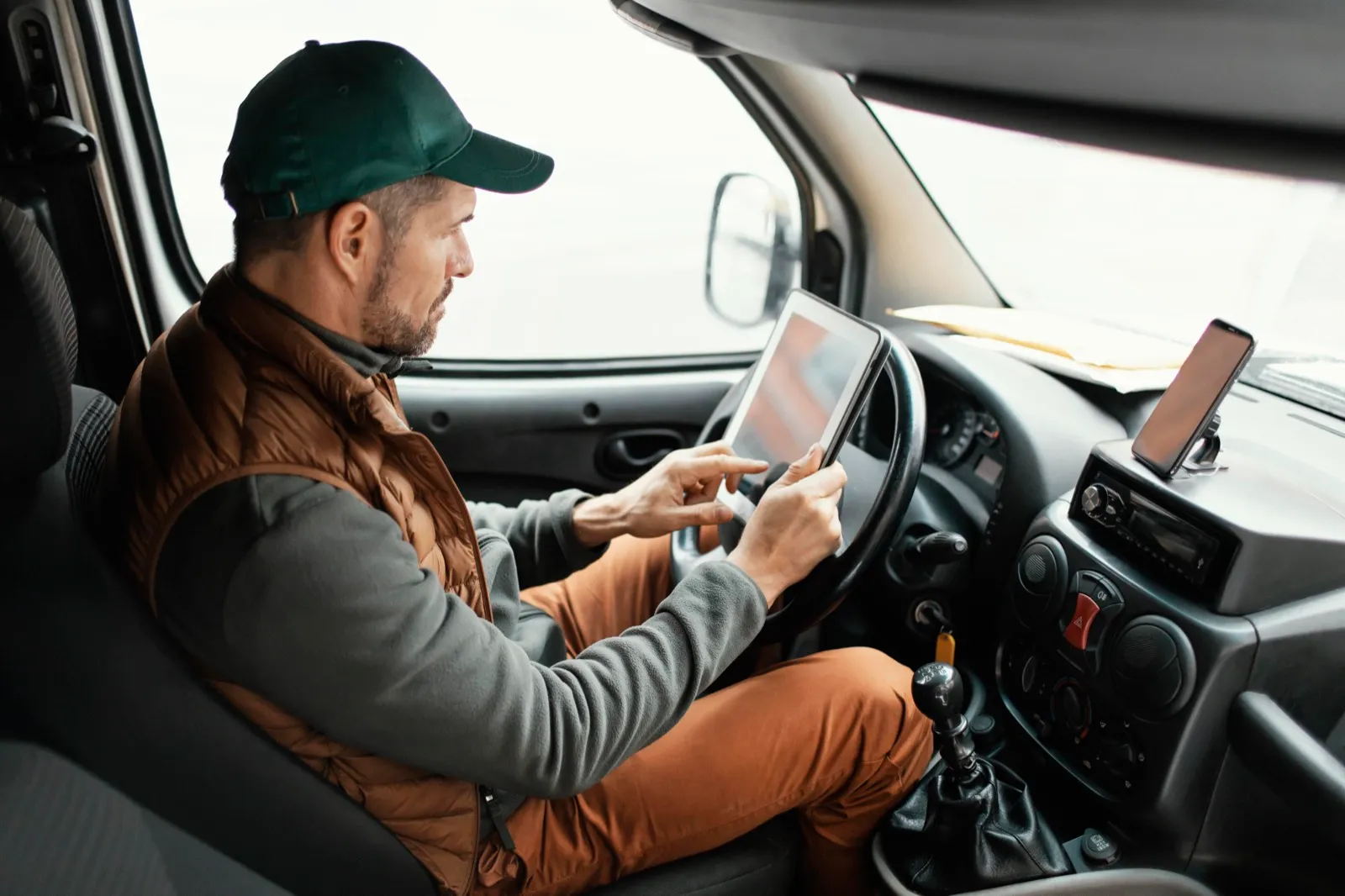
Give drivers phones and tablets that open only the route, proof-of-delivery and messaging apps, ready when the shift starts.
Kiosk with one app or a set of approved apps
Apps installed and updated with no action from the driver
Lost Mode with a message and a number to call
For the warehouse and cross-dock
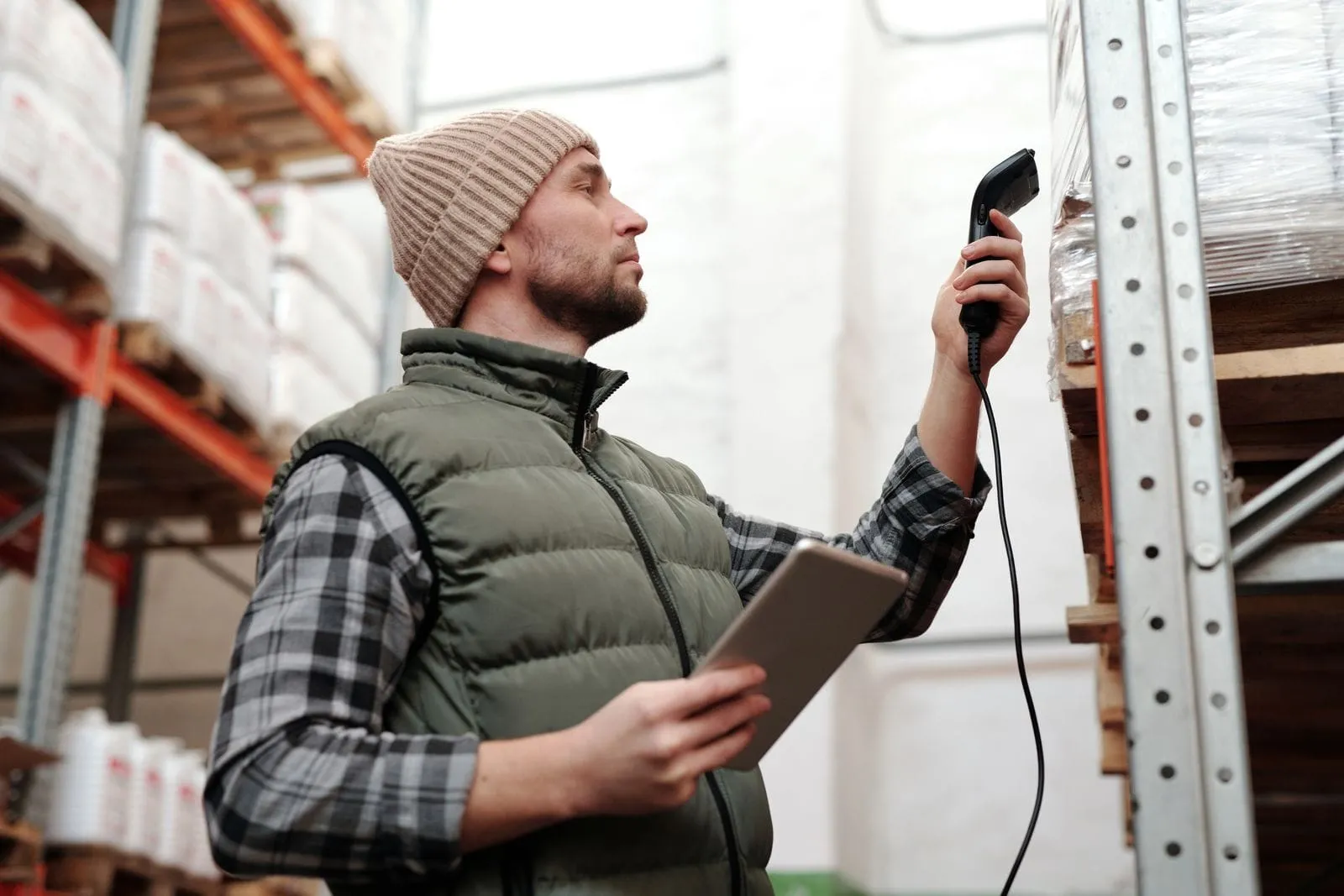
Scanners configured from the console
Configure the scanners for receiving, picking and dispatch, keep their firmware current and help staff remotely.
Zebra and Bluebird OEMConfig, Samsung Knox Service Plugin
Zebra firmware updates deployed remotely
Remote control on Android and Windows
How Applivery helps
Every device in the chain, working on every route
Rugged scanners, drivers’ phones and tablets, and Android devices without Google services: the same policies and the same view of every hub and route.
Madrid hub · 96 scanners · firmware current
Rugged scanners configured and updated remotely
Set up Zebra and Bluebird terminals from the console, from Wi-Fi and mobile data to Bluetooth and NFC, and push Zebra firmware updates that install silently. Android devices without Google services are managed from the same console.
Turn drivers’ phones and tablets into devices that open only the apps for routes, proof of delivery and messaging. Drivers can’t install other apps or change the settings, and the screen stays on while the device charges in the cab.
Single-app kiosk or a launcher with the approved apps
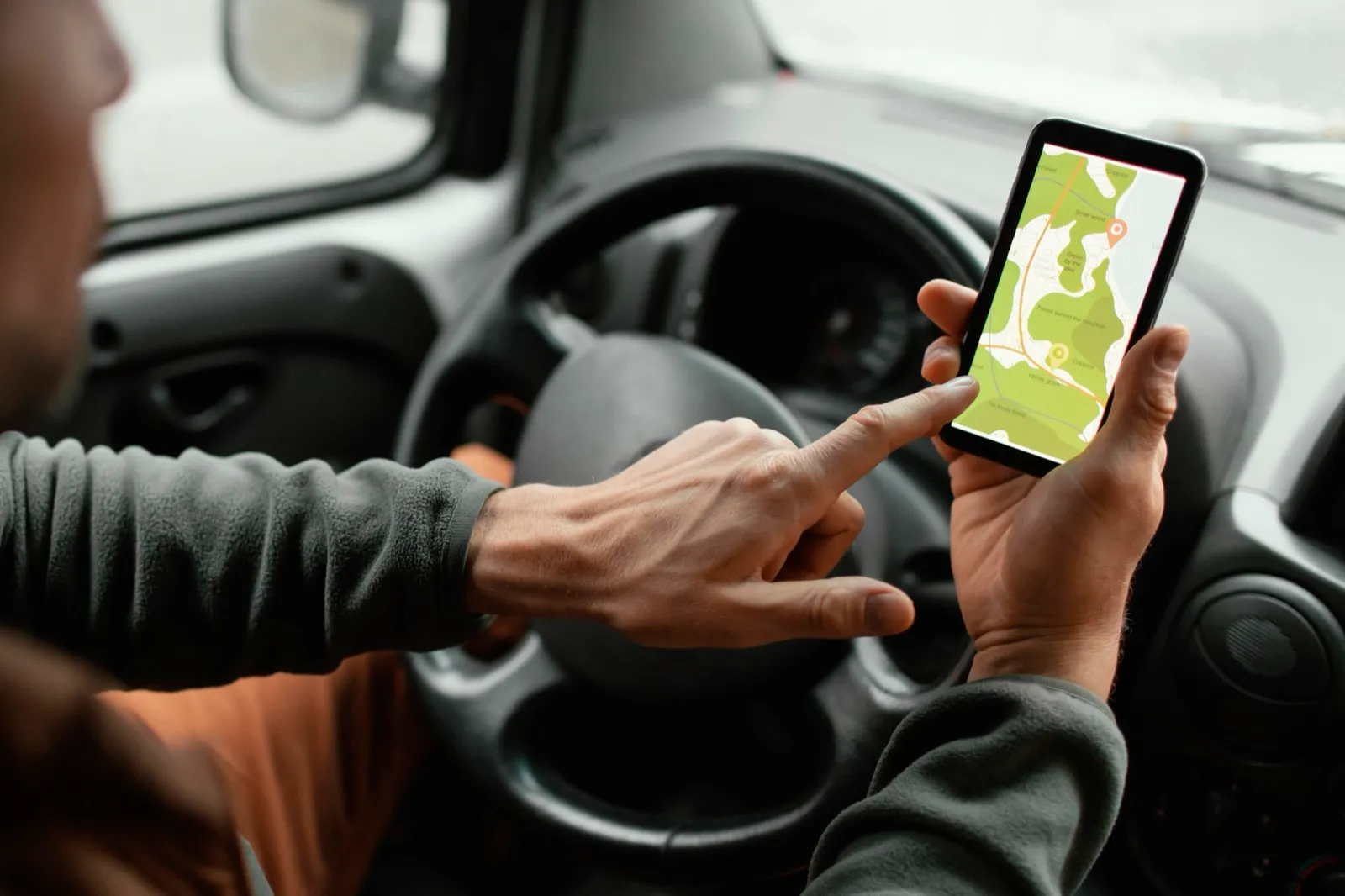
See where each phone, tablet and scanner last reported, with the street address, and keep the history in the console. If a device goes missing, Lost Mode locks it, shows a message with a number to call and reports its location every minute.
Location history for each Android device
Lost Mode with a message, phone number and return address
See how much mobile and Wi-Fi data each app uses on every device, and how long each app is on screen, week by week. Find the app that eats the data plan before the bill does.
Mobile and Wi-Fi traffic for each app, sent and received
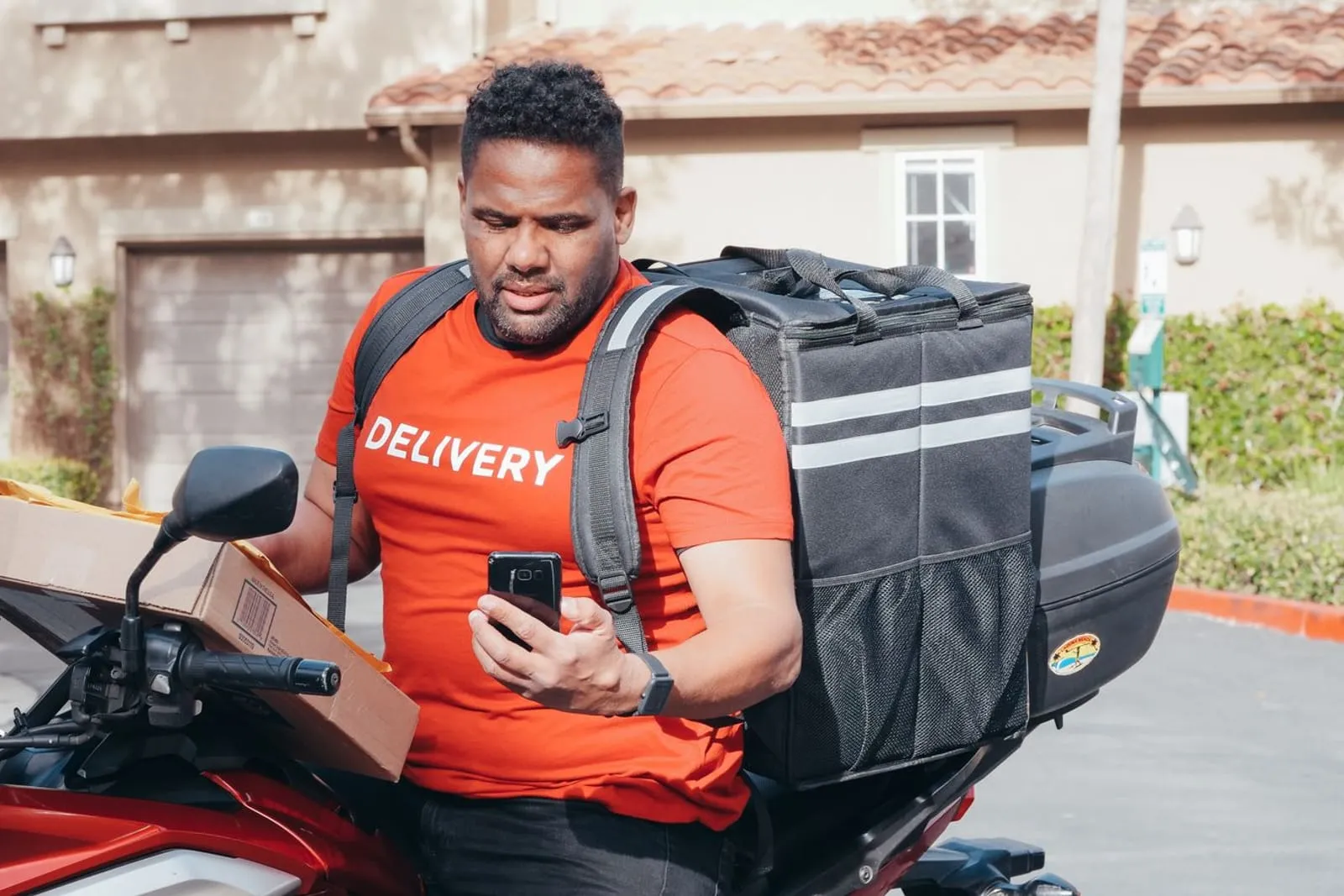
Publish your route, warehouse and proof-of-delivery apps in your own enterprise store and install them silently on managed devices. Release each new version to the right teams, on Android, iOS and Windows.
An enterprise app store with your brand
Versions released by audience: hub, region or role
See and control a driver’s screen from the console and fix the problem in minutes, without taking the device off the route. Lock or wipe it remotely if it comes to that.
Ship phones, tablets and scanners straight to each hub. They enroll on their own at first boot and arrive with the hub’s policies, apps, Wi-Fi and certificates.
Android Zero-Touch, Samsung Knox Mobile Enrollment and Apple Automated Device Enrollment
Applivery holds the certifications logistics operators and their customers ask of their technology suppliers, and gives you the device controls the frameworks you answer to expect.
What Applivery holds
ENS High
Certified to Spain’s National Security Framework (Royal Decree 311/2022) in the High category, the level the public sector asks of its technology suppliers, by an ENAC-accredited body.
The channel between managed Apple devices and Applivery uses hybrid X25519MLKEM768 key exchange over TLS 1.3, against “harvest now, decrypt later” attacks.
The ISO 27001 and ENS High certificates security questionnaires ask for, with the documentation available in the Trust Center.
Applivery’s certifications cover Applivery’s own systems. Your compliance with each framework is assessed on your organization; Applivery provides the device controls and the evidence they ask for.
A trusted name in the industry
Recognition from leading platforms for our performance, security, and support validates our commitment to engineering a best-in-class solution.
Keep every route moving
See Applivery with your own scanners, driver devices and apps in a demo, or start a free trial today.
MDM for logistics is software that lets a logistics or transport company enroll, configure, secure and support every scanner in its warehouses and every phone and tablet its drivers carry, from one console. It locks devices to the apps each job needs, shows where they are and how much data they use, and lets IT help drivers without bringing the device back to a hub.
Can Applivery manage Zebra and Bluebird rugged devices?
Yes. Applivery configures Zebra devices with Zebra OEMConfig, from Wi-Fi, mobile data and Bluetooth to RFID and NFC, and deploys Zebra firmware updates that install silently. Bluebird devices are configured with Bluebird OEMConfig, and Samsung devices with the Knox Service Plugin.
Can we lock drivers’ devices to our route app?
Yes. On Android, a single-app kiosk opens only the route app, and a launcher shows a set of approved apps, such as routes, proof of delivery and messaging. Drivers can’t install other apps or change the settings; technicians get into Settings with a password.
Can I see where a device is?
Yes, on Android devices that are fully managed or company-owned (COPE). The Applivery agent reports the location with the street address when available, every 15 minutes on the Advanced plan and every hour on Starter, and the console keeps the history. If a device is lost, Lost Mode locks it and reports its location every minute. Applivery doesn’t set up geofences.
Can I see how much mobile data each device uses?
Yes. The Applivery agent reports the data each app sends and receives on every Android device, split into mobile data and Wi-Fi, together with the time spent in each app and the network signal and carrier. You see it week by week in the console.
How do we get our own apps onto drivers’ devices?
Upload your Android, iOS or Windows builds to Applivery and publish them in your enterprise app store, with your brand, to the teams that need them. On managed devices, Applivery installs and updates them silently, with no action from the driver.
Can Applivery manage Android devices without Google services?
Yes. On AOSP and other Android builds without Google Mobile Services, the Applivery agent runs as device owner and applies your policies, kiosk mode included, and installs apps silently through the Applivery Self-Service. Lost Mode and remote control need Google services and are not available on these devices yet.
Where is the data stored?
Customer data is stored in Madrid, Spain. Applivery is a European company and complies with the GDPR.
We value your privacy
We use cookies to enhance your browsing experience, analyze our traffic and measure our campaigns. Click "Accept All" to consent to their use, "Reject All" to use only the necessary ones, or "Customize" to choose.Cookie Policy