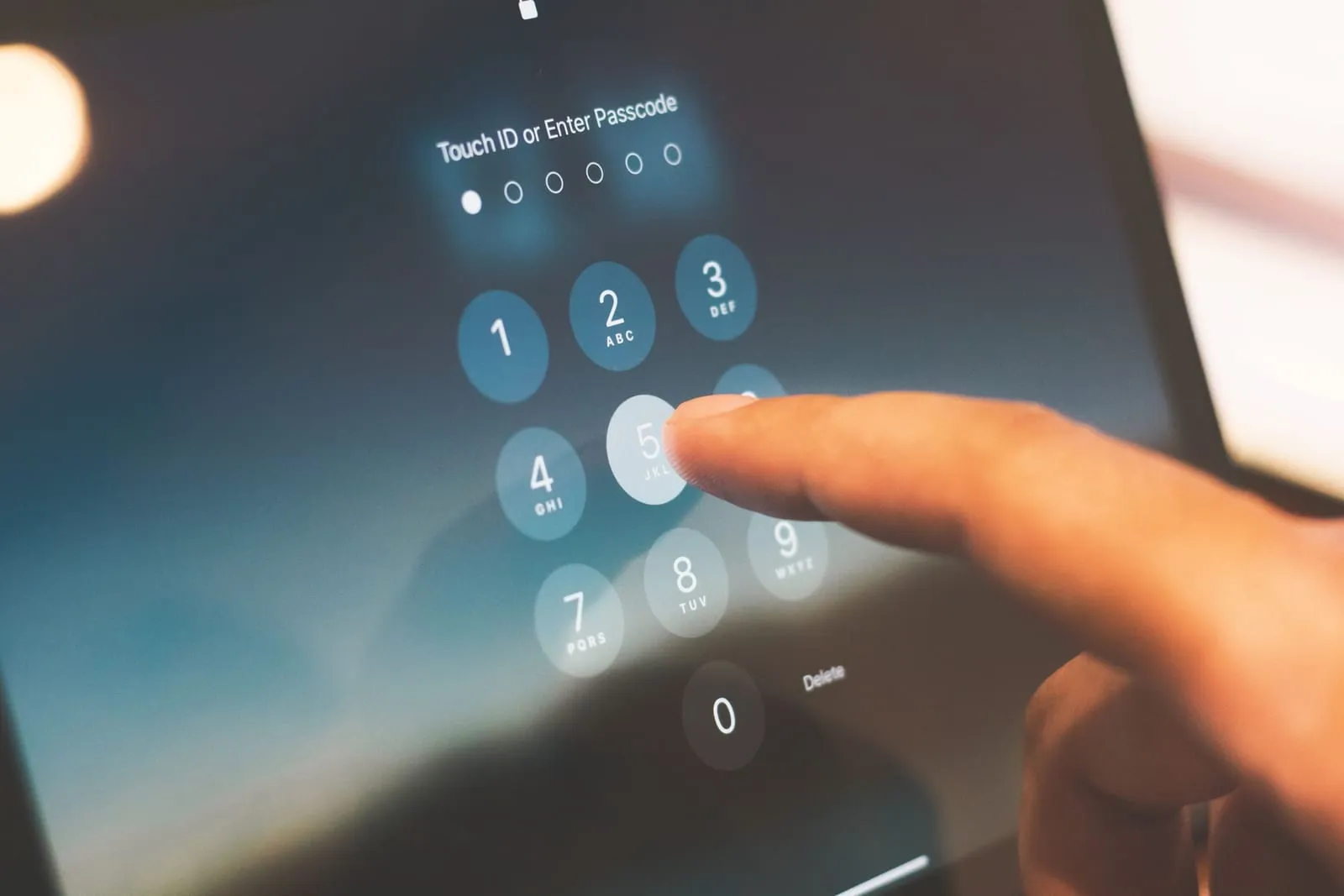
Enforce encryption, passcodes and updates on every Android, Apple and Windows device, see which ones fall out of policy and act on a lost one in seconds, with a European provider certified to ENS High and ISO 27001.
OS updates deferred, scheduled or installed at once
The compliance status of every device
Certified to ENS High and ISO 27001
Security postureFleet · 1,248 devicesCompliant1,201Posture at risk9OS update pending38
Trusted by
The challenge
Every endpoint is a way in, and most of them never come to the office
Laptops at home, phones in the field and shared tablets carry credentials, email and customer data, on four operating systems with four sets of controls.
Devices you can’t see
A device that isn’t managed, encrypted or up to date is invisible until it causes an incident, and remote devices rarely pass by IT.
Patches that wait
Users postpone updates, and forcing them in the middle of a shift breaks the work, so critical fixes sit on devices for weeks.
Lost and stolen devices
A phone left in a taxi or a laptop taken from a car holds sessions, files and customer data, and every hour before it is locked counts.
Auditors who want evidence
ENS, NIS2, ISO 27001 and your customers’ questionnaires ask you to show that every endpoint is protected, not just to say it.
From baseline to response
Five steps, one console
How a security team works with Applivery: set the baseline, keep it patched, watch for drift, respond when something goes wrong and control who gets access.
FileVault on · 312 / 312 Macs
Step 1 · Harden
A security baseline on every device
Write the baseline once and apply it from enrollment: FileVault on every Mac with the recovery key escrowed in Applivery, BitLocker on Windows and passcodes with the length, complexity and failed-attempt limit you choose. Where data must not leave, block screenshots, AirDrop, USB storage or copy and paste between the work and personal profiles.
FileVault enforced, with the recovery key in the console
Passcode rules and a wipe threshold on Apple and Android
Screenshots, USB storage and cross-profile sharing restricted
Decide how long each major and minor Apple update can wait, then schedule it or install it as soon as possible, one device or the whole fleet. On Android, keep updates inside a maintenance window or postpone them for up to 30 days, while critical security updates still install. The macOS App Catalog keeps third-party Mac apps on their latest version.
Deferral, scheduling and Install ASAP on Apple
Maintenance windows and freeze periods on Android
Third-party Mac apps updated by the macOS App Catalog
A shield on every device turns red when its security posture is at risk: on Android, Google Play Integrity tells you whether a device is secure, at risk or rooted, and on Windows you see BitLocker, Defender and the firewall. Deploy CrowdStrike Falcon or SentinelOne on your Macs, or connect Check Point Harmony Mobile to protect phones and tablets.
Compliance status at a glance: green, grey or red
Play Integrity security posture on Android
CrowdStrike and SentinelOne deployed, Harmony Mobile connected
Act on a lost device, or one that breaks the rules
Put a missing phone in lost mode with a message on screen, lock it, or wipe it: Lost Mode and Activation Lock on supervised Apple devices, Recovery Lock on Mac, protected wipe on Windows. On Android, enforcement rules block a device that stays out of policy and then wipe it, and Automation Rules can move devices to a quarantine policy.
Lost mode on Android and supervised iPhone and iPad
Activation Lock, Recovery Lock and protected wipe
Block, then wipe, for Android devices out of policy
Issue certificates from your own PKI through SCEP with the Applivery Auth Connector, for enterprise Wi-Fi and VPN, and force traffic through an Always-On VPN on Android. In the console, sign in with your identity provider, turn on two-factor authentication with an app or a security key, and give each administrator a role limited to their segment.
SCEP certificates from your PKI, for Wi-Fi and VPN
Each operating system allows different controls. This is what Applivery lets your security team enforce on each one, as our documentation states it.
Control
Android
AOSP
iPhone & iPad
Mac
Windows
Encryption
AvailableEncrypted by default
PartlyDevice default
AvailableBuilt in, verified
AvailableFileVault, key escrowed
AvailableBitLocker
Passcode rules
Available
Available
Available
Available
Not available
Wipe after failed attempts
Available
Available
Available
PartlyLocks instead
Not available
OS update control
AvailableWindows and freezes
AvailableWindows and freezes
AvailableSupervised devices
Available
Not available
Integrity check
AvailablePlay Integrity
Not available
Not available
Not available
PartlyDefender and firewall status
Block, then wipe, if out of policy
Available
Available
Not available
Not available
Not available
Block screenshots
Available
Available
Available
Available
Not available
Lost-device response
AvailableLost mode, lock
AvailableLock, disenroll
AvailableLost Mode, wipe
AvailableLock, wipe, Recovery Lock
AvailableProtected wipe
Applivery Intelligence
A security analyst that knows your fleet
Ask which devices run an operating system or app version with a known vulnerability, and get the CVEs with their severity and the likelihood of being exploited. Applivery Intelligence works with your own role, never more.
Lock and wipe always ask for your approval
Every action in the audit log, under your name
A posture auditor that watches for drift in the background (Max and Ultra plans)
Certified to Spain’s National Security Framework (Royal Decree 311/2022) in the High category, the level the public sector asks of its technology suppliers, by an ENAC-accredited body.
The channel between managed Apple devices and Applivery uses hybrid X25519MLKEM768 key exchange over TLS 1.3, against “harvest now, decrypt later” attacks.
An inventory of every device, a secure configuration applied by policy, scheduled updates, encryption and a compliance status you can report on.
NIS2Essential and important entities
Encryption, passcodes and patching enforced across the fleet, devices at risk identified, and lost devices locked or wiped remotely.
ISO/IEC 27001Annex A 8.1, user endpoint devices
A policy for every company and personal device, applied from first boot, with encryption, updates, and remote lock and wipe.
GDPREmployee and customer data
Encryption, passcodes and remote wipe protect personal data on lost or stolen devices, and the work profile keeps employees’ own data private.
Applivery’s certifications cover its own systems. Compliance with each framework is assessed in your organisation; Applivery provides the device controls and the evidence they ask for.
Other teams
One platform, for every IT team
Helpdesk, operations, development and workplace teams work on the same devices as your security team. See what Applivery does for each of them.
Helpdesk
The context of every device, remote control on Android, Mac and Windows, and a self-service portal that heads off tickets.
No. Applivery manages and hardens your devices: encryption, passcodes, updates, restrictions and the response to a lost device. It deploys your EDR, such as CrowdStrike Falcon or SentinelOne on Mac, and connects with Check Point Harmony Mobile for threat protection on phones and tablets.
Can Applivery enforce disk encryption?
Yes. On Mac it enforces FileVault, stops users from turning it off and escrows the recovery key in the console. On Windows it enforces BitLocker, with the recovery key kept in Entra ID or Active Directory. Android devices are encrypted by default, and on iPhone and iPad encryption is built in and Applivery verifies it.
Does Applivery block devices that are out of compliance?
Compliance checks report the status of every device without blocking it. On Android, enforcement rules can block a device that stays out of policy and then wipe it, and on every platform Automation Rules can move devices to a quarantine policy.
How does Applivery help with ENS and NIS2?
Applivery is certified to ENS High itself, and gives you the device controls both frameworks expect: an inventory of every device, a secure configuration applied by policy, encryption, scheduled updates and remote lock and wipe, with a compliance status you can report on. The assessment of your organisation remains yours.
Where is our data stored?
Applivery is a European company. Device management data is stored in Madrid, Spain, under the GDPR, and the platform is certified to ISO/IEC 27001 and ENS High.
Can we restrict what each administrator can do?
Yes. Besides the Admin, Editor and Viewer roles, you can create custom roles for a specific job and limit each administrator to their segments of devices. Administrators sign in with SAML SSO and can protect their account with two-factor authentication, using an authenticator app or a security key.
We value your privacy
We use cookies to enhance your browsing experience, analyze our traffic and measure our campaigns. Click "Accept All" to consent to their use, "Reject All" to use only the necessary ones, or "Customize" to choose.Cookie Policy