




Operations

Device lifecycle management for IT operations teams

Ship devices that set themselves up, configure hundreds of them with rules instead of clicks, keep updates out of business hours and hand every device to its next owner in a known state, on Android, Apple and Windows.

  • Zero-touch enrollment on every platform
  • Policies and apps assigned by rules
  • Updates inside your maintenance windows
  • Offboarding driven by your identity provider

Trusted by

  • BMW
  • Mercedes-Benz
  • Snapchat
  • Supercell
  • Scopely
  • McDonald's
  • Goiko
  • Netflix
  • Starbucks
  • BNP Paribas
  • Lloyds Bank
  • Banco Sabadell
  • Danske Bank

The challenge

Hundreds of devices, and every one needs the same care

Stores, offices, warehouses and field teams each need their own apps and settings, and the work never stops for IT to catch up.

  • Boxes waiting to be set up

    Preparing every laptop, phone and tablet by hand before it ships takes days, and a rollout to a new site waits for IT.

  • Every team needs something different

    Store tablets, warehouse scanners and office laptops each need their own apps, Wi-Fi and restrictions, and keeping them apart by hand doesn’t scale.

  • Updates that can’t stop the business

    An update that reboots a till or a scanner in the middle of a shift costs more than the fix it brings.

  • Devices that change hands

    People join, leave and swap devices every week, and each device has to go back to a known state before its next owner.

From the box to the next owner

Five steps, the whole lifecycle

How an operations team works with Applivery: enroll without touching the device, configure by rules, deliver the apps, keep the fleet running and renew it.

  1. A man in a white T-shirt handles the contents of a cardboard box on his desk, next to a closed laptop and a desk lamp.

    Step 1 · Enroll

    Devices that set themselves up at first boot

    Connect Apple Business, Android Zero-Touch or Samsung Knox Mobile Enrollment, and Windows Autopilot or Entra ID, and ship devices straight from the reseller. Smart Enrollment rules read the user’s group, email or serial number and give each device its policy, segment, tags and name as it enrolls.

    • Apple Business synced every hour, Setup Assistant steps skipped
    • Android Zero-Touch, Samsung Knox and Windows Autopilot
    • Policy, segment and name assigned by rules at enrollment

    More about Device Enrollment
  2. A man in a navy jumper types at his computer in a bright open-plan office, with colleagues working at the same row of desks.

    Step 2 · Configure

    Configure by rules, not by device

    Stack several policies on each device and set their priority. Group devices into audiences by tag, employee or serial number, add Smart Attributes that read each device’s data every 15 minutes, and let Automation Rules give every device the right policy as soon as it matches. Segments split the fleet by country, site or brand, each with its own administrators.

    • Several policies per device, by priority
    • Audiences, Smart Attributes and Automation Rules
    • Segments with their own administrators
    More about Device Policies
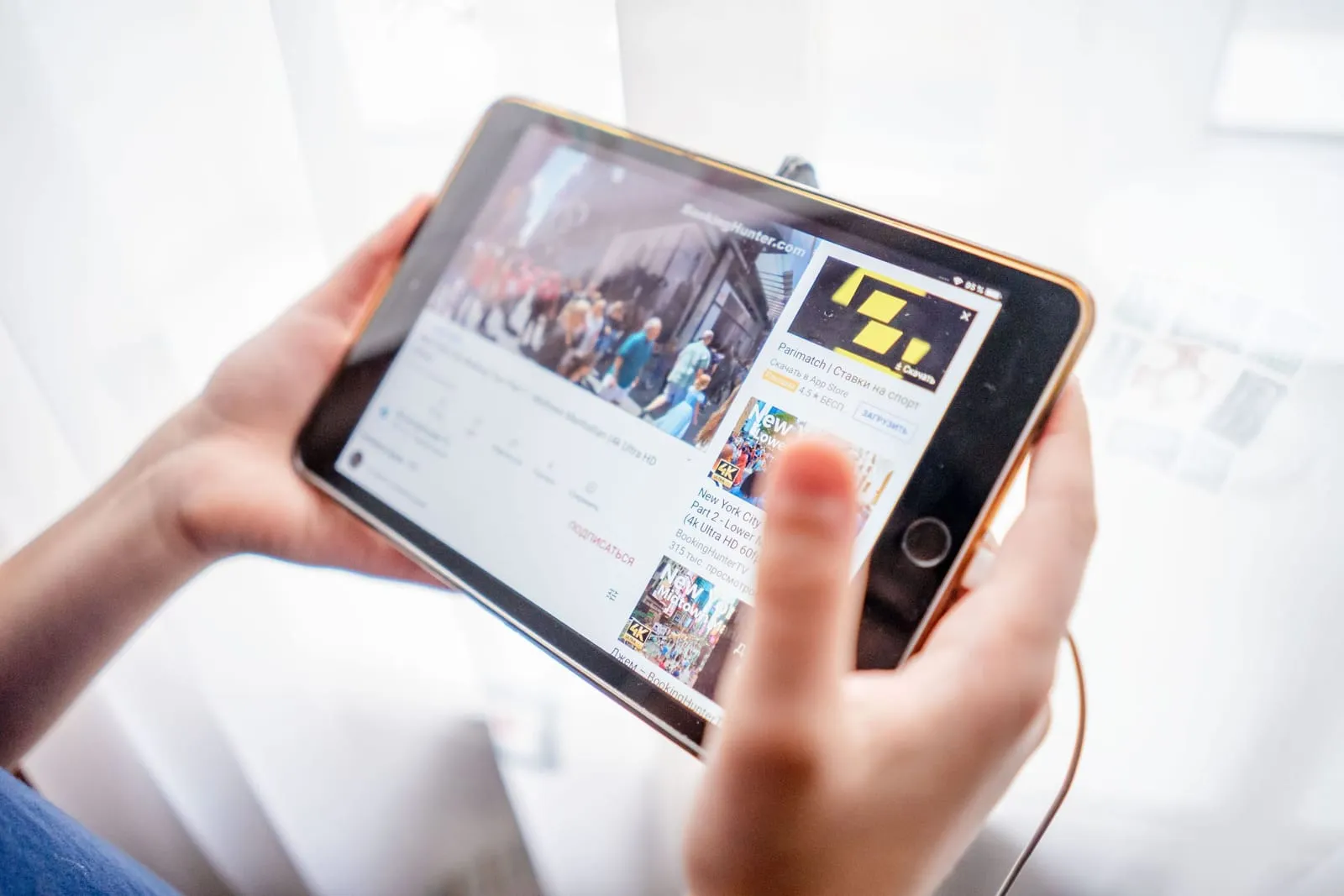
  3. Two hands hold a tablet and scroll through a page of photos, against a bright white background.

    Step 3 · Deliver

    The right apps on every device, silently

    Install public, private and web apps from managed Google Play, App Store apps through Apple Business, your own .ipa, .pkg and .msi files, and Mac apps from the macOS App Catalog that Applivery keeps up to date. Make an app required before setup finishes, install it for everyone, or leave it available in the self-service portal, and set its configuration from the console.

    • Managed Google Play, Apple Business and Microsoft Store
    • Your own .ipa, .pkg, .msi and .msix files
    • Required for setup, installed for all or on demand
    More about App Management
  4. A warehouse worker with glasses and a high-visibility vest checks a tablet between shelves stacked with pallets.

    Step 4 · Run

    Keep the fleet running around the business

    Let Android devices update only inside a maintenance window, postpone updates for up to 30 days or freeze them during your busiest season, and schedule Apple updates for when nobody is working. Lock shared and dedicated devices into kiosk mode, configure Zebra and Bluebird terminals through OEMConfig, and add or remove eSIM profiles remotely on Android 15.

    • Maintenance windows and freeze periods on Android
    • Kiosk mode on Android, iPhone, iPad and Windows
    • Zebra and Bluebird OEMConfig, eSIM on Android 15
    More about Kiosk Mode
  5. Two colleagues stand by a glass wall looking at a laptop together, one pointing at the screen.

    Step 5 · Renew

    Every device back to a known state

    Keep managed and non-managed assets in one inventory, with purchase date, warranty and expected lifespan. When someone leaves, deactivate them in Okta or Entra ID and let Applivery unassign their devices or change their policy. Return an iPhone or iPad to service with its Wi-Fi ready for the next user, release a personally used COPE device, and move Apple devices from another MDM without starting over.

    • Inventory with warranty and lifespan, CSV import
    • Offboarding triggered from SCIM
    • Return to Service and migration from another MDM
    More about Unified Endpoint Management

On every platform

What your operations team can do, system by system

Each operating system allows different things. This is what Applivery lets your team do on each one, as our documentation states it.

TaskAndroidAOSPiPhone & iPadMacWindows
Zero-touch enrollmentAvailableZero-Touch, KnoxPartlyQR codeAvailableApple BusinessAvailableApple BusinessAvailableAutopilot, Entra ID
Bulk enrollment by employeeAvailableAvailableAvailableAvailableAvailable
Silent app installationAvailableAvailableAvailableSupervised devicesAvailableAvailable
OS update schedulingAvailableWindows and freezesAvailableWindows and freezesAvailableSupervised devicesAvailableNot available
Kiosk modeAvailableSingle or multi-appAvailableSingle or multi-appAvailableSupervised devicesNot availableAvailableMulti-app
Rugged and OEM settingsAvailableZebra, Bluebird, SamsungAvailableZebra, Bluebird, SamsungNot availableNot availableNot available
eSIM provisioningAvailableAndroid 15+Not availableNot availableNot availableNot available
Migration from another MDMNot availableNot availableAvailableiOS 26AvailablemacOS 26Not available

Applivery Intelligence

Run the fleet by asking

Ask for a chart and pin it to a dashboard, or turn a routine into a workflow that runs on a schedule, on an alert or when another tool calls it. Applivery Intelligence works with your own role, never more.

  • Dashboards refreshed every 5 minutes, with alerts
  • Workflows with approval steps, Slack and email (Max and Ultra plans)
  • Every action in the audit log, under your name
Discover Applivery Intelligence

Customer story

From days to minutes, for every new device

How Octopus Energy’s TechOps team automated onboarding and offboarding for nearly 4,000 Android devices.

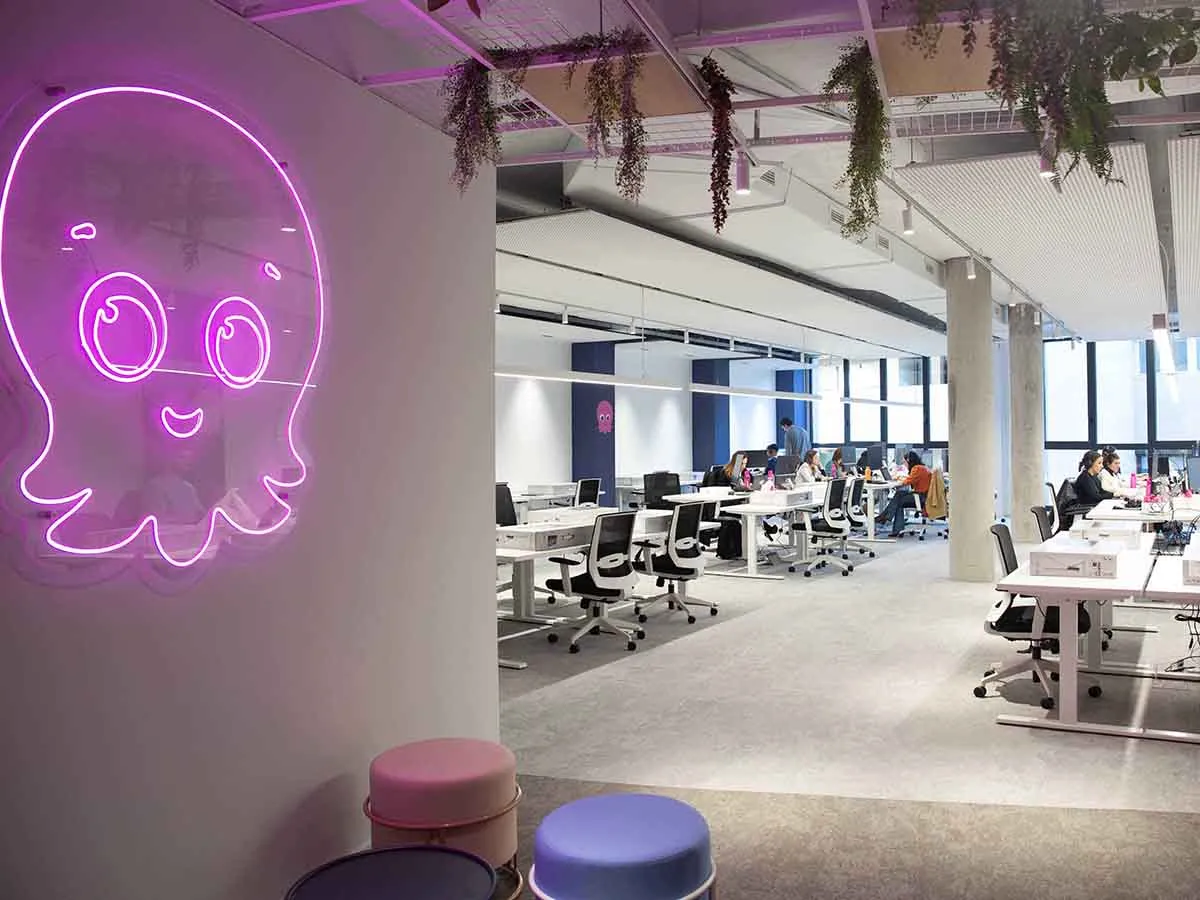
An Octopus Energy office: a pink neon octopus on the wall and rows of desks with people at their screens.

Customer story · Energy and technology · London, UK

Octopus Energy onboards its employees’ Android devices in minutes, not days

Its TechOps team had no view of nearly 4,000 devices and no way to lock or erase them when someone left. With Zero-Touch, devices now ship straight to employees, who switch them on, sign in and start working, while SCIM with Okta keeps the user accounts in step.

Android devices
4,000+
employees
9,000+
countries
9
Read the story: Octopus Energy

Other teams

One platform, for every IT team

Helpdesk, security, development and workplace teams work on the same devices as your operations team. See what Applivery does for each of them.

  • G2 High Performer EMEA, Winter 2026
  • G2 Best Support, Winter 2026
  • G2 Easiest To Do Business With, Winter 2026
  • G2 Momentum Leader, Winter 2026

A trusted name in the industry

Recognition from leading platforms for our performance, security, and support validates our commitment to engineering a best-in-class solution.

Your next rollout, without the boxes on IT’s desk

See your own devices enroll, configure and update themselves in a demo, or start a free trial today.

  • 14-day free trial
  • No credit card required

Frequently asked questions

Can Applivery enroll devices without IT touching them?

Yes. Apple devices enroll through Apple Business, Android devices through Zero-Touch or Samsung Knox Mobile Enrollment, and Windows PCs through Autopilot or Entra ID, straight from the box. Devices without Google services (AOSP) enroll by scanning a QR code at first boot.

How do we give each site or team its own configuration?

With rules. Smart Enrollment assigns a policy, segment and tags as each device enrolls, Automation Rules give every device the right policy when it matches an audience, and several policies can be stacked on one device by priority. Segments split the fleet by country, site or brand, each with its own administrators.

Can we keep updates out of business hours?

On Android, updates can install only inside a daily maintenance window, be postponed for up to 30 days or be frozen during set periods. On Apple devices you set how long updates can be deferred and schedule them for a given time, one device or many. Windows update policies aren’t covered by Applivery yet.

What happens to a device when someone leaves?

If you connect Okta or Entra ID through SCIM, deactivating the person can unassign their devices, change their policy or remove them. An iPhone or iPad can be returned to service ready for its next user, a COPE device can be released to its user, and Windows PCs can be wiped.

Can we switch from our current MDM without wiping devices?

For Apple devices, yes: with Apple Business you can move iPhone, iPad and Mac on iOS, iPadOS and macOS 26 to Applivery with a deadline of up to 90 days, and iPhones and iPads keep their apps and data. Android and Windows devices enroll again.

Can Applivery connect to our other tools?

Yes. The REST API, with service accounts, covers devices, policies and enrollment. Webhooks and Slack notify enrollments, employee assignments, expiring Apple certificates and inventory changes, and the Applivery MCP server lets assistants such as Claude or ChatGPT work with your fleet.