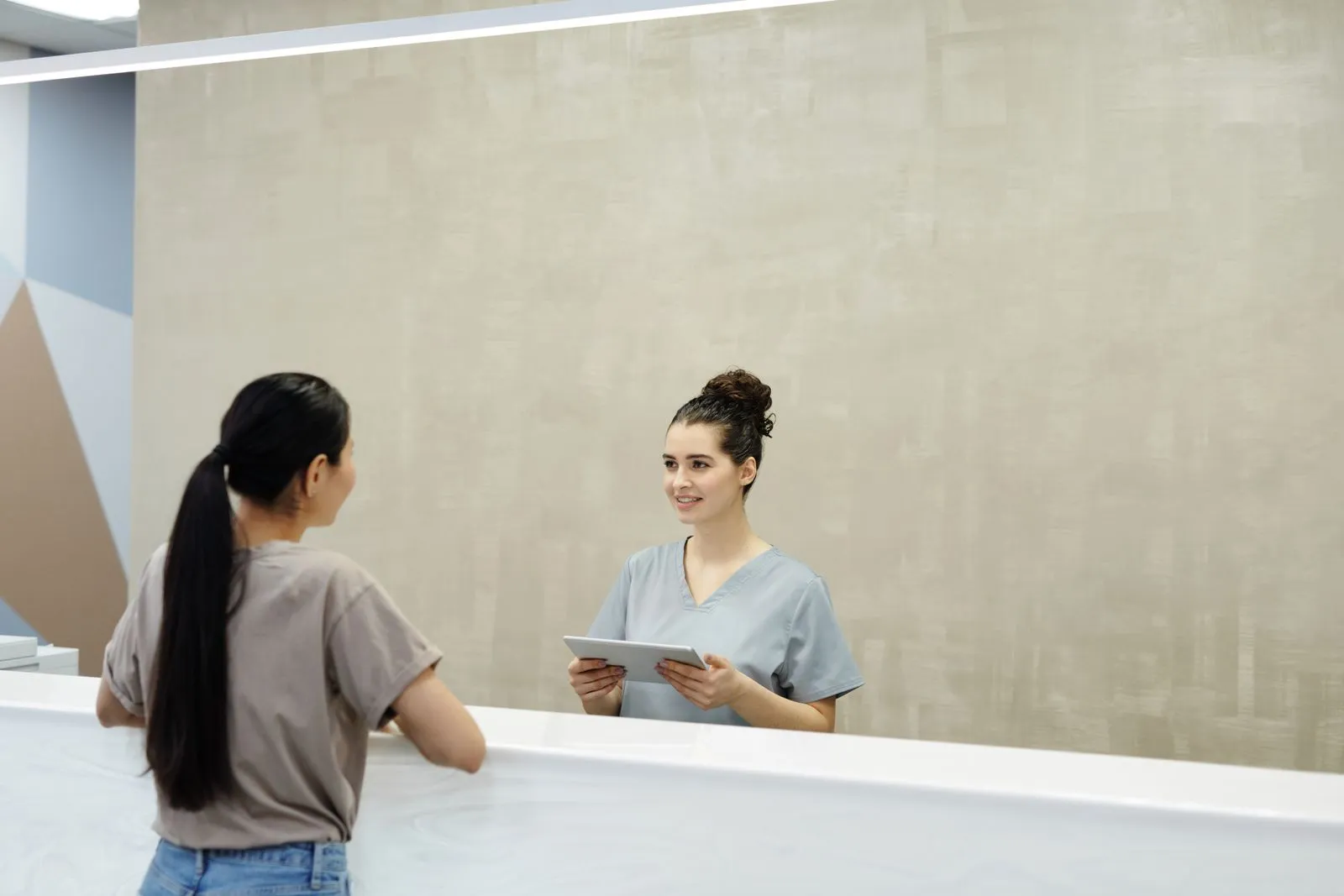
Enroll, secure and support every clinical tablet, nurse’s phone, patient kiosk and workstation on wheels across your hospitals, clinics and home care teams, from one European cloud console certified to ENS High.
Care runs on devices, and every one holds patient data
Wards, emergency departments, health centres and home visits depend on tablets, phones and workstations that show clinical records, around the clock, in the hands of many people.
Patient data on every screen
Clinical records, test results and patient photos travel on devices that move between wards, get left on a cart or go missing.
Devices passed between shifts
The same tablet goes from one nurse to the next, day and night, and an unlocked screen shows whatever the last person left open.
Every kind of device
Workstations on wheels, staff phones, patient tablets, diagnostic equipment and office laptops, across hospitals, health centres and homes.
Care that can’t wait
A device that is updating, locked or missing an app when a patient needs attention costs time that care can’t spare.
For everyone in care
One platform, from IT to the bedside
IT manages the whole health network, clinical staff get devices that are ready and lock themselves, and patients use tablets that do one thing.
For hospital IT teams
The whole health network from one console
Enroll new devices without touching them, split the fleet by hospital, health centre or service, and see the compliance of every device at a glance.
Zero-touch enrollment on Apple, Android and Windows
Segments and custom roles for each centre’s admins
Compliance checks and enforcement rules
For doctors and nurses
Devices that are ready, and lock themselves
Clinical apps installed and up to date on every device, screens that lock when left on a cart, and staff’s own phones kept apart from work data.
Clinical apps installed silently from managed Google Play or your own store
Auto-lock after inactivity, notifications hidden on the lock screen
Work profile and User Enrollment (private beta) on staff’s own phones
For patients and visitors
Tablets that do one thing
Check-in, surveys and bedside entertainment on tablets locked to the apps you choose, with settings, cameras and hardware buttons out of reach.
Single-app and multi-app kiosk on Android, App Lock on iPad
Advanced Launcher with your hospital’s branding
Restrictions on cameras, screenshots and settings
How Applivery helps
Every device in your health network, managed the same way
From the delivery box to the ward, the waiting room and the patient’s home: the same policies and the same protection on Apple, Android and Windows.
64 devices enrolled · policies applied
New devices on the ward, ready at first boot
Ship tablets, phones and laptops straight to the hospital or health centre. They enroll on their own at first boot and arrive with clinical apps, Wi-Fi, VPN and certificates before anyone signs in.
Apple Automated Device Enrollment, Android Zero-Touch and Samsung Knox Mobile Enrollment
Windows enrollment with Entra ID
Smart Enrollment rules by centre, service or device type
Encrypt every device, enforce passcodes and make screens lock after a short idle time without showing what a notification says. Clinical systems are reached through per-app VPN, and enforcement rules block a device that drifts out of policy.
FileVault, BitLocker and Android encryption, with recovery key escrow
Auto-lock after inactivity and notifications hidden on the lock screen
Per-app VPN, compliance checks and enforcement rules that block and wipe
Turn tablets into check-in points, satisfaction surveys or bedside entertainment that only run the apps and websites you choose, with settings and hardware buttons out of reach.
Single-app and multi-app kiosk on Android, App Lock on iPad
Manage workstations on wheels, shared PCs at the nursing station and diagnostic equipment as dedicated devices: the apps they need and nothing else, with updates outside clinical hours.
Multi-app kiosk on Windows for shared workstations
Dedicated Android devices, with Zebra OEMConfig and Samsung Knox
Scheduled OS updates, update windows and freeze periods
Give caregivers and visiting nurses phones and tablets with the apps they need. If one is left in a car or a patient’s home, find it, lock it with a message on screen or wipe it.
Apps installed silently from managed Google Play or your own store
Lost Mode with a message on screen, and device location on Android
Remote lock and wipe when a device won’t come back
Help a nurse on the night shift or a doctor in a health centre across the region without travelling: check the device, run a command or take control of the screen.
Applivery holds the certifications health services ask of their technology suppliers, and gives you the device controls the rules you answer to expect.
What Applivery holds
ENS High
Certified to Spain’s National Security Framework (Royal Decree 311/2022) in the High category, the level public health services ask of their technology suppliers, by an ENAC-accredited body.
The channel between managed Apple devices and Applivery uses hybrid X25519MLKEM768 key exchange over TLS 1.3, against “harvest now, decrypt later” attacks.
Encryption, auto-lock, Lost Mode, selective wipe and remote wipe protect patient data on shared, lost or personal devices.
ENSPublic health services
An inventory of every device, secure configuration, scheduled updates, encryption and restricted admin access, with compliance status you can report on.
NIS2Essential sector: healthcare providers
Encryption, passcodes and patching enforced across the fleet, devices at risk identified, and lost devices locked or wiped remotely.
HIPAAUS covered entities
Encryption, automatic lock after inactivity, remote wipe and a device inventory: the device safeguards the Security Rule expects for patient data.
Applivery’s certifications cover Applivery’s own systems, and HIPAA has no certification of its own. Your compliance with each framework is assessed on your organization; Applivery provides the device controls and the evidence they ask for.
A trusted name in the industry
Recognition from leading platforms for our performance, security, and support validates our commitment to engineering a best-in-class solution.
Protect every device that touches patient care
See Applivery with your own wards, health centres and home care teams in a demo, or start a free trial today.
MDM for healthcare is software that lets a hospital’s or clinic’s IT team enroll, configure, secure and support every tablet, phone, workstation and patient kiosk from one console. It encrypts devices and locks them when left idle, installs clinical apps, locks patient tablets to one task and protects patient data if a device is lost.
How does Applivery protect patient data on shared devices?
Every device is encrypted and protected by a passcode. On Android you can force the device to lock after a period of inactivity and hide notifications on the lock screen, so a tablet left on a cart shows nothing. Per-app VPN protects access to clinical systems, and enforcement rules block or wipe a device that falls out of policy.
Does Applivery help with HIPAA?
Applivery provides the device safeguards the HIPAA Security Rule expects: encryption, automatic lock after inactivity, remote wipe of lost devices and an inventory of every device. HIPAA compliance is assessed on your organization as a whole; Applivery’s own certifications are ENS High and ISO/IEC 27001:2022, and it complies with the GDPR.
Can patient tablets be locked to one app?
Yes. Single-app kiosk mode keeps an Android tablet in one app, such as check-in or a survey, and the Advanced Launcher shows only the apps you choose, with your hospital’s branding. On iPad, App Lock does the same, and Windows PCs have a multi-app kiosk.
Can doctors and nurses use their own phones?
Yes. On Android, a work profile keeps clinical apps and data apart from personal ones; on iPhone, User Enrollment, in private beta, does the same. IT only manages work data and can remove it without touching personal content.
Can Applivery manage carts, workstations and diagnostic equipment?
Yes. Shared Windows workstations run as multi-app kiosks, and Android-based equipment runs as dedicated devices, with Zebra OEMConfig and the Samsung Knox Service Plugin for manufacturer settings. OS updates can be scheduled outside clinical hours.
What happens if a device with patient data is lost?
Put it in Lost Mode with a message for whoever finds it, see its location if it is an Android device with the Applivery Agent, and lock or wipe it remotely if it won’t come back.
Is Applivery suitable for public health services in Spain?
Yes. Applivery is certified to the National Security Framework (ENS) in the High category and to ISO/IEC 27001:2022, complies with the GDPR and stores customer data in Madrid, Spain.
We value your privacy
We use cookies to enhance your browsing experience, analyze our traffic and measure our campaigns. Click "Accept All" to consent to their use, "Reject All" to use only the necessary ones, or "Customize" to choose.Cookie Policy