Keep every rugged terminal, line station and shared tablet ready for the next shift, in every plant, from one European cloud console certified to ENS High.
The line runs on devices, and it can’t stop for them
Rugged terminals, line stations and shared tablets keep production, quality and the warehouse moving, in plants spread across several countries.
Rugged devices from several makers
Zebra, Samsung and Android builds without Google services, each with its own settings, firmware and tools.
No downtime for an update
An update or a reboot in the middle of a shift stops a line. Changes have to wait for the maintenance window.
Devices shared on every shift
The same terminal passes through three shifts a day, and every operator needs the same apps, ready to work.
Many plants, a lean IT team
Plants in several countries, few people in IT and no one to send to the shop floor every time a device fails.
For every team
One platform, from the IT office to the shop floor
IT and OT, the operators on the line and the warehouse and maintenance teams, with the same console and the same policies.
For IT and OT teams
Every plant from one console
Apply one policy to every plant, give each plant or country its own space and see which devices are out of policy before a shift starts.
Workspaces and segments by plant, line or country
Compliance checks with automatic enforcement rules
Custom roles for each plant’s IT or OT team
For operators on the line
Devices locked to their task
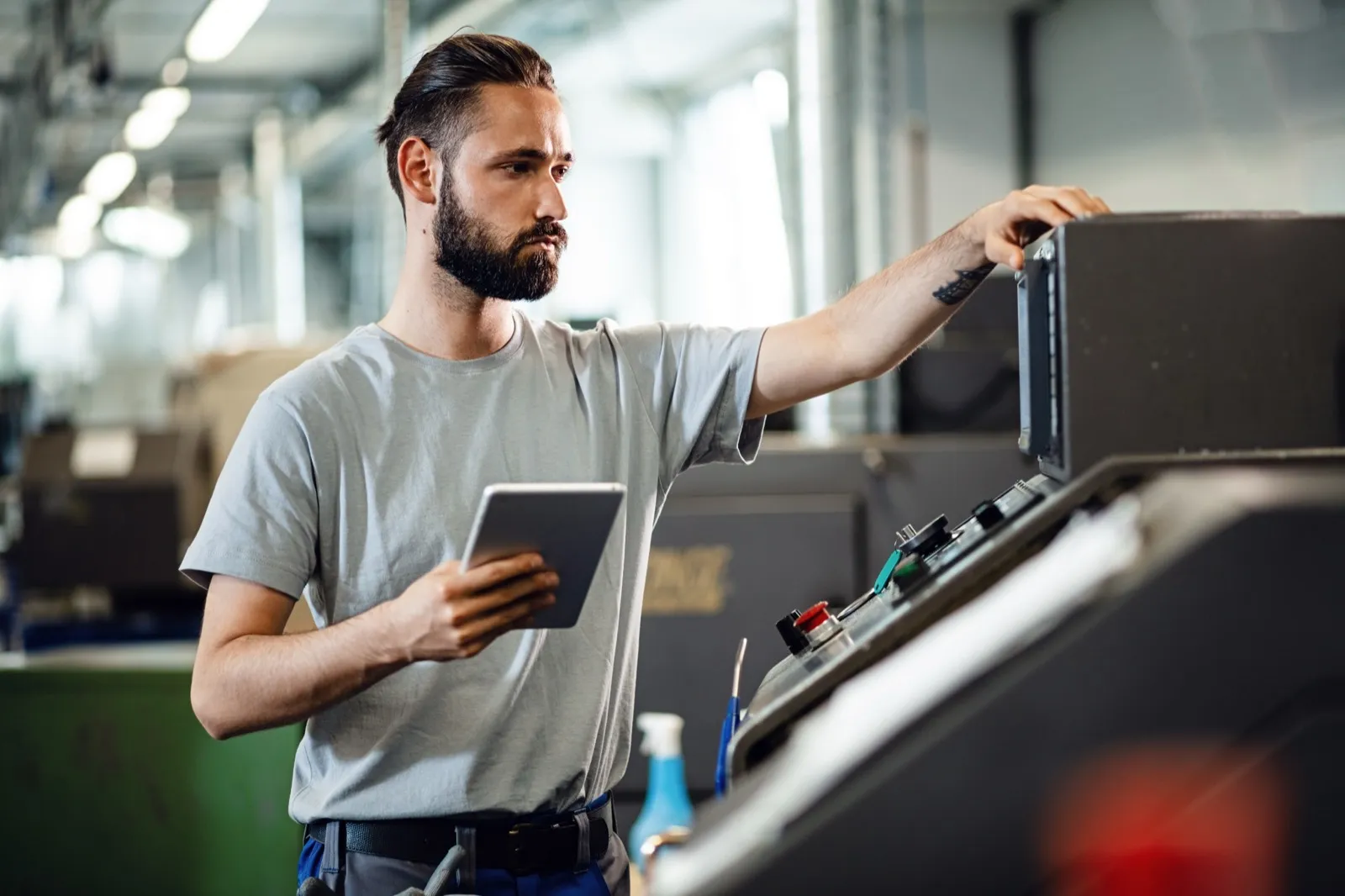
Give operators terminals and tablets that open only the apps for production and quality, and keep the settings for the technician.
Kiosk with one app or a set of approved apps
Settings protected by password for technicians
The line or device name on the launcher’s header
For warehouse and maintenance
Rugged terminals, always configured
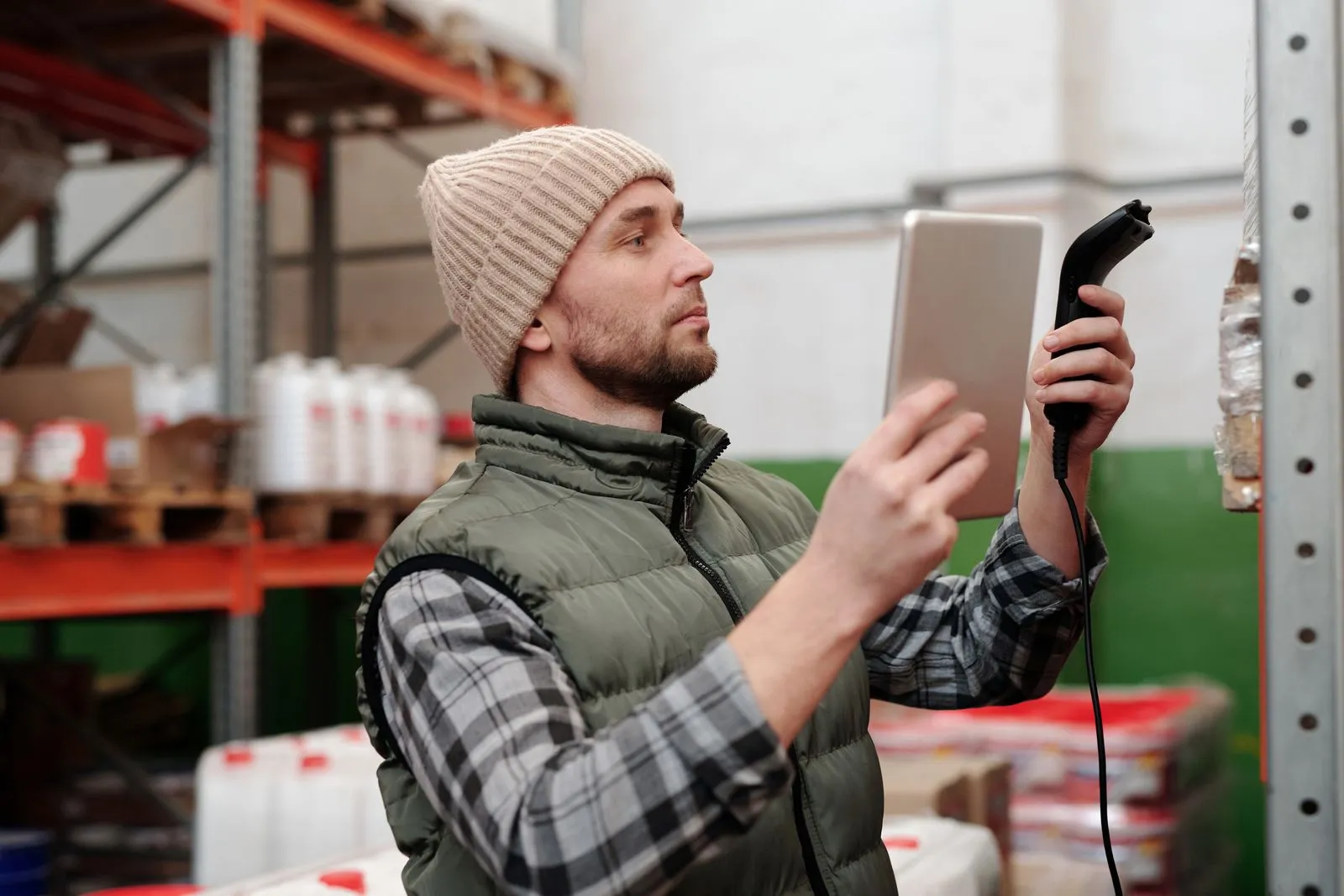
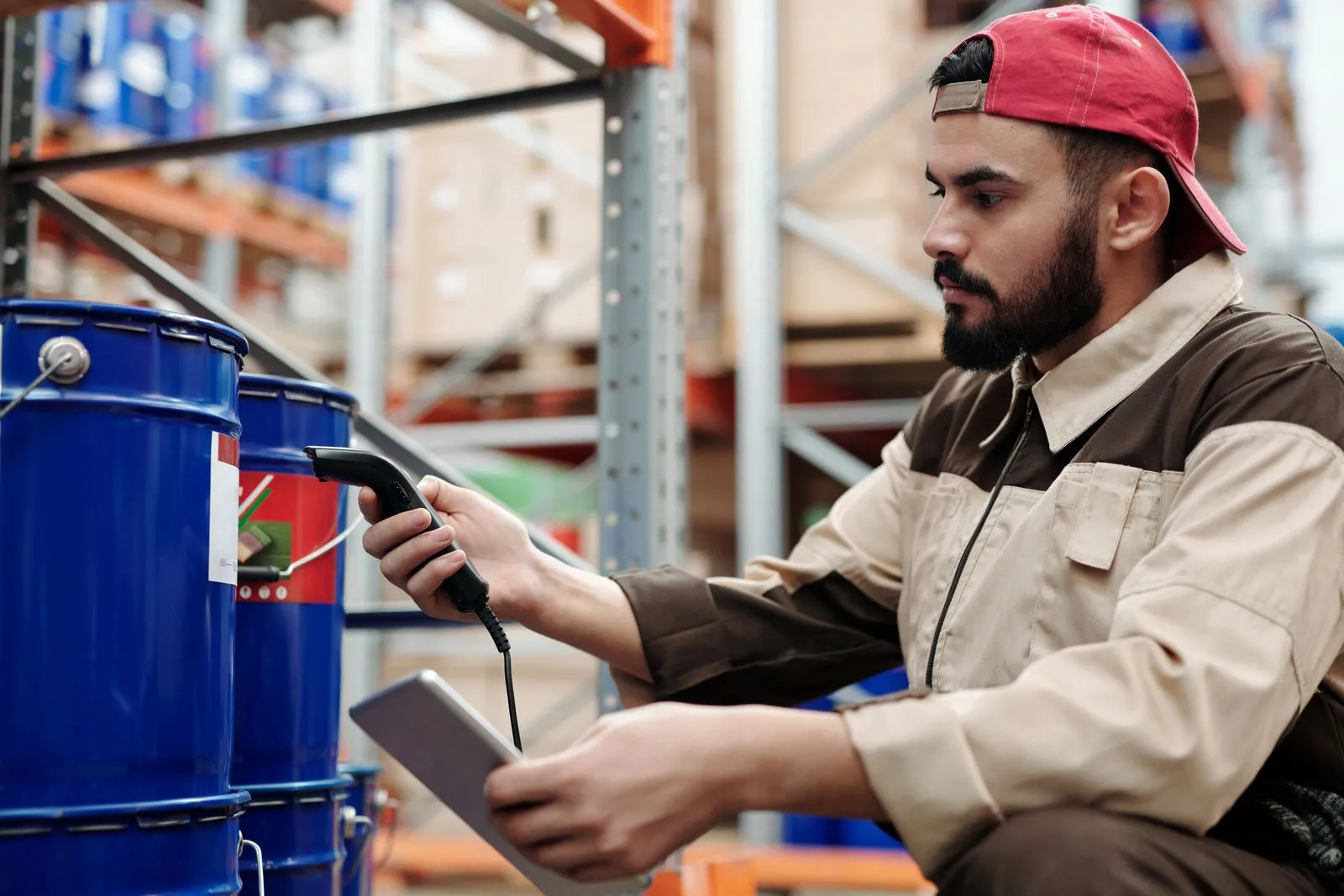
Configure scanners for the warehouse and maintenance from the console, keep their firmware current and help staff remotely without going to the plant.
Zebra OEMConfig and Samsung Knox Service Plugin
Firmware updates deployed remotely
Remote control on Android and Windows
How Applivery helps
Every device on the shop floor, ready for the next shift
Rugged terminals, line stations, shared tablets and Android devices without Google services: the same policies and the same view of every plant.
Zebra fleet · firmware current
Zebra terminals configured and updated remotely
Set up Zebra devices from the console, from Wi-Fi and mobile data to RFID and NFC, and push firmware updates that download and install silently. Hold the reboot until the end of the shift if you need to.
Zebra OEMConfig: Bluetooth, WLAN, WWAN, NFC and RFID settings
Firmware updates installed silently, reboot held if needed
Manage rugged terminals, industrial handhelds and panels whose Android build has no Google services, from the same console. The Applivery agent applies your policies, and apps install silently without Google Play.
Apps installed and updated silently through the Applivery Self-Service
Enterprise Wi-Fi, certificates and Always-On VPN
Provisioning by QR code or built into the factory image
Turn tablets and PCs at each station into terminals that only run the apps for production, quality or maintenance. Operators can’t change the configuration; technicians get into Settings with a password.
Single-app and multi-app kiosk on Android
Multi-app kiosk on Windows
Password-protected Settings and screen on while plugged in
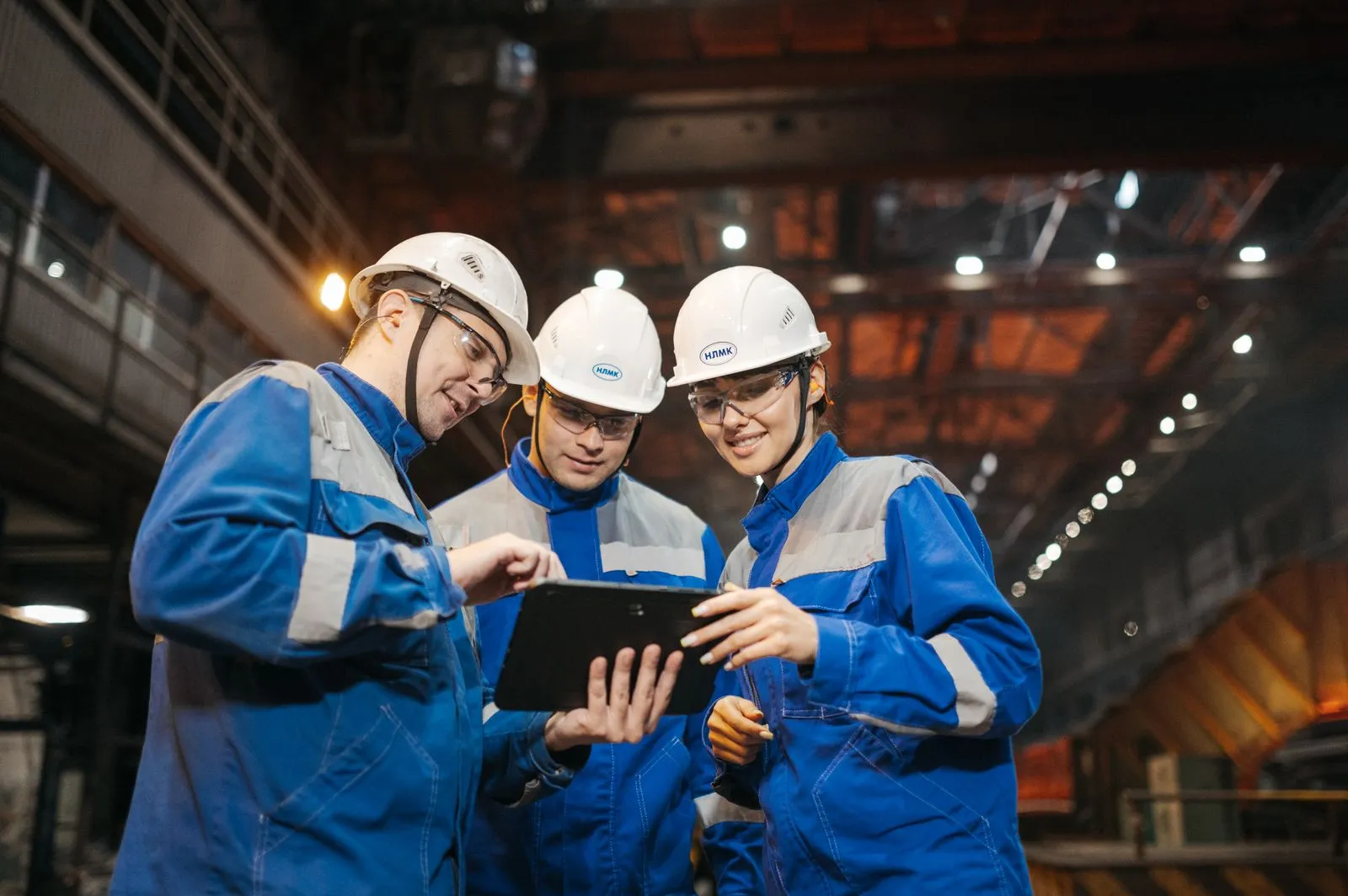
Share terminals and tablets between shifts with only the approved apps on screen, and show on each one which line or station it belongs to. On iPad, each person signs in to their own session.
Launcher with the approved apps for shared devices
Install OS and app updates on Android devices only in the daily window you set, outside production hours, and freeze them over the months of a launch or an audit. Nothing reboots in the middle of a shift.
Daily maintenance window for OS and app updates
Freeze periods and updates postponed up to 30 days
The same update controls on devices without Google services
Ship terminals, tablets and laptops straight to each plant. They enroll on their own at first boot and arrive with the plant’s policies, apps, Wi-Fi and certificates.
Android Zero-Touch, Samsung Knox Mobile Enrollment and Apple Automated Device Enrollment
Applivery holds the certifications manufacturers and their customers ask of their technology suppliers, and gives you the device controls the frameworks you answer to expect.
What Applivery holds
ENS High
Certified to Spain’s National Security Framework (Royal Decree 311/2022) in the High category, the level the public sector asks of its technology suppliers, by an ENAC-accredited body.
The channel between managed Apple devices and Applivery uses hybrid X25519MLKEM768 key exchange over TLS 1.3, against “harvest now, decrypt later” attacks.
The ISO 27001 and ENS High certificates security questionnaires ask for, with the documentation available in the Trust Center.
Applivery’s certifications cover Applivery’s own systems, and Applivery manages endpoints, not industrial control systems. Your compliance with each framework is assessed on your organization; Applivery provides the device controls and the evidence they ask for.
A trusted name in the industry
Recognition from leading platforms for our performance, security, and support validates our commitment to engineering a best-in-class solution.
Keep every line running
See Applivery with your own rugged terminals, line stations and shared devices in a demo, or start a free trial today.
MDM for manufacturing is software that lets a manufacturer enroll, configure, secure and support every rugged terminal, line station, shared tablet and laptop in its plants from one console. It locks devices to the apps each task needs, updates them only in the maintenance window and shows the state of every plant.
Can Applivery manage Zebra rugged devices?
Yes. Applivery configures Zebra devices with Zebra OEMConfig, from Wi-Fi, mobile data and Bluetooth to RFID and NFC, and deploys firmware updates that download and install silently, with the reboot held until you choose. Devices on Android 10 or earlier use the legacy Zebra OEMConfig app.
Can Applivery manage Android devices without Google services?
Yes. On AOSP and other Android builds without Google Mobile Services, the Applivery agent runs as device owner and applies your policies: kiosk mode, passcodes, Wi-Fi and certificates, Always-On VPN and silent app installs through the Applivery Self-Service, with no Google account or Google Play. Devices enroll by QR code or from the factory image.
Can updates wait for our maintenance window?
Yes. An Android policy can install OS updates, and app updates from Google Play, only in a daily window you set, such as 02:00 to 05:00. You can also postpone updates up to 30 days or freeze them for periods of at least 60 days.
Can several shifts share the same devices?
Yes. On Android, a launcher shows each shift only the approved apps and can display the line or device name, with Settings protected by password. On iPad, Shared iPad gives each person their own session.
Can Applivery manage the Windows PCs on the line?
Yes. Applivery enrolls and manages Windows devices, installs and updates their apps and can run them as multi-app kiosks that only open the applications you choose. IT can take remote control to help operators.
Where is the data stored?
Customer data is stored in Madrid, Spain. Applivery is a European company and complies with the GDPR.
We value your privacy
We use cookies to enhance your browsing experience, analyze our traffic and measure our campaigns. Click "Accept All" to consent to their use, "Reject All" to use only the necessary ones, or "Customize" to choose.Cookie Policy