



Airlines & Aviation

Device management for airlines and airports

Keep every Electronic Flight Bag, crew iPad, gate scanner and check-in kiosk ready for departure, from one European cloud console certified to ENS High.

  • iPadOS updates held until you validate them
  • Manuals and apps current on every EFB
  • Shared iPads across crews and shifts
  • Certified to ENS High and ISO 27001

Trusted by

  • BMW
  • Mercedes-Benz
  • Snapchat
  • Supercell
  • Scopely
  • McDonald's
  • Goiko
  • Netflix
  • Starbucks
  • BNP Paribas
  • Lloyds Bank
  • Banco Sabadell
  • Danske Bank

The challenge

Every flight depends on a device, and none can fail at the gate

Pilots fly with iPads instead of paper, crews sell and report on tablets, and gates and ramps run on scanners and kiosks spread across airports in several countries.

  • EFBs that must be ready

    A flight bag that is out of date, out of battery or out of policy can hold a departure. Every iPad has to match what your EFB procedures approve.

  • Updates you validate first

    A new iPadOS version or app release can’t reach the cockpit until it has been tested, so updates must wait for your go-ahead.

  • Devices shared across shifts

    Crews rotate, and gate and ramp devices pass from hand to hand on every shift, each one with its own access and data.

  • Passenger data at every gate

    Boarding, check-in and onboard sales handle passengers’ personal data on devices spread across airports.

For every team

One platform, from the cockpit to the ramp

Flight operations, cabin crew and airport teams manage their devices with the same console and the same level of security.

  • For pilots and flight operations

    Electronic Flight Bags you control

    Keep every EFB iPad on the iPadOS version and the apps you have validated, with the manuals and charts of the day, wherever the aircraft is.

    • Major and minor iPadOS updates deferred, then scheduled
    • PDF and EPUB manuals pushed by policy
    • Apps licensed through Apple Business and installed silently
  • For cabin crew

    Crew devices, ready for every rotation

    Give crews iPhones and iPads with the apps for briefings, reports and onboard sales, and share iPads between crews with a session for each person.

    • Shared iPad with policies for each user
    • Encryption, passcode and remote wipe
    • Work and personal data kept apart on crews’ own phones
  • For ground and airport staff

    Gates, ramps and counters that keep moving

    Lock check-in kiosks and gate tablets to their task, configure rugged scanners for the ramp and help staff remotely without leaving the office.

    • Kiosk mode on iPad, Android and Windows
    • Zebra OEMConfig and Samsung Knox for rugged devices
    • Remote control on Android and Windows

How Applivery helps

Every device in the operation, ready before departure

From the cockpit to the cabin, the gate and the ramp: the same policies and the same view of every device on Apple, Android and Windows.

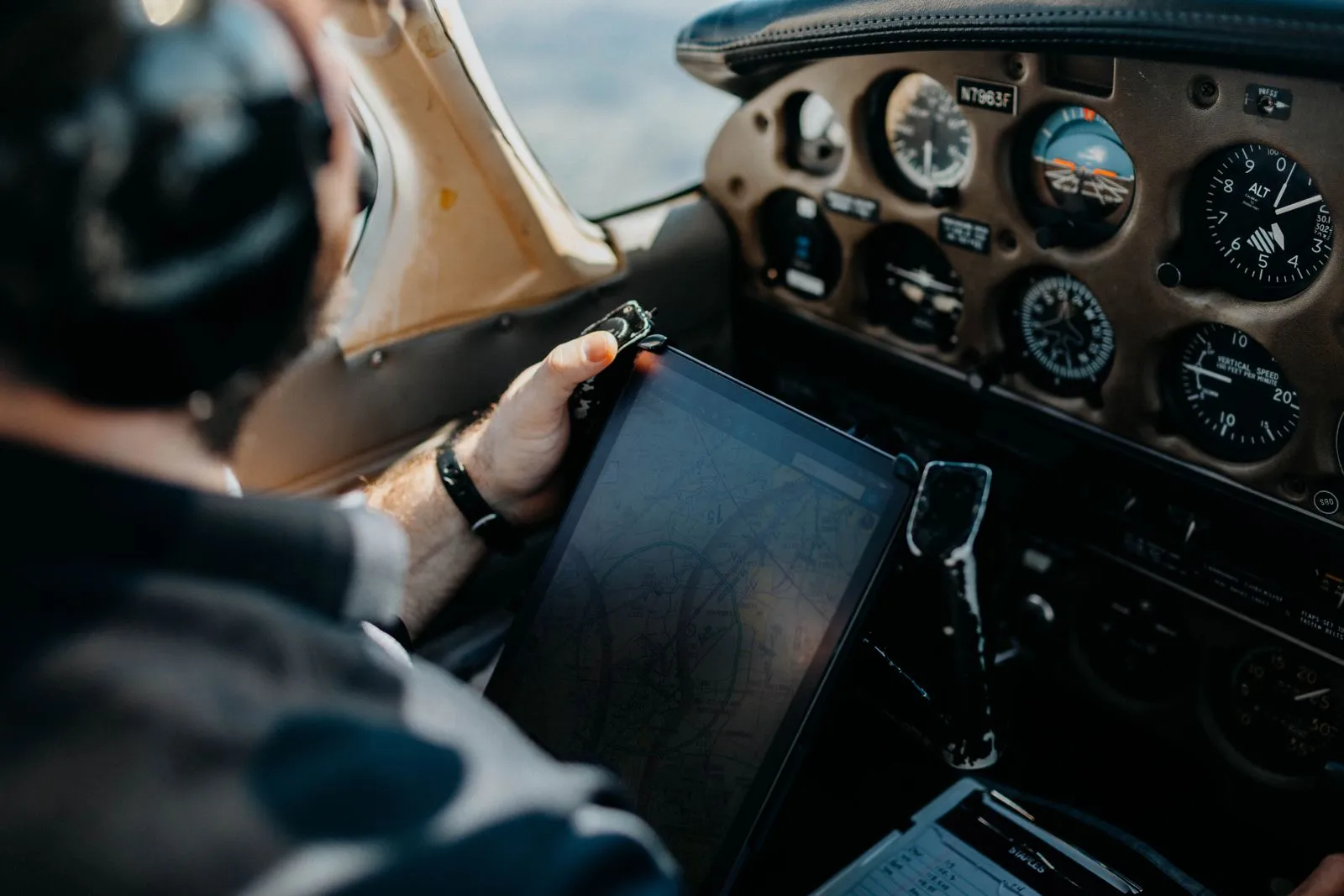
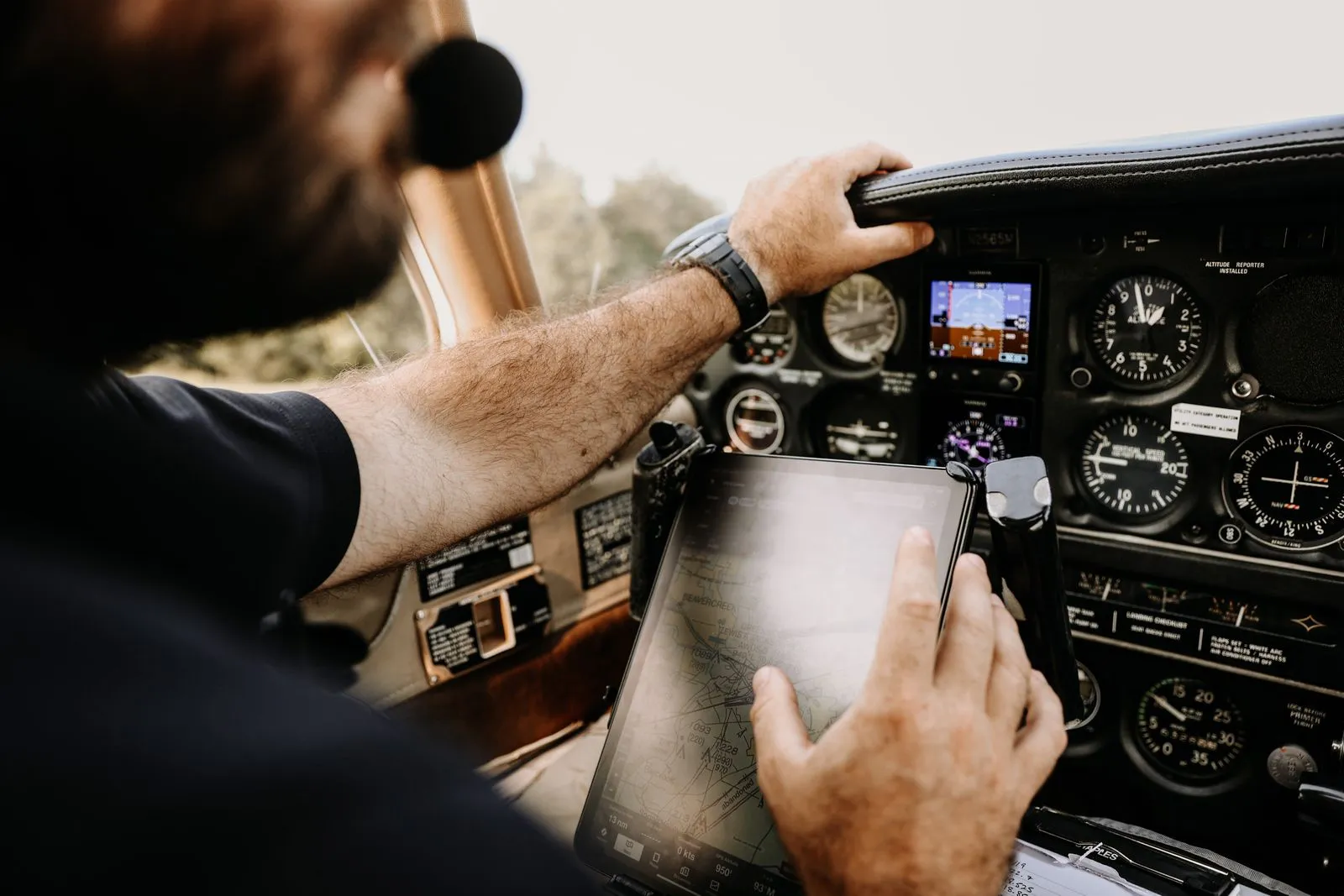
A pilot holds a tablet showing a navigation chart in front of the instrument panel of a small aircraft.

Electronic Flight Bags under control

Hold iPadOS updates until your team has validated them, then schedule them across the fleet. See the health and compliance of every EFB in real time, wherever it is.

  • Major and minor iPadOS updates deferred for the days you set
  • Updates scheduled in bulk on supervised iPads
  • Compliance checks and enforcement rules on every EFB
More about Managed OS Updates
A pilot touches a tablet with aeronautical charts mounted next to the controls in a light aircraft cockpit.

Manuals and apps, always the current version

Push operations manuals, checklists and charts to every iPad as PDF or EPUB, and install the flight apps your crews need silently, with licences managed from Apple Business.

  • PDF and EPUB documents deployed to each device or by policy
  • Apps from Apple Business (VPP) or your own store, installed silently
  • Encryption and passcode to protect what the iPad holds
More about App Management
A flight attendant in a white blouse and red scarf checks her phone in an airport terminal.

Shared iPads for crews that rotate

Share iPads between crews with a separate session and its own policies for each person, and keep crews’ own phones apart: IT manages only the work data and can remove it without touching anything personal.

  • Shared iPad with User Account Policies
  • Work profile on Android and User Enrollment on iPhone (private beta)
  • Lost Mode, remote lock and remote wipe
More about BYOD
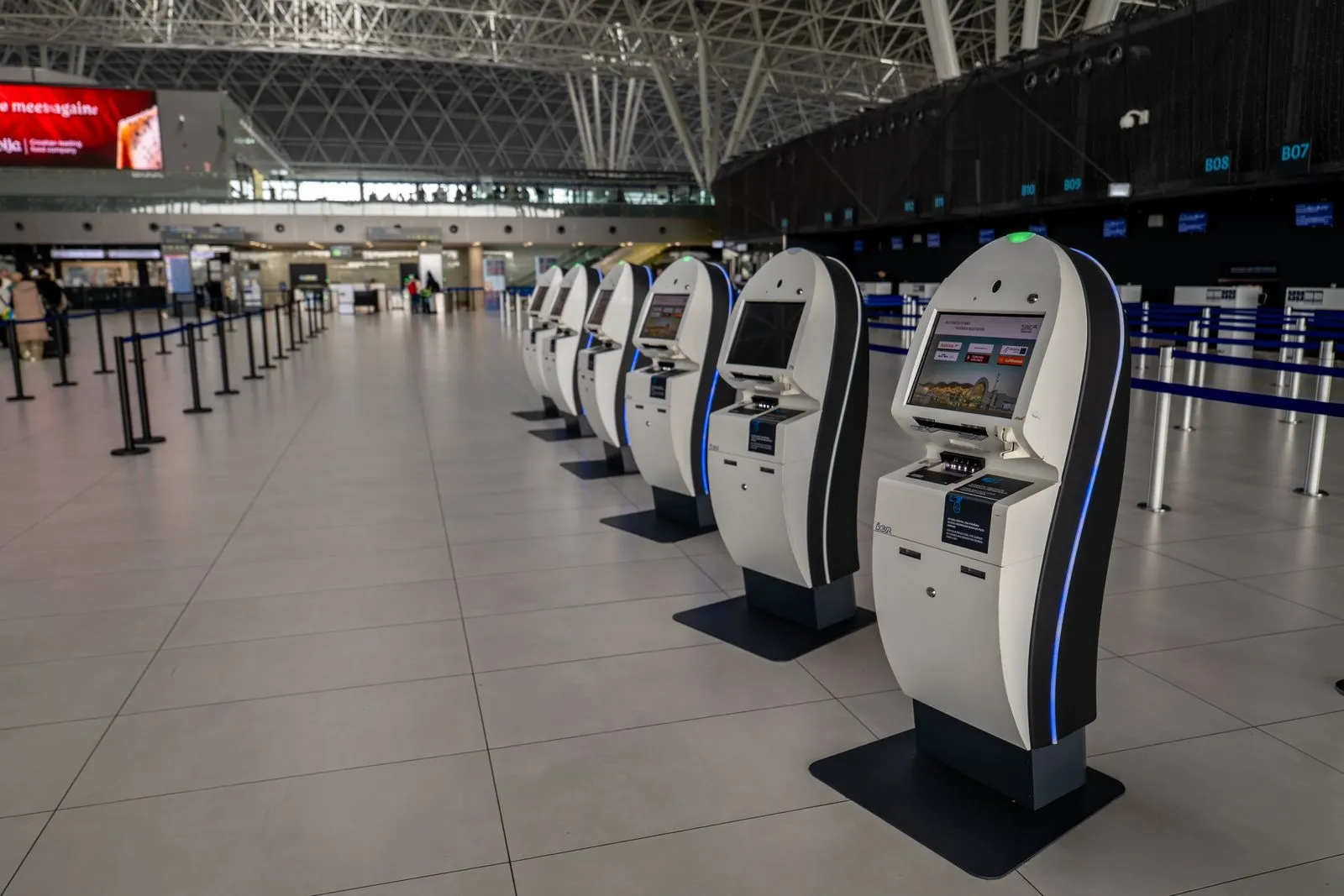
A row of self-service check-in kiosks in an empty airport terminal.

Check-in, boarding and sales devices locked to one task

Turn tablets and PCs into check-in kiosks, boarding scanners or onboard sales terminals that only run the apps you choose, with settings and hardware buttons out of reach.

  • App Lock and Home Screen Layout on iPad
  • Single-app and multi-app kiosk on Android
  • Multi-app kiosk on Windows
More about Kiosk Mode
Two smiling maintenance staff look at a tablet together in a hangar with passenger aircraft behind them.

Rugged devices for the ramp and maintenance

Configure rugged scanners and tablets for baggage, turnarounds and maintenance, keep their apps updated and help staff remotely. If a device goes missing on the apron, find it, lock it or wipe it.

  • Zebra OEMConfig, Samsung Knox Service Plugin and Knox E-FOTA
  • Remote control on Android and Windows
  • Device location on Android, Lost Mode and remote wipe
More about Dedicated Devices
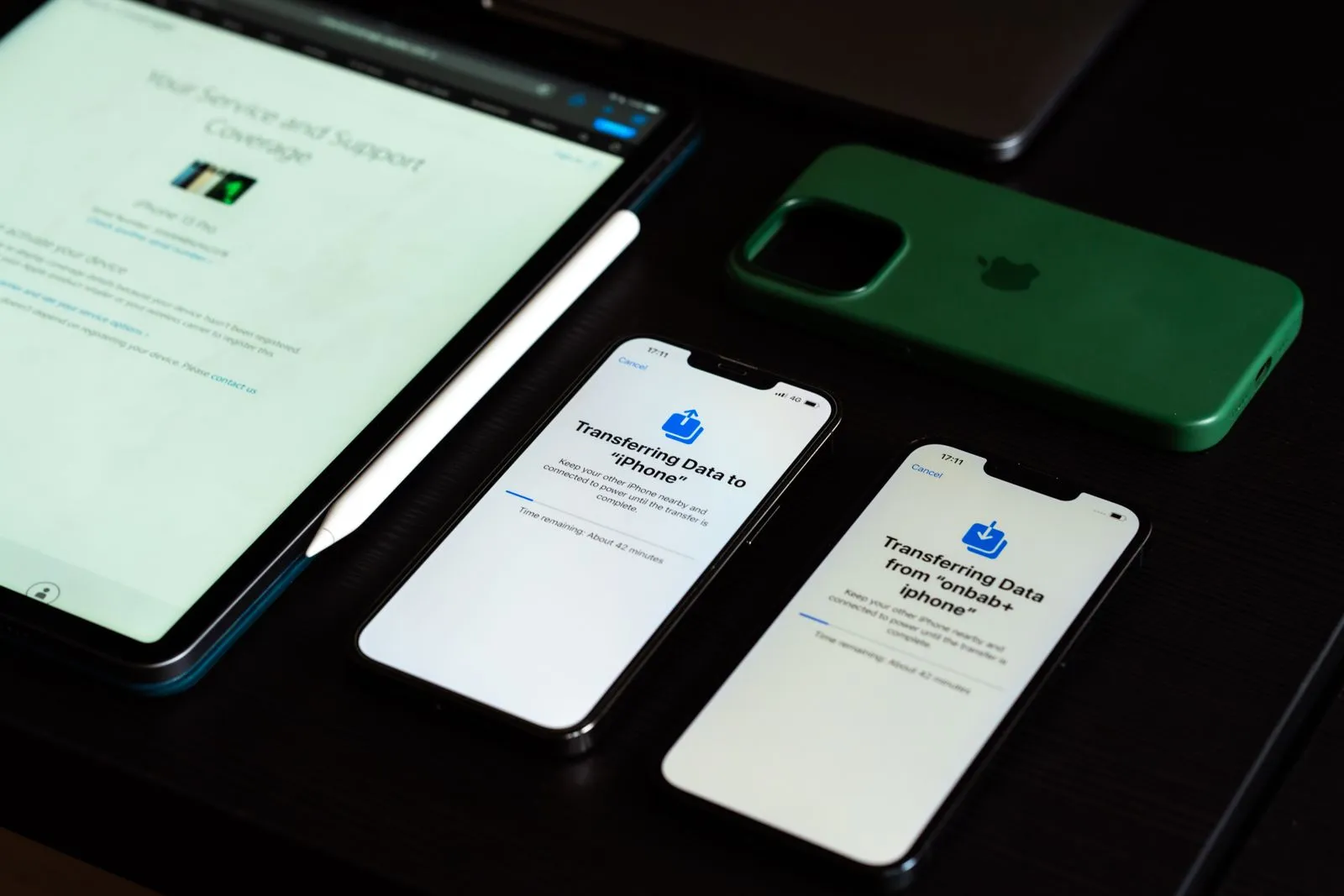
A tablet and two smartphones on a desk showing a device setup and data transfer in progress.

New devices, ready at first boot

Ship iPads, phones and laptops straight to each base. They enroll on their own at first boot and arrive with your policies, apps, Wi-Fi and certificates, supervised and ready for managed updates.

  • Apple Automated Device Enrollment, Android Zero-Touch and Samsung Knox Mobile Enrollment
  • Smart Enrollment rules by base, fleet or role
  • Workspaces, segments and custom roles for each base or country
More about Device Enrollment

Customer story

Airlines already fly with Applivery on board

How an airline moved its whole EFB fleet to Applivery while it kept flying.

A Volaris Airbus in flight above the clouds.

Customer story · Airline · Mexico and the Americas

Volaris moved 1,300 EFB iPads to Applivery without disrupting a single flight

The pilots’ Electronic Flight Bags, spread across several countries, had to change platform before the previous contract expired. Volaris migrated most of them in a few weeks and now sees the health and compliance of every iPad in real time.

EFB iPads
1,300
migrated in weeks
90%
minutes of flight disruption
0
Read the story: Volaris

Security and compliance

Certified to ENS High, with data in Spain

Applivery holds the certifications that large operators ask of their technology suppliers, and gives you the device controls the frameworks you answer to expect.

What Applivery holds

What Applivery helps you meet

NIS2Air transport: airlines and airports
Encryption, passcodes and patching enforced across the fleet, devices at risk identified, and lost devices locked or wiped remotely.
GDPRPassenger and crew data
Encryption, Lost Mode, selective wipe and remote wipe protect personal data on lost, stolen or personal devices.
EFB proceduresYour airline’s approved configuration
iPadOS versions held until validated, apps and documents at the approved versions and restrictions applied by policy, with the status of every EFB to show for it.
TendersPublic operators and procurement
The ENS High and ISO 27001 certificates tenders often require, with the documentation available in the Trust Center.

Applivery’s certifications cover Applivery’s own systems. Your compliance with each framework, and the approval of your EFB, are assessed on your organization; Applivery provides the device controls and the evidence they ask for.

  • G2 High Performer EMEA, Winter 2026
  • G2 Best Support, Winter 2026
  • G2 Easiest To Do Business With, Winter 2026
  • G2 Momentum Leader, Winter 2026

A trusted name in the industry

Recognition from leading platforms for our performance, security, and support validates our commitment to engineering a best-in-class solution.

Get every device ready for departure

See Applivery with your own EFBs, crews and airport devices in a demo, or start a free trial today.

  • 14-day free trial
  • No credit card required

Frequently asked questions

What is MDM for airlines?

MDM for airlines is software that lets an airline or an airport operator enroll, configure, secure and support every EFB iPad, crew device, gate scanner and check-in kiosk from one console. It keeps devices on approved versions, pushes apps and manuals, locks kiosks to one task and shows the state of the whole fleet.

Can Applivery manage Electronic Flight Bags?

Yes. Applivery manages the iPads pilots use as EFBs: it defers iPadOS updates until you validate them and then schedules them, installs and updates the flight apps silently, delivers manuals as PDF or EPUB and shows the compliance of every device. Volaris manages its 1,300 EFB iPads with Applivery.

Can I stop iPadOS updates until we have validated them?

Yes. A policy can defer major and minor iPadOS updates for the number of days you set, and once a version is approved you can schedule the update on one device or the whole fleet. Update commands need supervised iPads, which Automated Device Enrollment gives you.

Can several crew members share an iPad?

Yes. With Shared iPad, each person signs in to their own session, and User Account Policies apply the settings for each user.

Can Applivery manage check-in kiosks and rugged devices at the airport?

Yes. Applivery locks iPads, Android tablets and Windows PCs to the apps you choose, and manages rugged Android devices with Zebra OEMConfig and the Samsung Knox Service Plugin. On Android and Windows, IT can take remote control to help staff.

Does Applivery help airlines comply with NIS2?

Applivery provides device controls NIS2 asks of air transport operators: encryption, passcodes and patching enforced across the fleet, devices at risk identified, and lost devices locked or wiped remotely. Compliance is assessed on your organization as a whole; Applivery covers the endpoints and gives you the status to report on.

Where is the data stored?

Customer data is stored in Madrid, Spain. Applivery is a European company and complies with the GDPR.