Keep every showroom tablet, workshop device and screen in your vehicles working across the whole dealer network, without IT on site, from one European cloud console certified to ENS High.
The car is sold, serviced and driven on devices, and none of them sit with IT
Showroom tablets, advisors’ iPads, workshop tablets and the screens in your vehicles are spread across dealerships, workshops and fleets that IT never visits.
A network you don’t run
Dealerships and workshops are often separate companies, each with its own way of setting up devices, and the brand still has to look the same in all of them.
Devices in front of customers
A customer who taps out of the configurator in the showroom, or out of the app on a screen in a demo car, leaves the next one with a device that doesn’t work.
A workshop that stops with its tablet
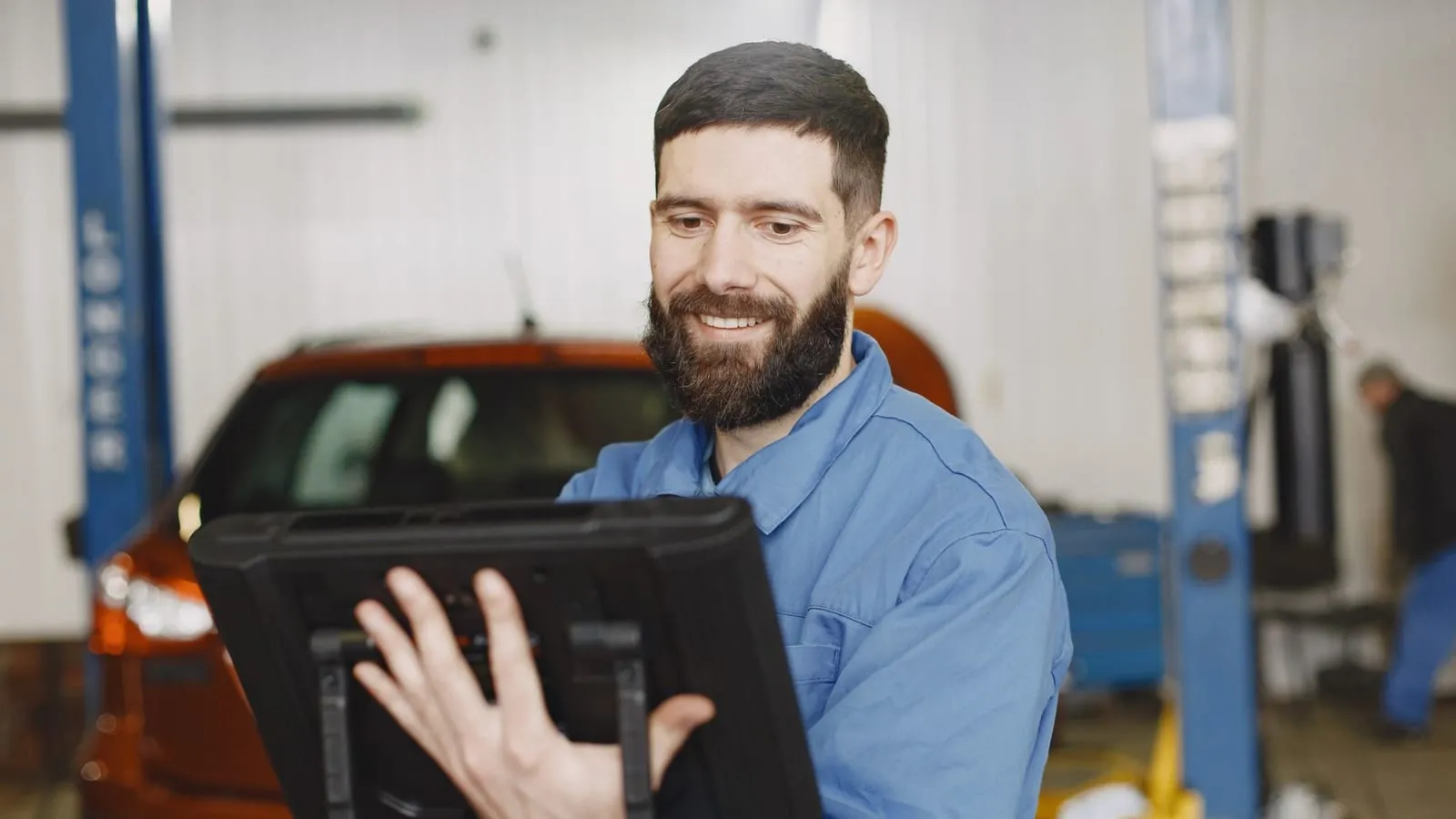
When a technician’s tablet or a diagnostic laptop fails, the bay stops, and someone has to fix it over the phone or travel to the workshop.
Customer data on every device
Quotes, contracts, finance applications and service histories put customers’ personal data on devices in every dealership and vehicle.
For every team
One platform, from the brand to the driver’s seat
Group and brand IT, the people in showrooms and workshops, and the devices fitted in your vehicles, all with the same console and the same policies.
For group and brand IT
Every dealership from one console
See the state of every device in every dealership and workshop, apply one standard to the whole network and give each brand or dealer group its own space.
Workspaces and segments by brand, dealer group or site
Compliance checks with automatic enforcement rules
Custom roles for dealer and workshop managers
For dealership and workshop staff
Devices ready for every customer
Give sales and service advisors and technicians devices with the apps and documents they need, and keep the settings for the manager or the technician on call.
Apps installed silently, at the same version everywhere
Shared tablets with the approved apps only
Settings protected by password
For in-vehicle devices
Screens and tablets that ride with the car
Lock the Android screens and tablets you fit in demo, courtesy or fleet vehicles to your apps, even on builds without Google services, and update them only when the car is parked.
Single-app or multi-app kiosk
Android builds without Google services (AOSP)
OS updates in a maintenance window or frozen
How Applivery helps
Every device around the car, from the showroom to the road
Showroom tablets, advisors’ iPads, workshop tablets and laptops, in-vehicle screens and plant devices: the same policies and the same view of every site, on Android, Apple and Windows.
Showroom · configurator only
Showroom tablets that only run your configurator
Lock the tablets and screens in the showroom to your configurator, catalogue or brand app, with nothing a customer can tap their way out of, and keep display screens on all day.
Single-app kiosk on Android, App Lock on iPad
Navigation, status bar and power button blocked
Screen always on while plugged in, with fixed brightness
Sales and service advisors with everything at hand
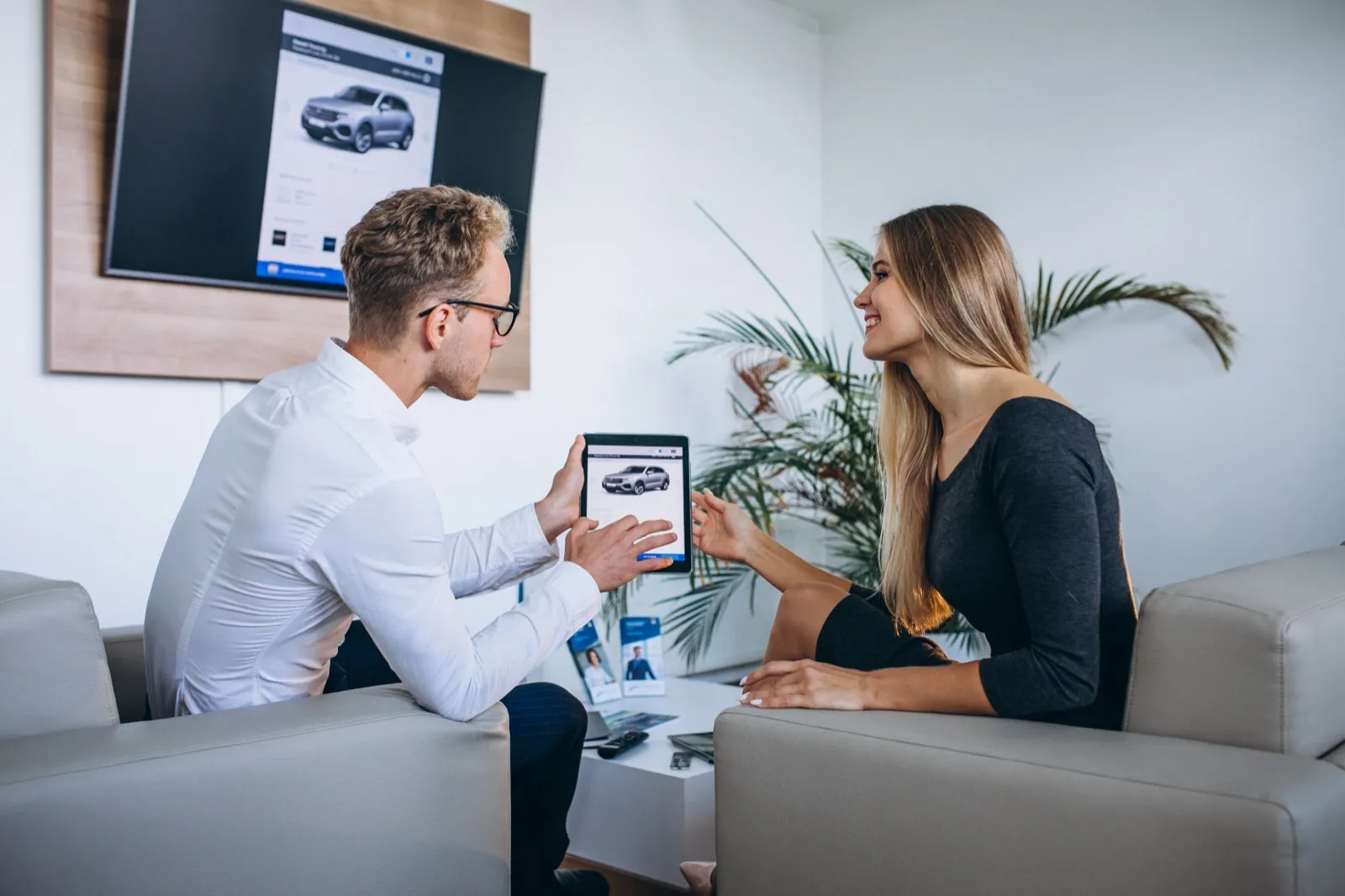
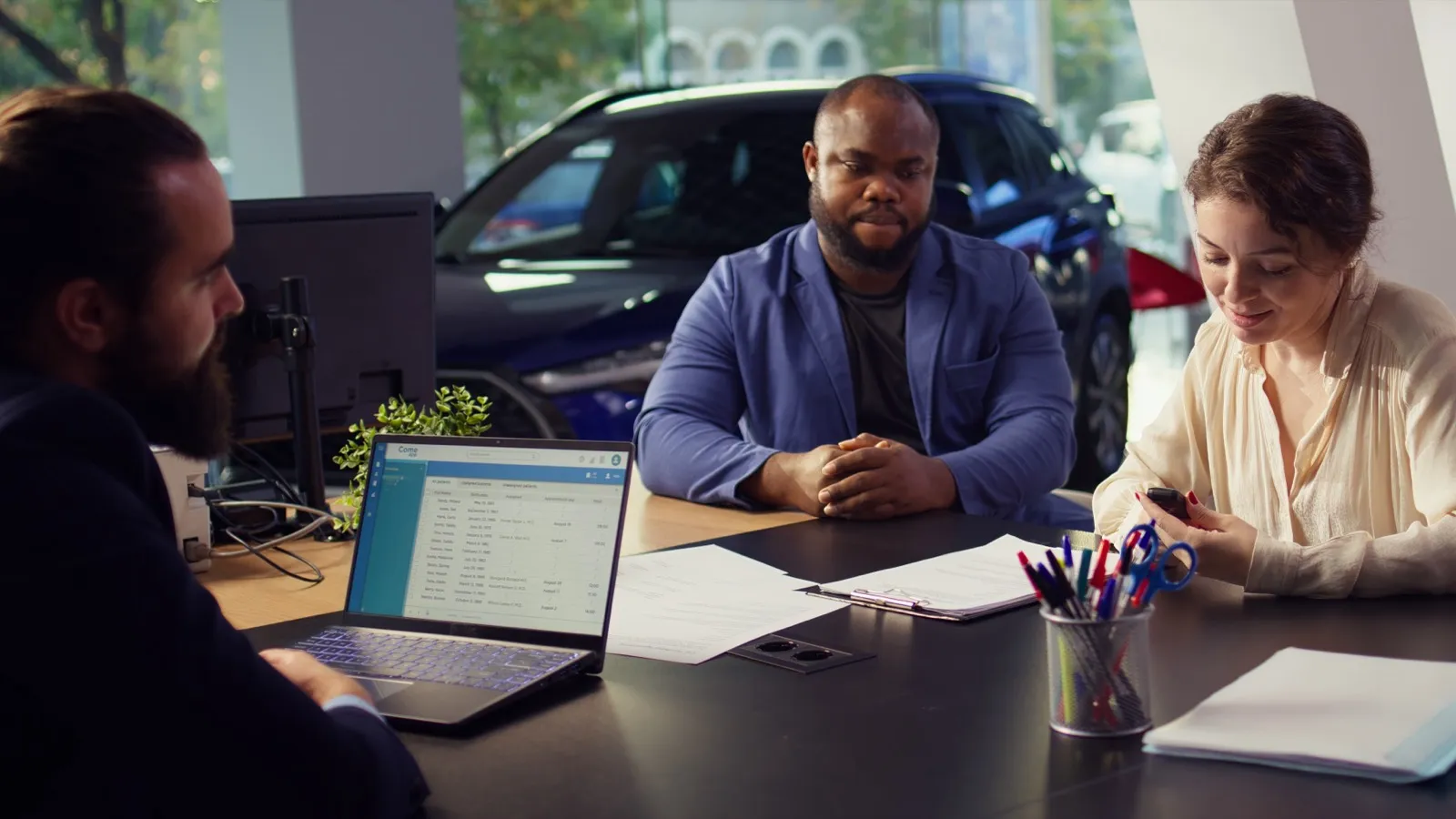
Give advisors iPads and phones with the sales, finance and service reception apps installed silently, and the price lists and guides they show customers as PDF documents on iPad.
Apps from Apple Business and managed Google Play, installed silently
PDF and EPUB documents sent to iPhone and iPad
Wi-Fi, VPN and certificates set up without sharing a password
Workshop tablets and diagnostic laptops, always ready
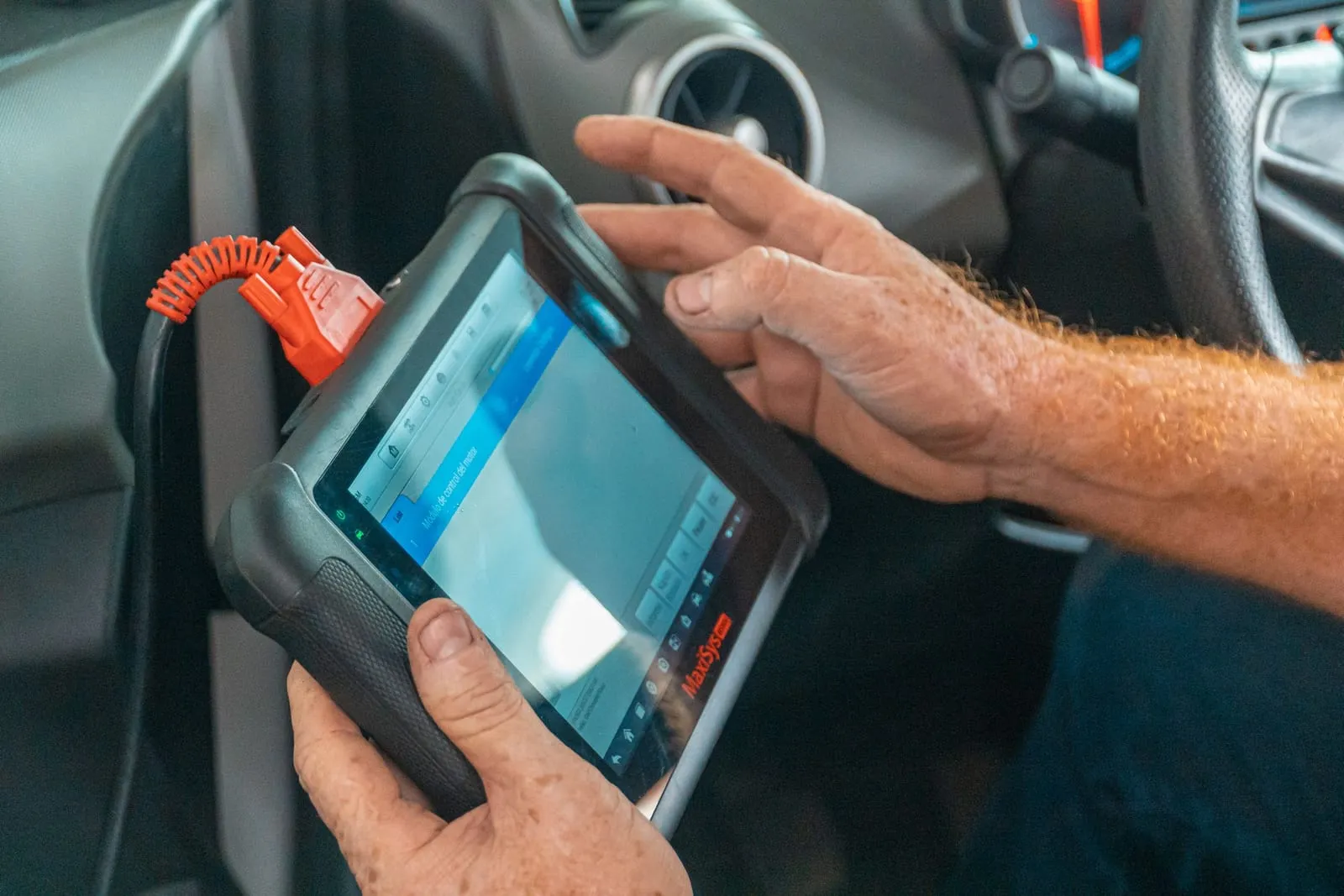
Keep technicians’ shared tablets limited to the workshop apps, and install the software on Windows diagnostic laptops from the console, with scripts for the rest. When something fails, take control of the device remotely.
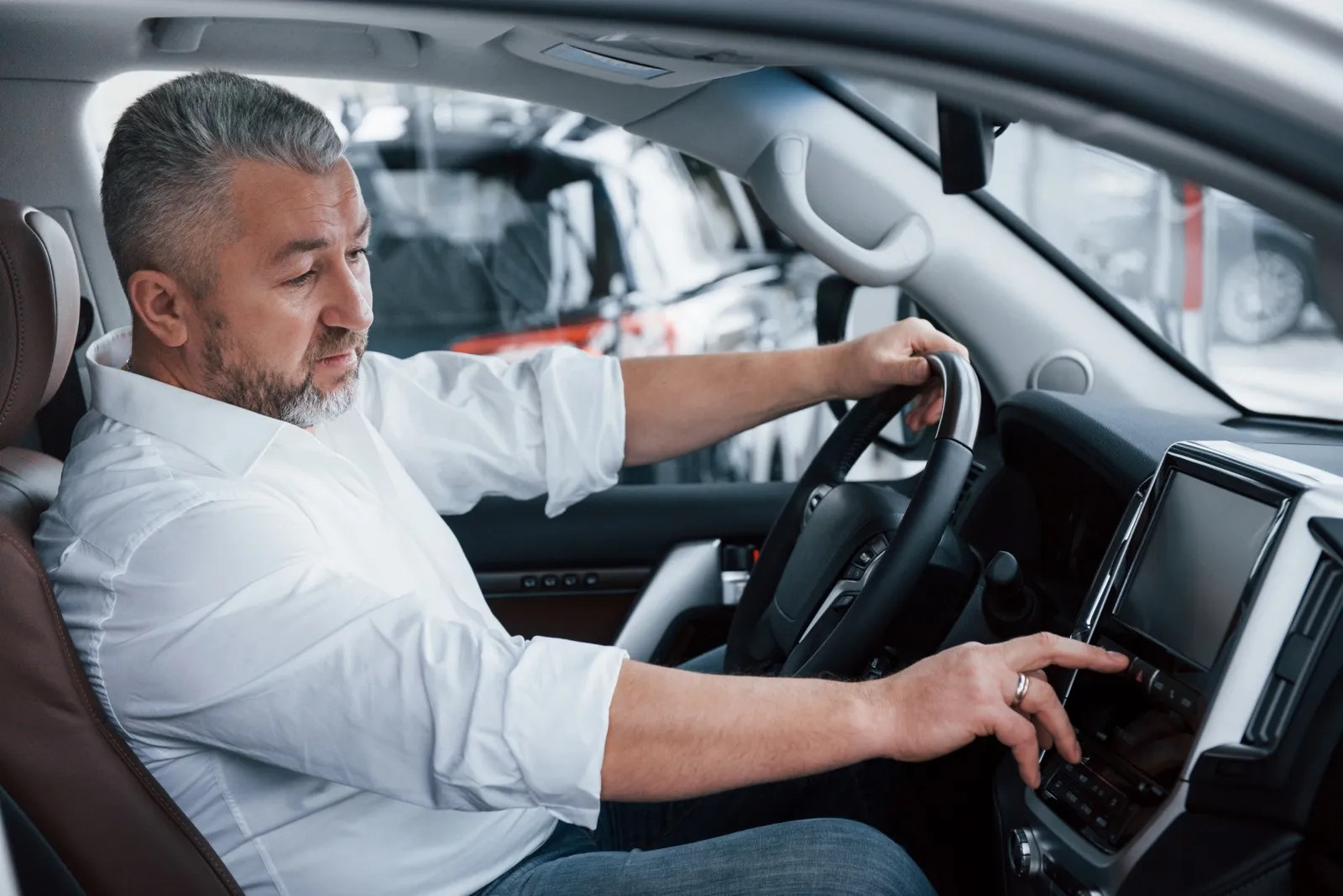
Manage the Android screens and tablets you fit in demo, courtesy, rental or fleet vehicles, including builds without Google services: they enroll with a QR code or at first boot, run only your apps and install OS updates when the car is parked.
Android with or without Google services (AOSP)
Applivery pre-installed in the OEM image, provisioned at first boot
OS updates in a nightly window, postponed or frozen
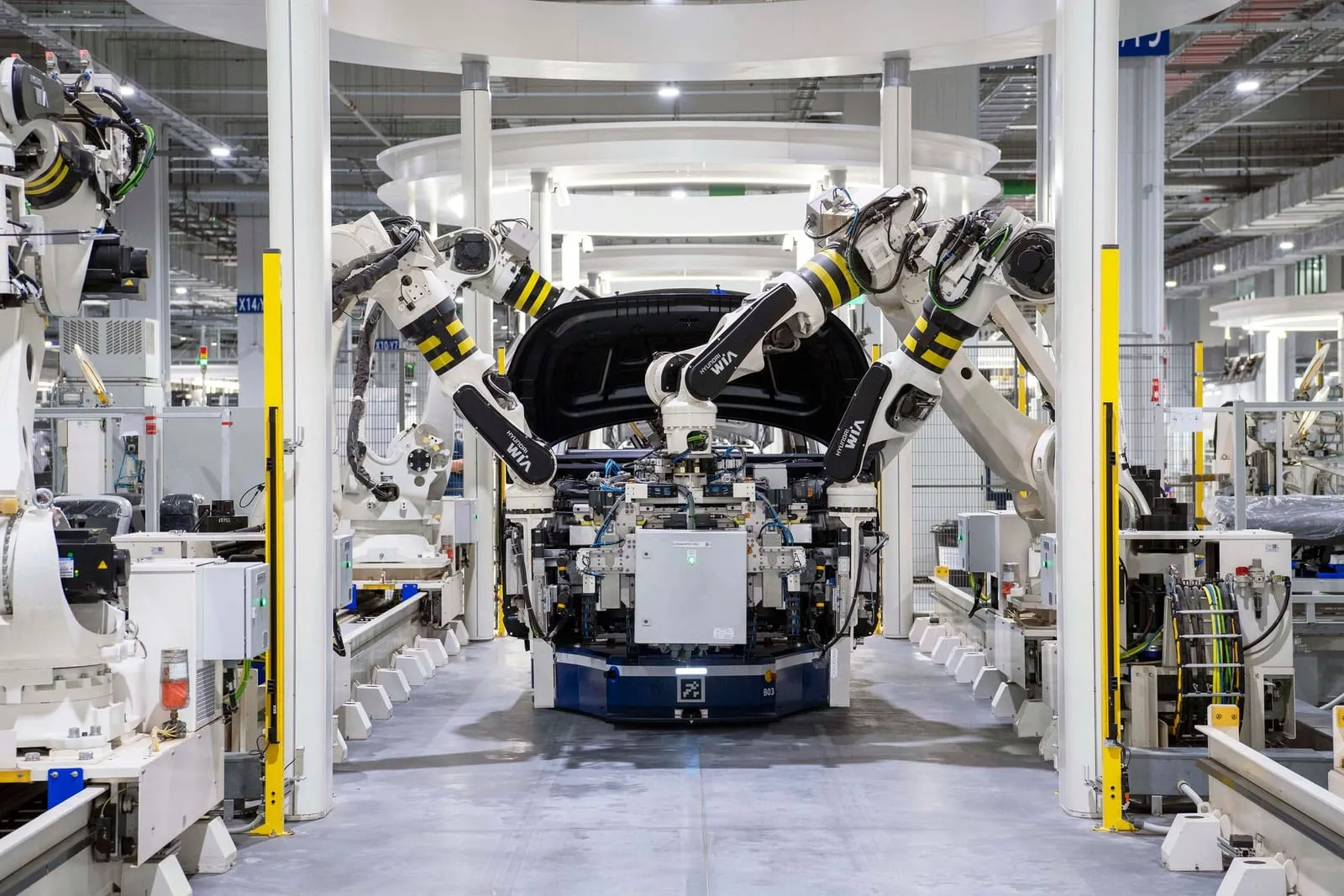
Bring the rugged terminals, line stations and shared tablets of your plants and Tier 1 suppliers into the same console as the dealer network, with updates only in each plant’s maintenance window.
Ship devices straight to each new dealership or workshop. They enroll on their own and arrive with the site’s policies, apps and Wi-Fi, and if one goes missing, lock it and show a message on screen.
Android Zero-Touch, Samsung Knox Mobile Enrollment and Apple Automated Device Enrollment
Smart Enrollment rules by brand, dealer group or site
Applivery holds the certifications carmakers and dealer groups ask of their technology suppliers, and gives you the device controls the frameworks you answer to expect.
What Applivery holds
ENS High
Certified to Spain’s National Security Framework (Royal Decree 311/2022) in the High category, the level the public sector asks of its technology suppliers, by an ENAC-accredited body.
The channel between managed Apple devices and Applivery, advisors’ iPads included, uses hybrid X25519MLKEM768 key exchange over TLS 1.3, against “harvest now, decrypt later” attacks.
Device inventory, encryption, passcodes, managed updates and remote wipe across plants and offices, with the state of every device on record.
GDPRCustomer and staff data
Encryption, passcodes, Lost Mode and remote wipe protect personal data on dealership and workshop devices that are lost, stolen or shared.
TISAXMobile devices in your assessment scope
Encryption, passcodes, allowed apps and remote wipe on the devices that handle your partners’ information, with the state of each one to show your auditor.
Applivery’s certifications cover Applivery’s own systems; Applivery holds no TISAX label. Your compliance with each framework is assessed on your organization; Applivery provides the device controls and the evidence they ask for.
A trusted name in the industry
Recognition from leading platforms for our performance, security, and support validates our commitment to engineering a best-in-class solution.
Keep every dealership selling
See Applivery with your own showroom tablets, workshop devices and in-vehicle screens in a demo, or start a free trial today.
MDM for the automotive industry is software that lets a carmaker, importer or dealer group enroll, configure, secure and support every showroom tablet, advisor’s device, workshop tablet and laptop and in-vehicle screen from one console. It locks devices to the apps they need, keeps them updated outside opening hours and shows the state of every dealership without sending IT there.
Can showroom tablets run only our configurator?
Yes. On fully managed Android tablets, single-app kiosk mode locks the tablet to your configurator or catalogue app, with navigation, the status bar and the power button blocked. On iPad, App Lock does the same. Display screens can stay on while plugged in, with fixed brightness.
Can Applivery manage workshop tablets and diagnostic laptops?
Yes. Shared Android tablets can run a multi-app kiosk with only the workshop apps. On Windows laptops, Applivery installs apps (.msi, .msix, .appx) and runs PowerShell scripts from the console, and both platforms support remote control for support.
Can Applivery manage screens and tablets fitted in vehicles?
Yes, if they run Android, with or without Google services. Devices without Google services (AOSP) enroll with a QR code, or at first boot when Applivery is pre-installed in the OEM image, and support kiosk mode, silent app installs and OS updates in a maintenance window, postponed or frozen. Applivery manages the Android device; it doesn’t update the vehicle’s own control units.
Can each brand or dealer group have its own space?
Yes. Workspaces and segments separate devices by brand, dealer group or site, and custom roles let a dealer or workshop manager see and act only on their own devices, while group IT keeps one view of the whole network.
How do new dealerships get their devices?
Devices bought through Android Zero-Touch, Samsung Knox Mobile Enrollment or Apple Business enroll on their own at first boot. Smart Enrollment rules give each one the policies, apps, Wi-Fi and certificates of its brand and site.
Where is the data stored?
Customer data is stored in Madrid, Spain. Applivery is a European company and complies with the GDPR.
We value your privacy
We use cookies to enhance your browsing experience, analyze our traffic and measure our campaigns. Click "Accept All" to consent to their use, "Reject All" to use only the necessary ones, or "Customize" to choose.Cookie Policy