Keep every technician’s phone, tablet and laptop ready for the job, with the work-order app, the network access and the support they need on site, from one European cloud console certified to ENS High.
Your field service app on every device, installed silently
Company or personal devices, with work data kept apart
Remote support while the technician is on site
Certified to ENS High and ISO 27001
Field teamNorth region · 420 devicesField service app 6.2420 / 420Remote sessions today7Out of policy3
Trusted by
The challenge
The job is done at the customer’s site, far from IT
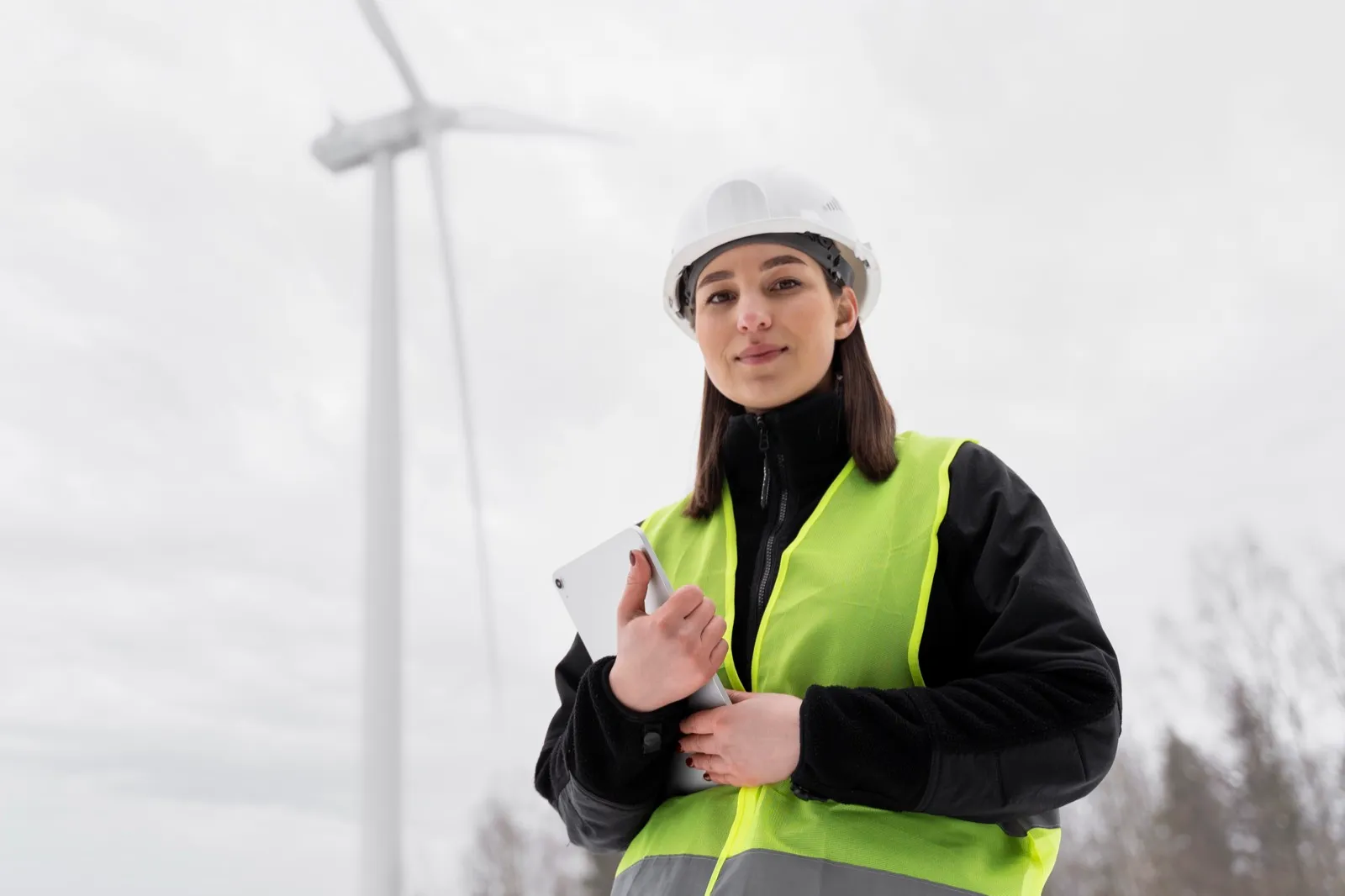
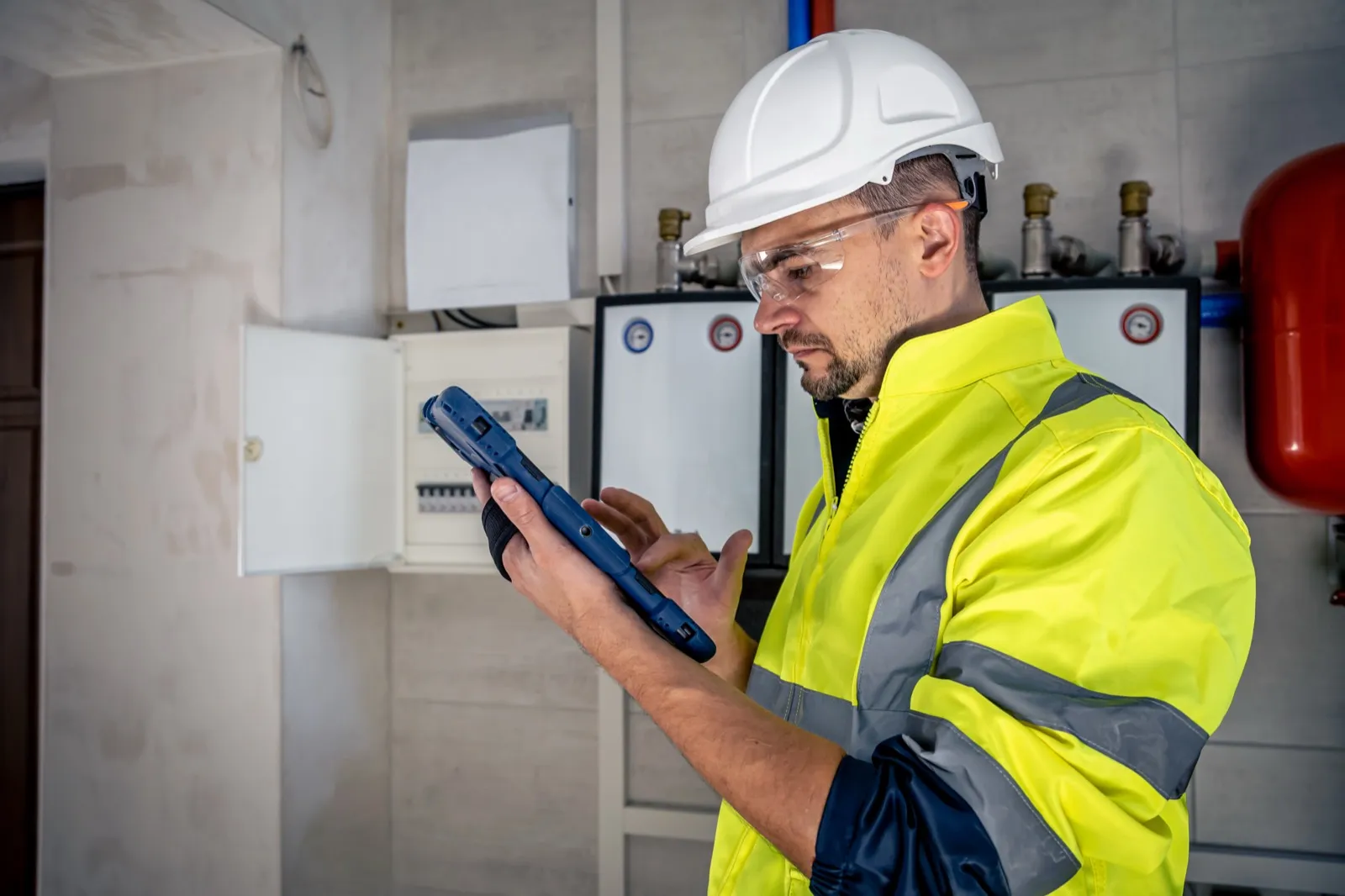
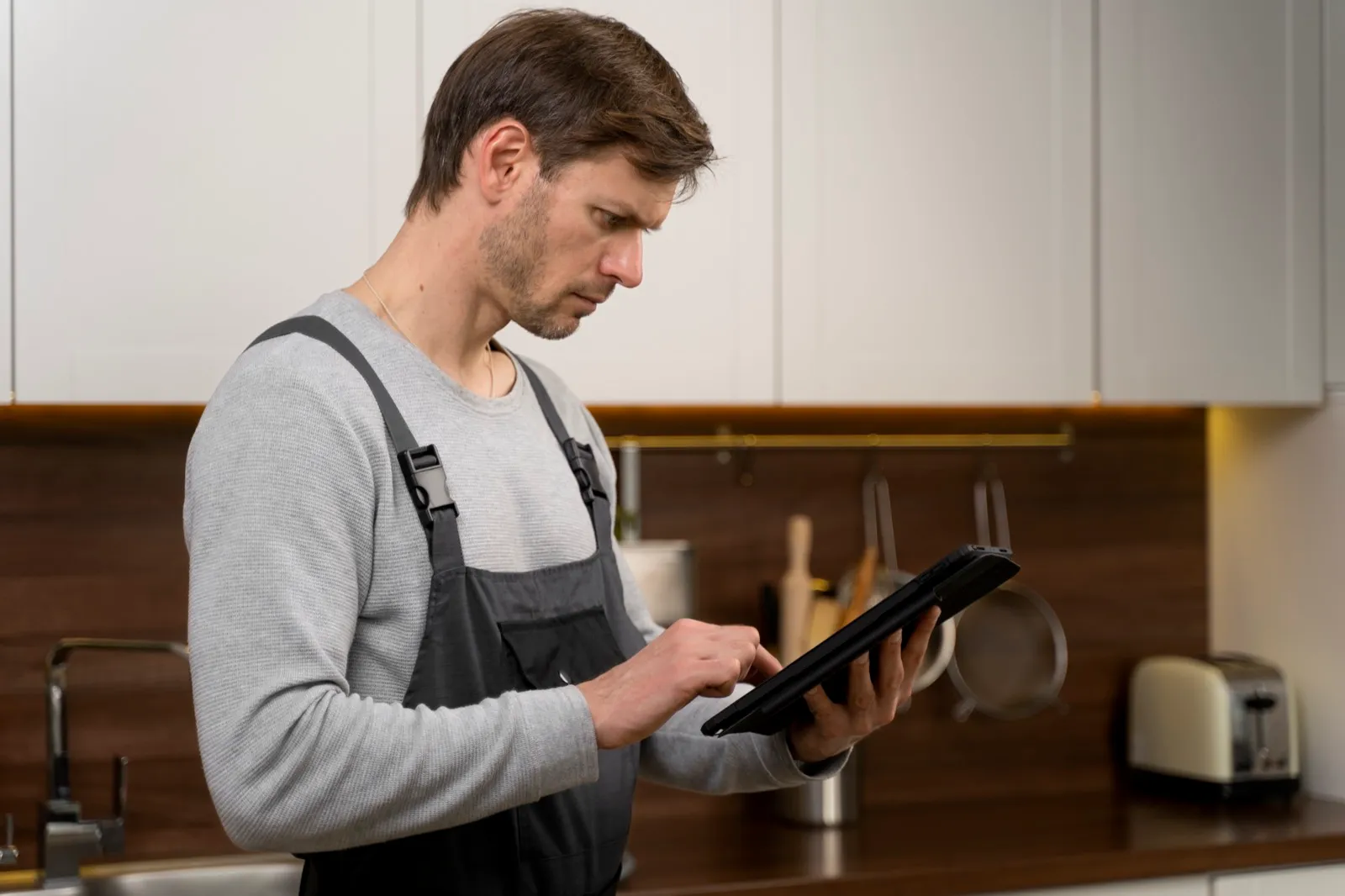
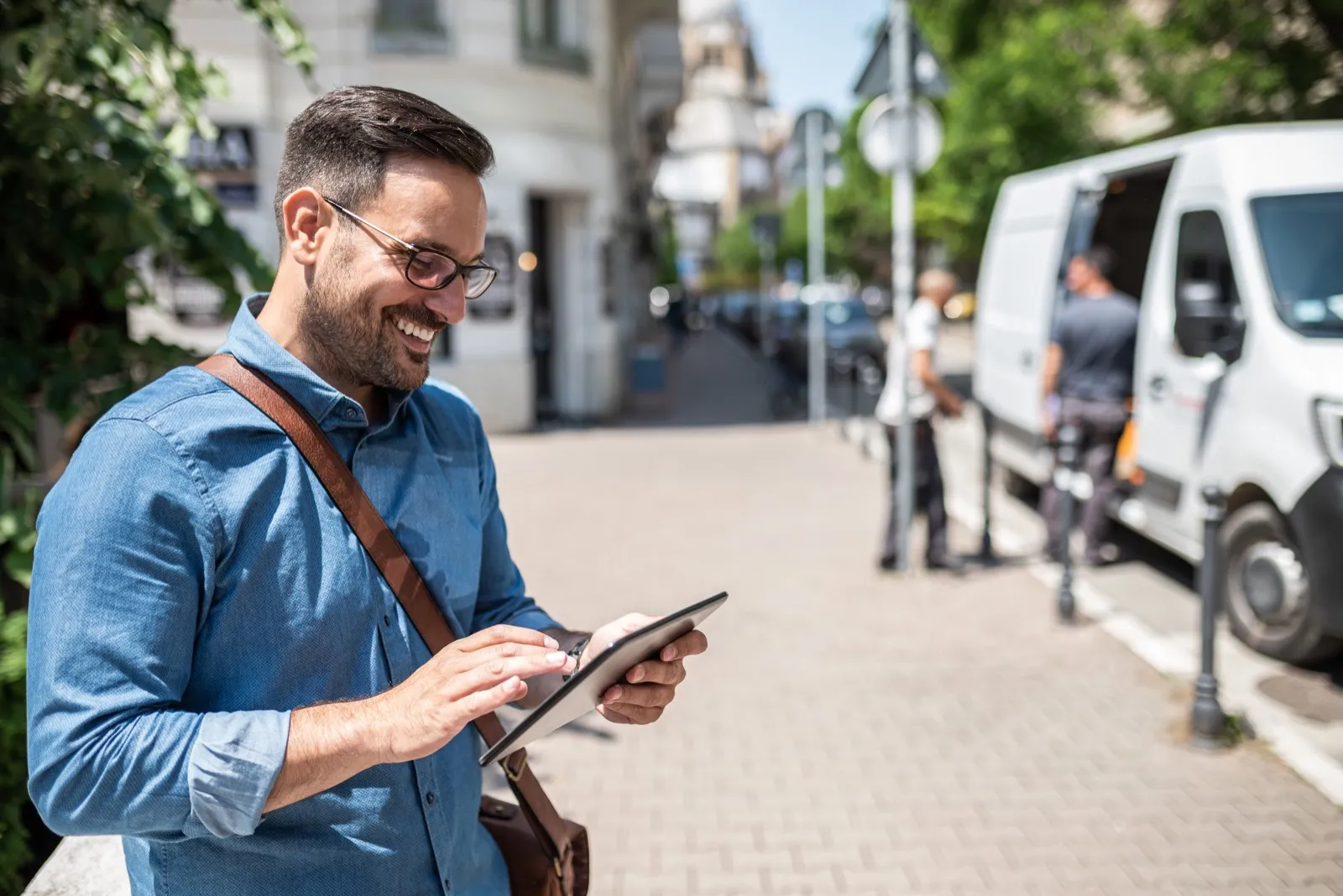
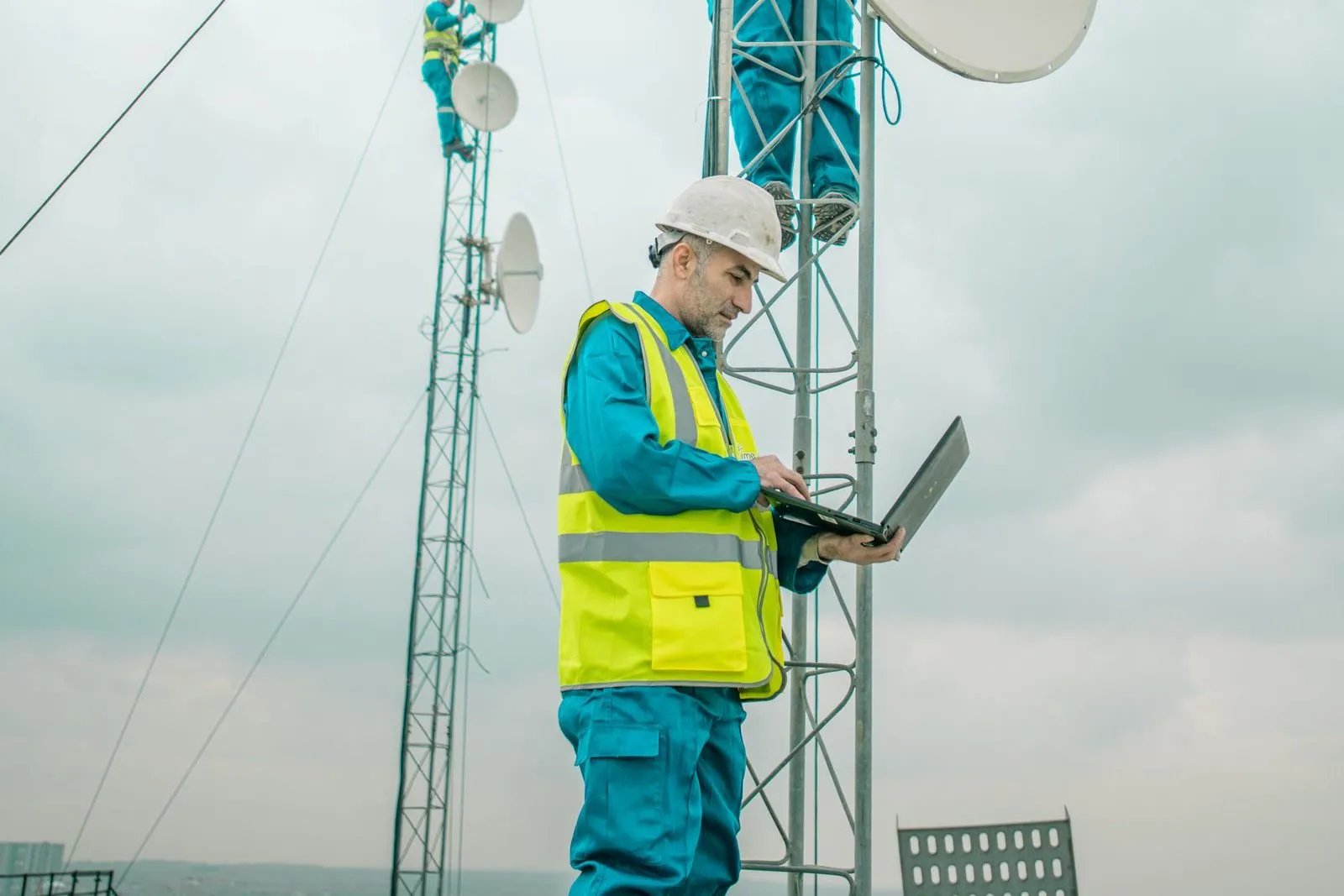
Technicians, installers and inspectors carry the work order, the forms and the customer’s signature on a phone or tablet, from substations and rooftops to homes and offices.
Teams that never come to the office
Technicians start and finish the day on the road, and a device that fails on site means a job that doesn’t get done.
Company, personal and rugged devices
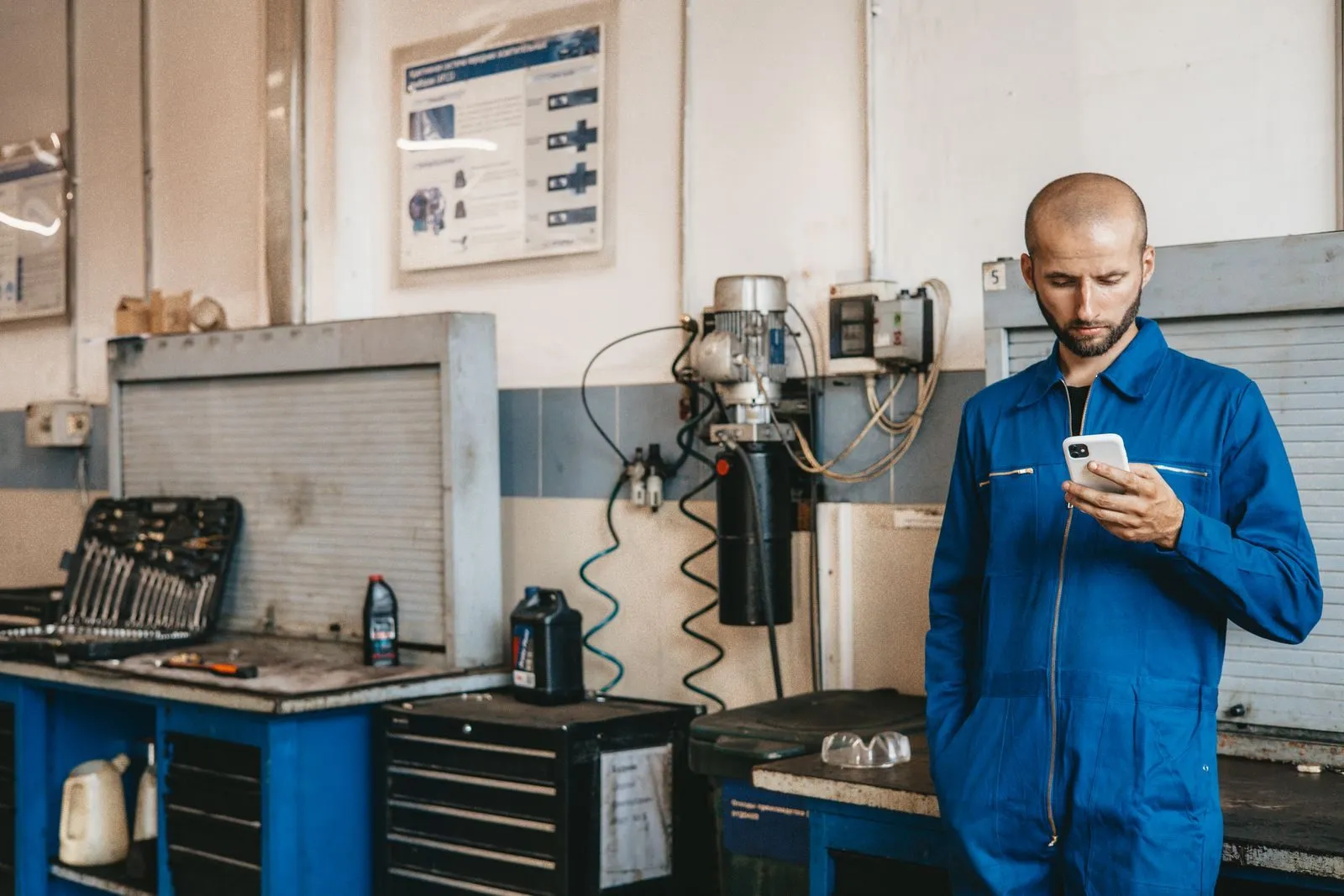
Rugged tablets for the crews, phones for supervisors, contractors’ own phones and Windows laptops for diagnostics.
Customer data on every device
Work orders, addresses, photos and signatures travel on devices that can be left in a van or stolen from a site.
Access to critical networks
Utilities and telecom operators need every device that reaches their systems to be known, protected and up to date.
For every team
One platform, from the dispatch desk to the job site
IT and operations, technicians and installers, and inspectors and adjusters, with the same console and the same policies.
For IT and operations
Every crew and region in one console
Group devices by region, crew or contractor, roll out each app version in stages and see which devices are out of policy before the shift starts.
Workspaces and segments by region, crew or contractor
Custom roles for each region’s IT team
Devices out of policy flagged, and blocked automatically on Android
For technicians and installers
A device ready for every job
Give crews in utilities, maintenance and installation the phones, rugged tablets and laptops they need, with the work-order app and the network access ready when the shift starts.
Apps installed and updated with no action from the technician
Zebra, Samsung Knox and Android without Google services
Wi-Fi and certificates set up without sharing a password
For inspectors and adjusters
Work apps on the phone they already carry
Let inspectors, surveyors and loss adjusters use a company phone or their own. Work apps and data stay in a separate space that IT can remove without touching anything personal.
Work profile on Android and User Enrollment on iPhone (private beta)
Data sharing between work and personal profiles restricted
Work data wiped, personal data untouched
How Applivery helps
Every device in the field, ready for the next job
Rugged tablets, technicians’ phones, contractors’ own devices and diagnostic laptops: the same policies and the same view of every crew and region.
Field service app 6.2 · 420 devices updated
Your field service app on every technician’s device
Install your work-order, forms and e-signature apps silently on every managed device, from managed Google Play, Apple Business or your own enterprise store, and release each new version to the right crews first.
Apps from managed Google Play and Apple Business (VPP), installed silently
An enterprise app store with your brand for your own apps
Versions released by audience: region, crew or role
Set up Zebra terminals and Samsung rugged phones and tablets remotely, from Wi-Fi and mobile data to Bluetooth and NFC, and keep Zebra firmware current. Android devices without Google services are managed from the same console.
Separate work from personal on the phones contractors, inspectors and adjusters already carry. IT manages only the work apps and data, and removes them when the contract ends without touching photos, messages or personal apps.
Work profile on Android and User Enrollment on iPhone (private beta)
Data sharing between work and personal profiles restricted on Android
See and control a technician’s screen from the console and fix the problem while they are still on site, without sending the device back to the depot. Lock or wipe it remotely if it comes to that.
See where each company phone and tablet last reported, with the street address, and keep the history in the console. If a device goes missing from a van or a site, Lost Mode locks it, shows a number to call and reports its location every minute.
Location history for each company-owned Android device
Lost Mode with a message, phone number and return address
Devices out of policy locked or wiped automatically
Send Wi-Fi networks and certificates to every device from the console, including certificates from your own certificate authority, so technicians reach your systems without knowing a password. Devices that fall out of policy are flagged, and on Android blocked automatically.
Wi-Fi and certificates set up without sharing a password
Certificates from your own authority through SCEP
Enforcement rules that block devices out of policy
Ship phones and tablets straight to each depot or technician. They enroll on their own at first boot and arrive with the crew’s policies, apps, Wi-Fi and certificates.
Android Zero-Touch, Samsung Knox Mobile Enrollment and Apple Automated Device Enrollment
Applivery holds the certifications that utilities, telecom operators and their contractors ask of their technology suppliers, and gives you the device controls the frameworks you answer to expect.
What Applivery holds
ENS High
Certified to Spain’s National Security Framework (Royal Decree 311/2022) in the High category, the level the public sector asks of its technology suppliers, by an ENAC-accredited body.
The channel between managed Apple devices and Applivery uses hybrid X25519MLKEM768 key exchange over TLS 1.3, against “harvest now, decrypt later” attacks.
NIS2Energy, drinking water, waste water and digital infrastructure, and their suppliers
Encryption, passcodes and patching enforced across the fleet, devices at risk identified, and lost devices locked or wiped remotely.
GDPREmployee and customer data
Encryption, passcodes, Lost Mode and remote wipe protect customers’ addresses, photos and signatures on lost or stolen devices, and a work profile keeps employees’ personal data private.
The ISO 27001 and ENS High certificates that utilities’ and insurers’ security questionnaires ask for, with the documentation available in the Trust Center.
Applivery’s certifications cover Applivery’s own systems. Your compliance with each framework is assessed on your organization; Applivery provides the device controls and the evidence they ask for.
A trusted name in the industry
Recognition from leading platforms for our performance, security, and support validates our commitment to engineering a best-in-class solution.
Keep every job on schedule
See Applivery with your own field devices and apps in a demo, or start a free trial today.
MDM for field services is software that lets a company with technicians, installers or inspectors on the road enroll, configure, secure and support all their phones, tablets and laptops from one console. It installs the apps each job needs, protects customer data on the device and lets IT help technicians on site without bringing the device back to the office.
Can Applivery install our field service app on every device?
Yes. Apps from managed Google Play and Apple Business install silently on managed devices, and your own Android, iOS or Windows builds can be published in your enterprise app store, with your brand. You decide which crews get each new version first.
Can contractors and inspectors use their own phones?
Yes. On Android, a work profile keeps your apps and data in a separate space; on iPhone, User Enrollment, in private beta, does the same. IT manages only the work side and can remove it when the contract ends, with no access to personal photos, messages or apps, and no location reports from those devices.
Can Applivery manage rugged devices?
Yes. Applivery configures Zebra devices with Zebra OEMConfig, from Wi-Fi, mobile data and Bluetooth to NFC, and deploys Zebra firmware updates that install silently. Samsung rugged devices are configured with the Knox Service Plugin, and Android devices without Google services are managed from the same console.
Can IT help a technician who is at a customer’s site?
Yes. From the console, IT can see and control the screen of Android devices with Google services and of Windows devices, and lock or wipe a device remotely. Remote control isn’t available yet on Android devices without Google services.
Can I see where a technician’s device is?
Yes, on Android devices that are fully managed or company-owned (COPE). The Applivery agent reports the location with the street address when available, every 15 minutes on the Advanced plan and every hour on Starter, and the console keeps the history. Personal devices with a work profile don’t report their location, and Applivery doesn’t set up geofences.
How do technicians reach our network securely?
Applivery sends Wi-Fi networks and certificates to each device, including certificates from your own certificate authority through SCEP, so technicians connect without knowing a password. Enforcement rules block devices that fall out of policy automatically.
Where is the data stored?
Customer data is stored in Madrid, Spain. Applivery is a European company and complies with the GDPR.
We value your privacy
We use cookies to enhance your browsing experience, analyze our traffic and measure our campaigns. Click "Accept All" to consent to their use, "Reject All" to use only the necessary ones, or "Customize" to choose.Cookie Policy