



Technology & SaaS

Device management for technology and SaaS companies

Ship a laptop that sets itself up, keep every Mac, PC and phone patched and encrypted, and close access the day someone leaves, from one console tied to your identity provider.

  • Macs, PCs and phones ready at first boot
  • Accounts and devices in step with Okta or Entra ID
  • macOS apps and updates kept current for you
  • Certified to ISO 27001 and ENS High

Trusted by

  • Snapchat
  • Netflix
  • BMW
  • Mercedes-Benz
  • Supercell
  • Scopely
  • McDonald's
  • Goiko
  • Starbucks
  • BNP Paribas
  • Lloyds Bank
  • Banco Sabadell
  • Danske Bank

The challenge

Your team grows every month, and so does every device it works on

Engineers, sales and support work from offices, homes and other countries, mostly on Macs, and every one of them holds source code, customer data or both.

  • Hiring faster than IT can set up laptops

    Every new hire needs a laptop with the right accounts, apps and settings on day one, and preparing each one by hand doesn’t scale.

  • A team that rarely shares an office

    People work from home, coworking spaces and other countries, so IT can’t walk over to a desk to fix a setting or collect a device.

  • Mostly Macs, plus PCs and phones

    Engineers want macOS and their own tools, other teams need Windows, and everyone carries a phone with work apps on it.

  • Customers who audit your security

    Enterprise customers send security questionnaires and ask for SOC 2 or ISO 27001 evidence, and endpoints are always part of it.

For every team

One platform, from the first commit to the last day

IT and security, engineering and every distributed team, with the same console and the same policies.

  • For IT and security

    Every device tied to an identity

    Connect your identity provider once and let accounts, groups and devices follow it, with each device’s compliance status in the console when an auditor asks.

    • SAML SSO with Okta, Entra ID or Google
    • Users created and deactivated through SCIM
    • Compliance status of every device
  • For engineering

    A Mac set up the way developers work

    Give engineers a Mac that arrives configured, with the tools they need from the macOS App Catalog, and decide whether their account is an administrator or a standard user.

    • Local account created at enrollment, admin or standard
    • Developer tools such as Android Studio, kept up to date
    • OS updates scheduled around their work
  • For distributed teams

    Ready wherever people work

    Ship devices straight to each person’s home, let them use their own phone for work apps, and support them without asking for the device back.

    • Devices enrolled at first boot, wherever they are
    • Work apps on personal phones, kept apart
    • Remote lock and wipe if a device goes missing

How Applivery helps

Every device, every employee, from first boot to last day

Macs, Windows PCs, iPhones and Android phones, company-owned or personal, with the same policies and one view of the whole fleet.

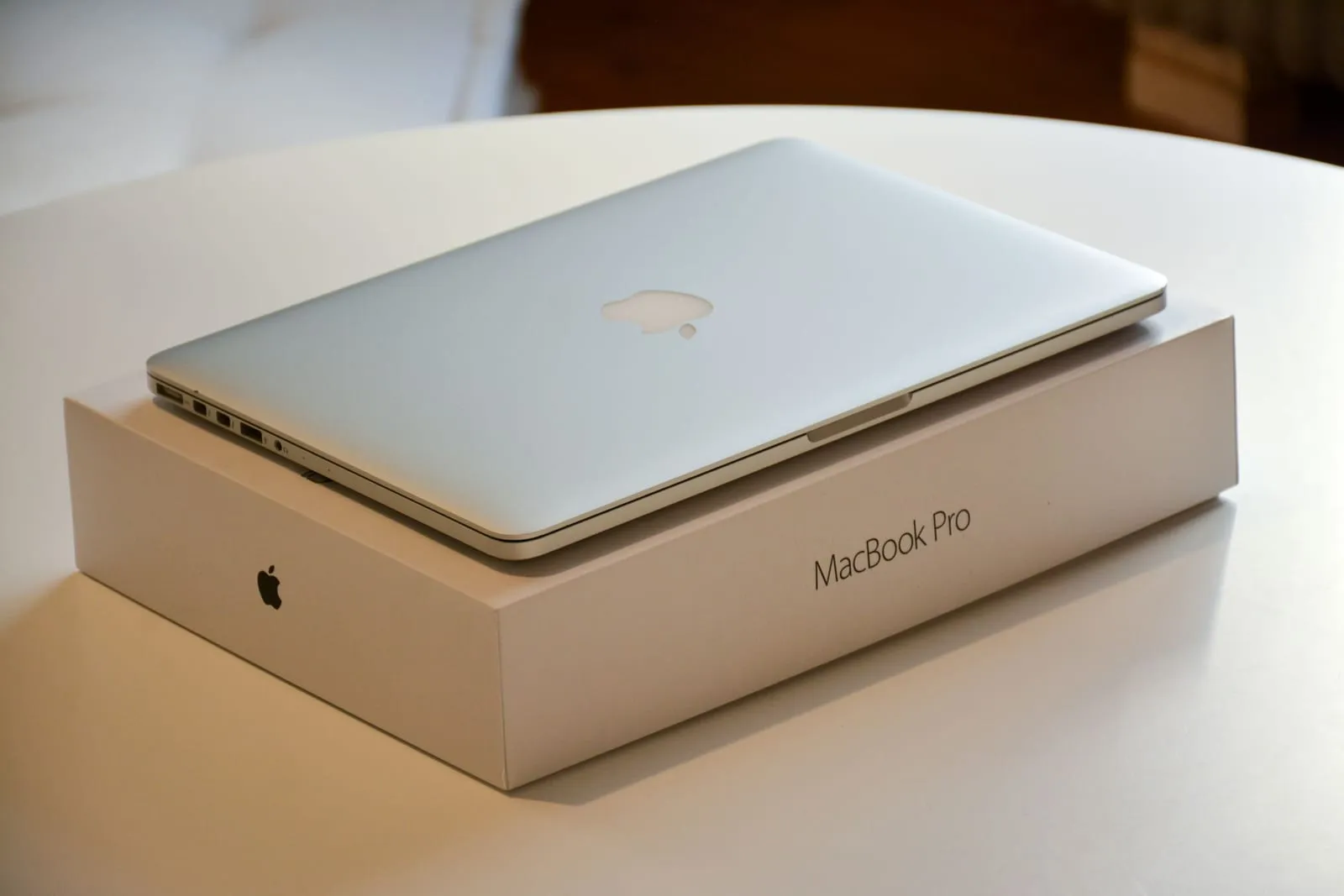
A closed silver MacBook Pro rests on top of its white retail box on a white table.

A new hire’s laptop that sets itself up

Ship devices from the reseller straight to each new hire. At first boot they enroll on their own and arrive with the team’s policies, apps and Wi-Fi, and on a Mac the local account is created from the person’s details in your identity provider.

  • Apple Automated Device Enrollment and Android Zero-Touch
  • Windows Autopilot, Entra ID or a provisioning package for Windows
  • Mac local accounts pre-filled from SSO data
More about Device Enrollment
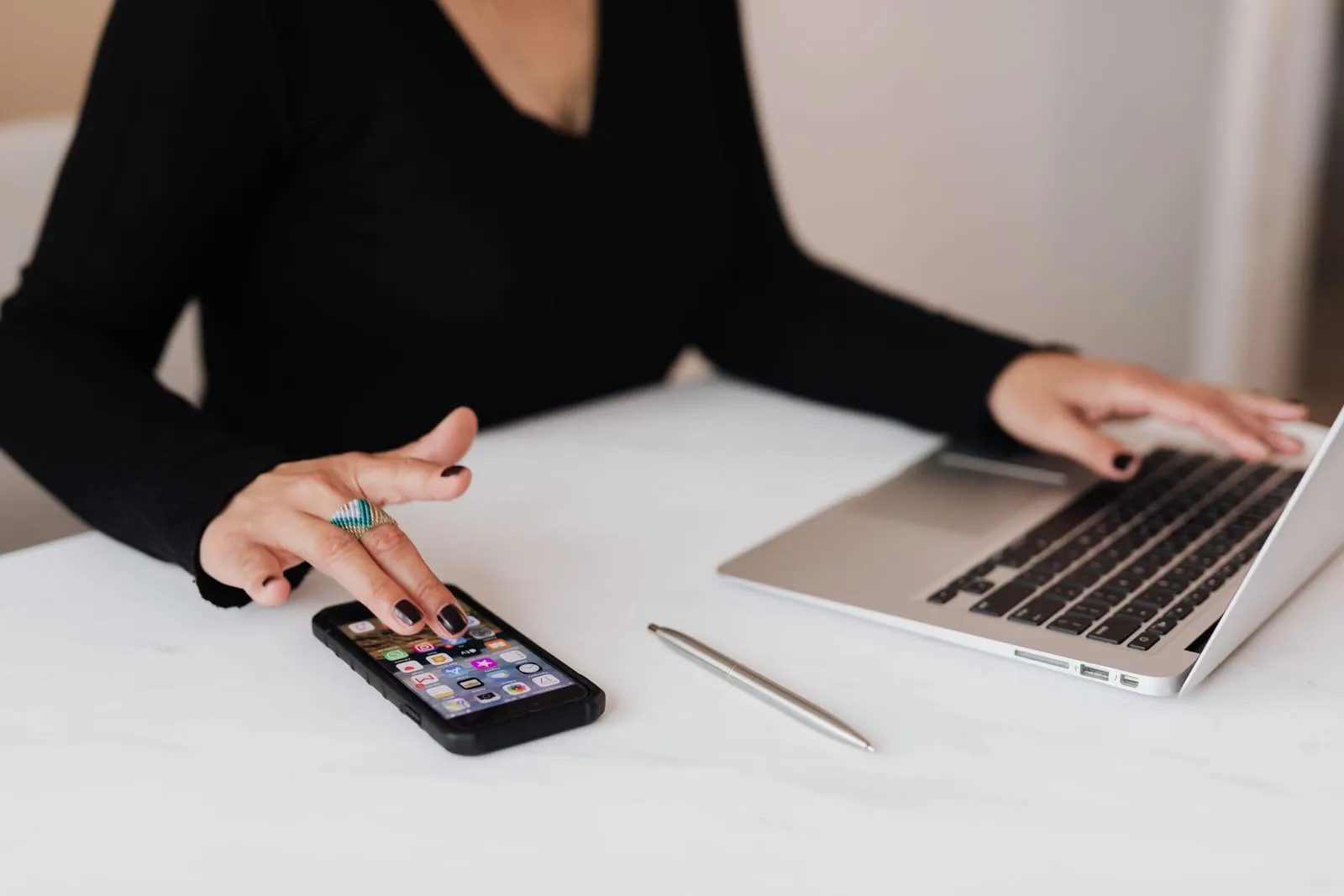
A woman at a white desk taps her smartphone with one hand while typing on a silver laptop with the other.

Accounts that follow your identity provider

Sign in to Applivery with Okta, Microsoft Entra ID, Google or any SAML 2.0 provider, and let SCIM create, update and deactivate users and groups from there. When someone is deactivated, Applivery can unassign their devices, change their policy or remove them.

  • SAML 2.0 SSO, with Google sign-in on by default
  • SCIM with Okta and Entra ID
  • Group and role mapping from your identity provider
More about Unified Endpoint Management
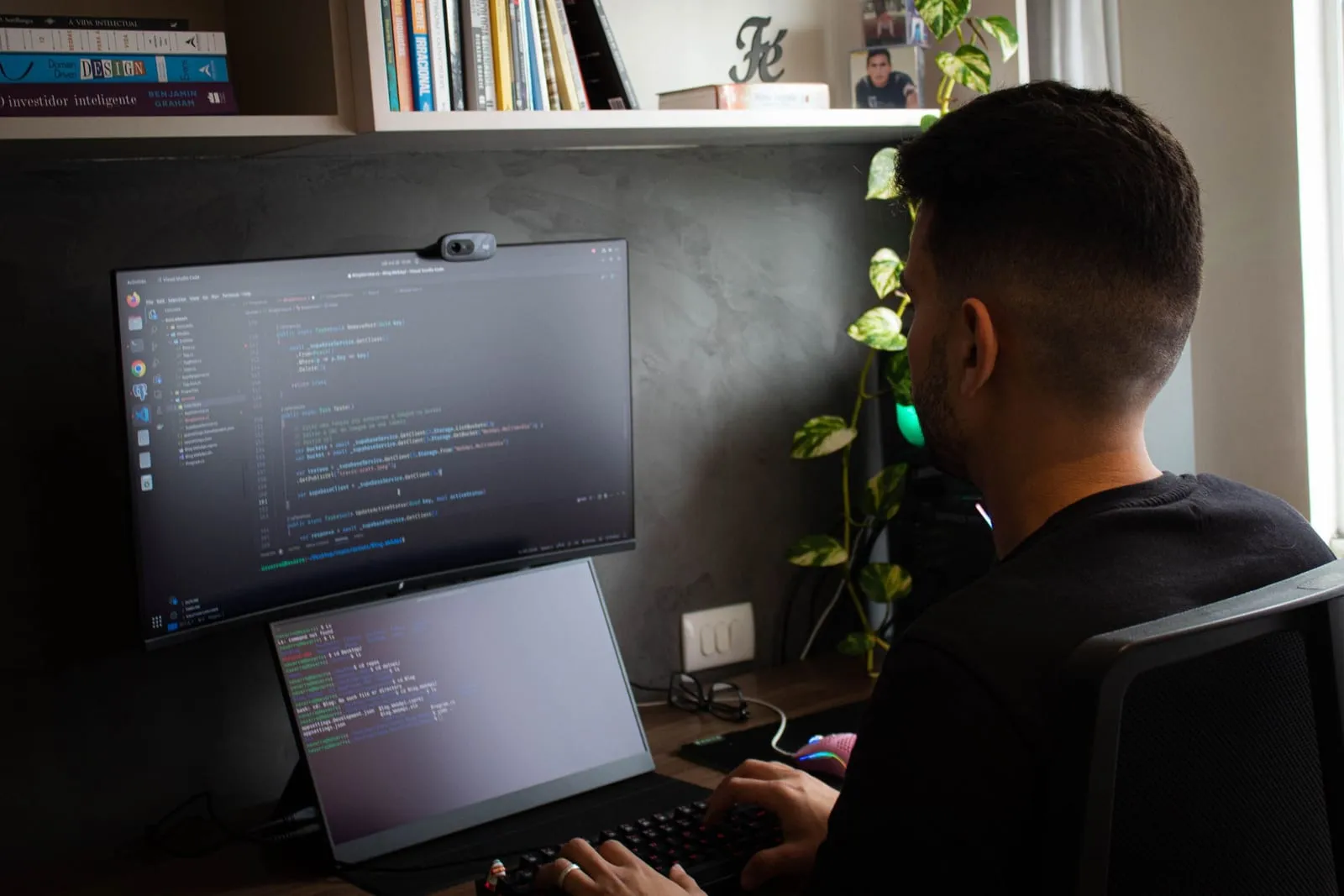
A developer, seen from behind, writes code on an external monitor mounted above his open laptop at a home-office desk.

The apps each team needs, kept current

Install the Mac apps that aren’t on the App Store from the Applivery macOS App Catalog, which hosts and updates them for you, alongside apps from Apple Business and managed Google Play. Force them onto every device or let people install them from self-service.

  • macOS App Catalog: latest version or a fixed one
  • Apps from Apple Business (VPP) and managed Google Play
  • Installed for everyone, or on demand from self-service
Explore the macOS App Library
Overhead view of hands typing on a MacBook Pro next to a notebook with glasses and a cup of coffee on a light grey desk.

Encrypted and up to date, on every Mac

Turn on FileVault with the recovery key escrowed in Applivery, set a Recovery Lock, and decide how far each macOS and iOS update can be deferred. Schedule updates for a whole team at once, or install them as soon as possible when a fix can’t wait.

  • FileVault enforced, with the recovery key in the console
  • Major and minor updates deferred, scheduled or forced
  • Recovery Lock on Mac
More about OS Updates
A smiling woman checks her phone while holding a coffee cup in a café, with her laptop open on the table.

Work apps on personal phones

Let people use their own iPhone or Android phone for work. The Android work profile and User Enrollment on iPhone (in private beta) keep work apps and data in a separate space that IT manages, with no visibility over anything personal.

  • User Enrollment with a Managed Apple ID on iPhone, in private beta
  • Work profile on Android
  • Work data removed, personal data untouched
More about BYOD
A person in a linen shirt and jeans carries a closed laptop under one arm in a bright corridor.

Access closed on the last day

When someone leaves, deactivate them in your identity provider and let Applivery act on their devices: change their policy, unassign them or remove them. Lock or wipe a laptop remotely if it isn’t coming back, and remove only the work data from a personal phone.

  • Offboarding triggered from SCIM
  • Remote lock and wipe on Mac, iPhone and Android
  • Work profile removed without touching personal data
More about Security & Compliance
Four colleagues gather around a desk by a bright window, two standing and two seated, reviewing work on two MacBooks.

Move from your current MDM without starting over

Switch the devices in Apple Business to Applivery and give people a deadline of up to 90 days to move. On iOS and iPadOS 26, iPhones and iPads keep their managed apps and data, with no factory reset.

  • Migration through Apple Business on iOS, iPadOS and macOS 26
  • A deadline of 1 to 90 days, with reminders on the device
  • iPhone and iPad migrated without a factory reset
More about Apple Device Management

Customer story

From days to minutes, for every new device

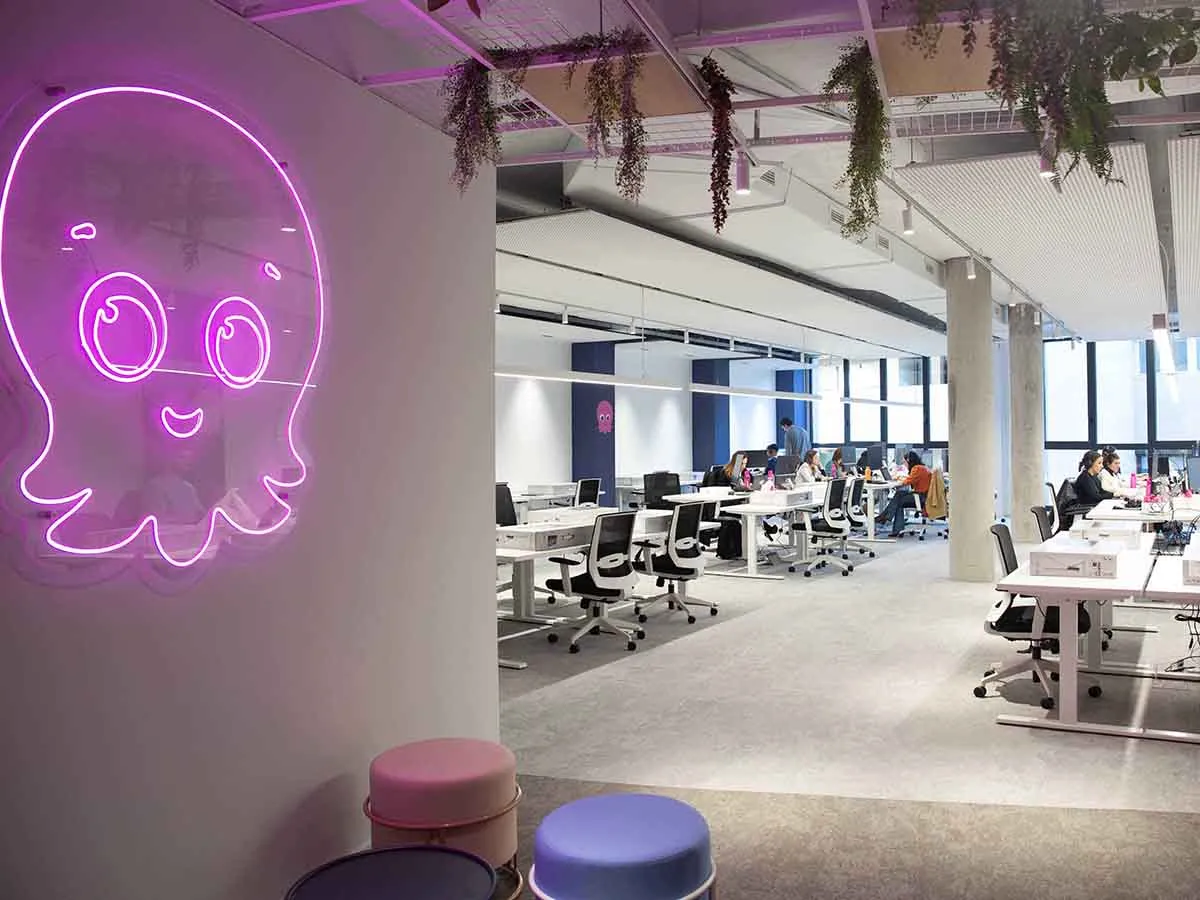
How Octopus Energy automated onboarding and offboarding for its employees’ devices across nine countries.

An Octopus Energy office: a pink neon octopus on the wall and rows of desks with people at their screens.

Customer story · Energy and technology · London, UK

Octopus Energy onboards its employees’ Android devices in minutes, not days

Its TechOps team had no view of nearly 4,000 devices and no way to lock or erase them when someone left. With Zero-Touch, devices now ship straight to employees, who switch them on, sign in and start working, while SCIM with Okta keeps the user accounts in step.

Android devices
4,000+
employees
9,000+
countries
9
Read the story: Octopus Energy

Security and compliance

Certified to ISO 27001 and ENS High, with data in Spain

Applivery holds the certifications your customers’ security questionnaires ask about, and gives you the device controls the frameworks you answer to expect.

What Applivery holds

What Applivery helps you meet

SOC 2Your audit as a service provider
Encryption, passcodes and OS versions enforced on every endpoint, the compliance status of each device in the console, and access removed when someone leaves.
ISO/IEC 27001Annex A 8.1, user endpoint devices
A policy for every company and personal device, applied from first boot, with encryption, updates, and remote lock and wipe.
NIS2Cloud computing, data centre and managed service providers
Encryption, passcodes and patching enforced across the fleet, devices at risk identified, and lost devices locked or wiped remotely.
GDPREmployee and customer data
Encryption, passcodes and remote wipe protect the customer data your teams work with on lost or stolen devices, and the work profile, plus User Enrollment on iPhone in private beta, keeps employees’ personal data private.

Applivery’s certifications cover Applivery’s own systems. Your compliance with each framework is assessed on your organization; Applivery provides the device controls and the evidence they ask for.

  • G2 High Performer EMEA, Winter 2026
  • G2 Best Support, Winter 2026
  • G2 Easiest To Do Business With, Winter 2026
  • G2 Momentum Leader, Winter 2026

A trusted name in the industry

Recognition from leading platforms for our performance, security, and support validates our commitment to engineering a best-in-class solution.

Ready on day one, closed on the last

See Applivery with your own Macs, PCs and identity provider in a demo, or start a free trial today.

  • 14-day free trial
  • No credit card required

Frequently asked questions

What is MDM for technology and SaaS companies?

MDM for technology and SaaS companies is software that lets IT enroll, configure, secure and retire every employee’s Mac, Windows PC and phone from one console, tied to the company’s identity provider. New hires get a device that sets itself up, every device stays encrypted and up to date, and access is closed when someone leaves.

Can new hires get a laptop that’s ready on day one?

Yes. Macs bought through Apple Business enroll on their own at first boot with Automated Device Enrollment, and the local account can be pre-filled from the person’s details in your identity provider. Windows PCs set themselves up at first boot with Windows Autopilot, or enroll with Entra ID or a provisioning package, and Android phones with Zero-Touch. Smart Enrollment rules apply each team’s policies and apps automatically.

Does Applivery work with Okta, Microsoft Entra ID and Google Workspace?

Yes. Applivery supports SAML 2.0 single sign-on with Okta, Microsoft Entra ID (Azure AD) and other providers, and Google sign-in is on by default. SCIM with Okta and Entra ID creates, updates and deactivates users and groups automatically; SCIM is a premium feature.

What happens to a device when an employee leaves?

When the user is deactivated in your identity provider, SCIM can unassign them from their devices, change those devices’ policy, remove the user, or remove the user and their devices. IT can also lock or wipe a device remotely, and on a personal phone remove only the work apps and data.

Can developers keep admin rights on their Mac?

You decide. The local account created at enrollment is an administrator by default, or a standard account if you set it that way, and the macOS App Catalog installs and updates developer tools such as Android Studio for them.

Can employees use their own phones for work?

Yes. On Android, a work profile keeps work apps and data apart from personal ones; on iPhone, User Enrollment with a Managed Apple ID, in private beta, does the same. IT manages only the work side and can remove it without touching personal photos, messages or apps.

Does Applivery help with SOC 2 or ISO 27001 audits?

Applivery itself is certified to ISO/IEC 27001:2022 and ENS High. For your own audit, it enforces the endpoint controls auditors check, such as FileVault encryption, passcodes and OS versions, and shows the compliance status of every device in the console.

Can we move from our current MDM without wiping devices?

For Apple devices, yes. Through Apple Business you assign devices running iOS, iPadOS or macOS 26 to Applivery and set a deadline of 1 to 90 days. iPhones and iPads keep their managed apps and data without a factory reset; the devices must be company-owned and enrolled through Automated Device Enrollment (profile-based enrollment also works on macOS 26).

Where is the data stored?

Customer data is stored in Madrid, Spain. Applivery is a European company and complies with the GDPR.