


In the IT ecosystem, eSIM technology is no longer a novelty; however, its operational management has historically faced a significant gap: the lack of control over end-user actions. Until now, an administrator could deploy a line, but it was difficult to prevent the user from adding personal or unauthorized profiles on their own.
With the integration of new Android 15 capabilities, Applivery has evolved its eSIM management. Connectivity is now more than just a distributed resource; it can be governed through centralized management controls that reduce logistical friction and strengthen corporate security posture.
Restricting user-initiated eSIM additions
The most significant update is the User-Initiated Add eSIM Settings configuration.
Thanks to the latest Android Management API updates, IT administrators managing company-owned devices running Android 15 or higher can now:
- Restrict user initiative: you can block the ability for employees to add eSIM profiles on their own on company-owned devices.
- Prevent shadow IT: ensure that only the profiles and data plans authorized by the organization are operational, avoiding unforeseen costs and security breaches.
- Total governance: reduce user-driven changes to cellular connectivity on company-owned devices, supporting a stronger security and compliance helping enforce internal controls aligned with frameworks such as ISO 27001 or ENS).
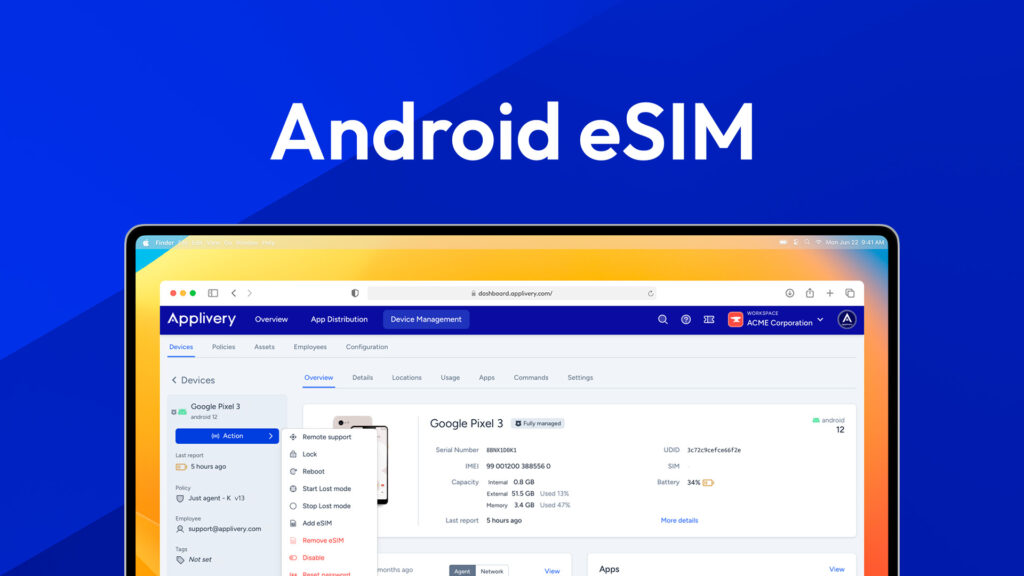
Remote execution: MDM command-based remote actions
Applivery allows you to remotely provision and deprovision eSIM connectivity on managed devices—including corporate-owned fleets and managed BYOD—without requiring physical access. Take in consideration that on employee-owned (BYOD) devices, users may still be able to delete the eSIM:
Instant provisioning
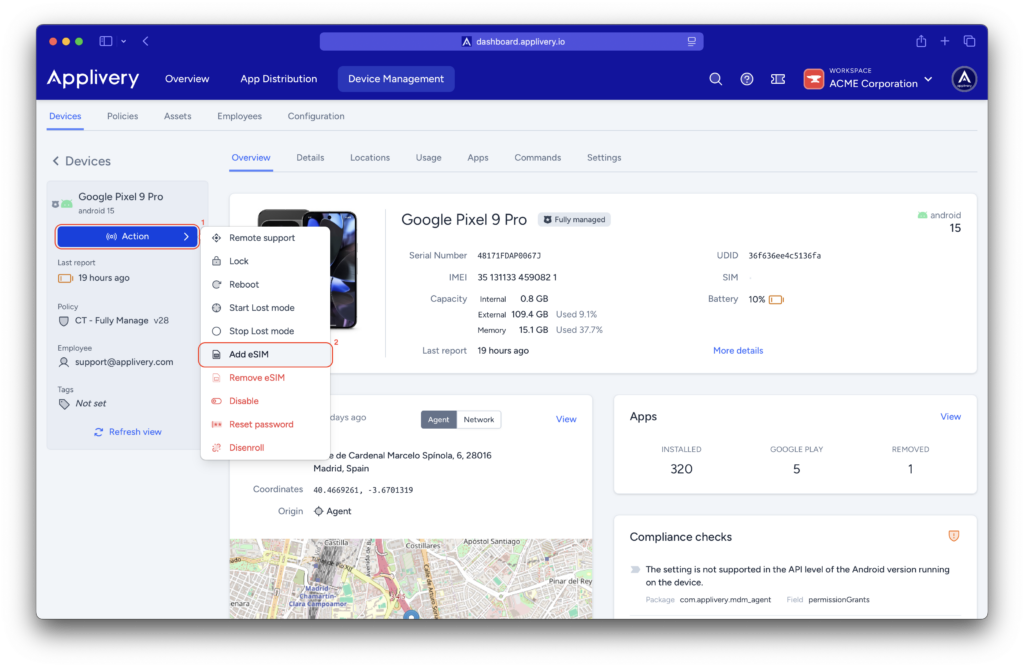
Adding a line is as simple as going to the Dashboard, selecting the device, and choosing Add eSIM under the Actions menu.
You only need:
- The activation code from the carrier.
- To define the initial activation state.
Secure removal and replacement
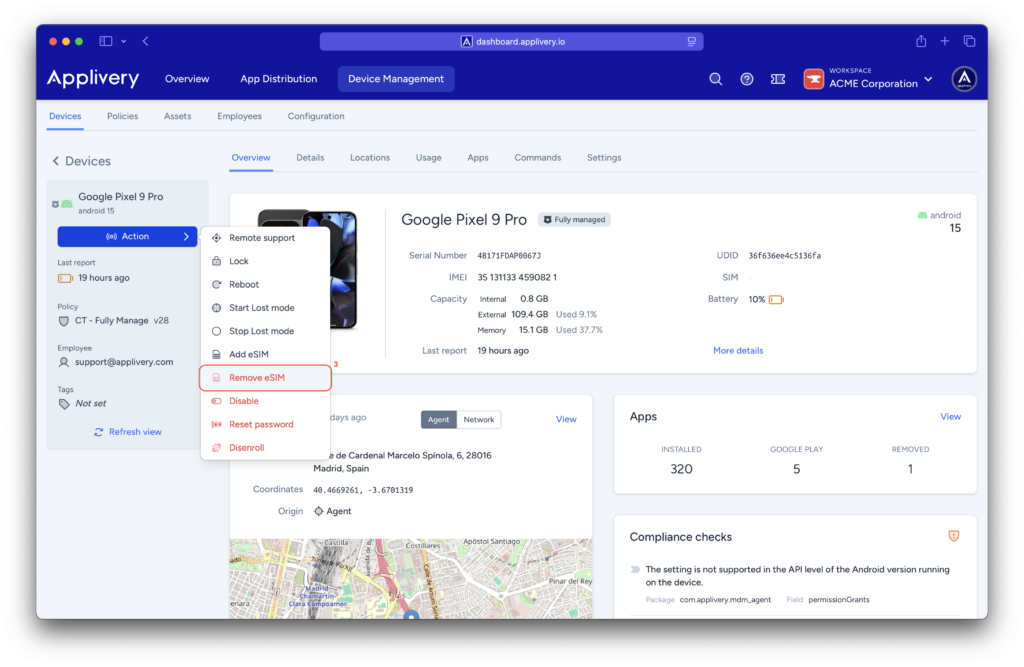
In the event of a lost terminal or personnel rotation, you can remotely remove an eSIM profile by targeting its ICCID, using the Remove eSIM command (with the available Duration validity window, when applicable).
Why upgrade your connectivity management now?
This evolution in eSIM management with Applivery represents a qualitative leap in IT efficiency:
- Goodbye to physical logistics: eliminate waiting times and the shipping costs of physical SIM cards.
- Immediate onboarding: automate connectivity workflows so the new employee is connected from minute one.
- Granular security: by controlling who can add profiles, you close a common door to data control loss on mobile devices.
Webinar: eSIM management on Android at scale
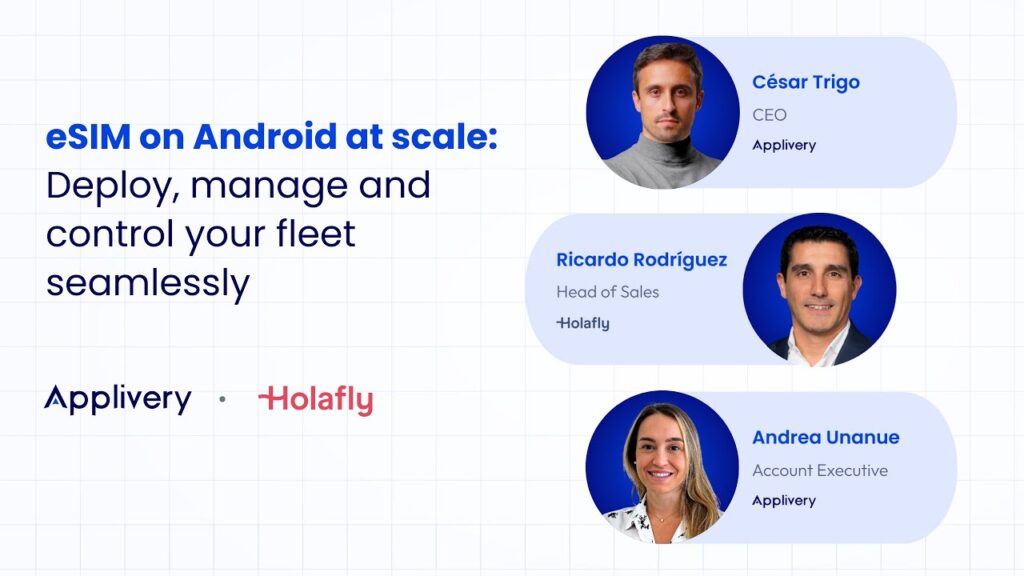
We invite you to watch our specialized webinar: “eSIM on Android at Scale: Deploy, Manage, and Control Your Fleet Seamlessly.” In this session, we demonstrate live how to simplify the day-to-day operations for IT teams.
Is your Android fleet ready for the next level of control?
These eSIM management capabilities are available on managed devices running Android 15+. The policy to restrict user-initiated eSIM additions applies to company-owned devices on Android 15+, as exposed by Android Management API.
Frequently Asked Questions (FAQ)
Can I prevent employees from adding personal eSIMs to corporate devices?
Yes. This is the core improvement of this update. By using the new User-Initiated Add eSIM Settings on devices running Android 15+, IT administrators can block users from adding any non-authorized eSIM profiles. This ensures the device remains strictly for business use and prevents unmanaged cellular connections.
Do I need physical access to the device to provision a new line?
Not at all. The entire process is handled Over-The-Air (OTA) via the Applivery Dashboard. You simply enter the activation code provided by your carrier, and the profile is installed and activated remotely. This eliminates the need for shipping physical SIM cards or manual hardware intervention.
What happens to the eSIM if a device is lost or an employee leaves?
You can instantly revoke connectivity by using the Remove eSIM command in the Dashboard. By identifying the line through its ICCID, you can remotely wipe the eSIM profile. This guarantees that corporate data lines are secured or deactivated immediately, without waiting to recover the physical terminal.
Is this functionality available for all Android devices?
While basic eSIM support exists in earlier versions, these advanced policy controls—such as restricting user-initiated additions—are specific to Android 15 and above. Applivery leverages the latest Android Management API updates to provide this consistent, granular control across your entire modern fleet.